
We may receive a commission from our partners if you click on a link to review or purchase a product or service. Click to Learn More
The best contact management software is Zoho CRM, offering an affordable platform with lots of features aimed at helping you track and analyze contact data, including list segmentation and automated workloads. This platform is also uniquely suited to small businesses, thanks to a surprisingly solid free plan and plenty of functionality to go along with it. If your business is looking to align contact management with marketing efforts, exploring the best CRMs for marketing can provide additional value.
Additionally, Freshsales Suite is an excellent choice for beginners due to its intuitive, easy-to-use interface, and HubSpot has a robust free plan and paid plans that will best suit growing businesses.
With so many teams working from home, having a digital platform for contact management can make a big difference in productivity. In this guide, we analyzed and ranked contact management software providers on features like list segmentation, custom fields, and automated workflows, which are key for any user looking for contact management software. We’ll also cover the basics, such as how much it will cost your business to install this new software.
If you need help deciding on the right option, check out our contact management software comparison page, or take a look at how these providers match up in the table below:
|
Plan
|
Price
Billed annually
|
Free trial
|
Best for
|
Users
|
Data import/export
|
List segmentation
|
Custom fields
|
Automated workflows
|
Try it
|
||
|---|---|---|---|---|---|---|---|---|---|---|---|
|
FEATURED
 |
 |
 |
 |
 |
|||||||
|
HubSpot |
Zoho CRM |
Freshsales Suite |
monday CRM |
Pipedrive |
|||||||
|
Free |
Professional |
Growth |
Pro |
Advanced |
|||||||
|
Free |
$23/user/month |
$9/user/month |
$28/user/month |
$39/user/month |
|||||||
|
|
15 days |
21 days |
14 days |
14 days |
|||||||
|
Growing businesses |
Sales management |
Ease of use |
Customization |
Low-cost plans |
|||||||
|
2 |
Unlimited |
Unlimited |
Unlimited |
Unlimited |
|||||||
|
|
|
|
|
|
|||||||
|
|
|
|
|
|
|||||||
|
10 |
155/object |
150 |
|
|
|||||||
|
|
|
20 |
250,000 actions/month |
30 |
|||||||
| Try HubSpot | Try Zoho | See CRM Deals | Try monday CRM | Try Pipedrive |
Top Contact Management Software for Small Businesses
There are a lot of contact management software providers out there, but when it comes to contact management, our research found that these were the best. Read on for in-depth looks at each of these options:
- Zoho CRM – Best overall contact management software
- Freshsales Suite CRM – Easiest software to use
- monday.com – Best for customization
- Pipedrive – Best for team organization features
- HubSpot CRM – The most scalable contact management software
Zoho CRM – Best overall contact management software
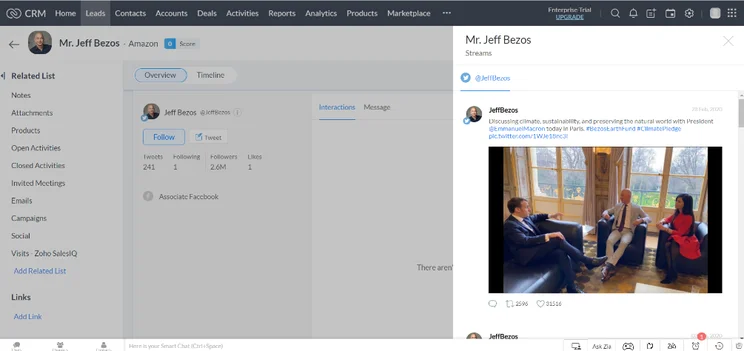
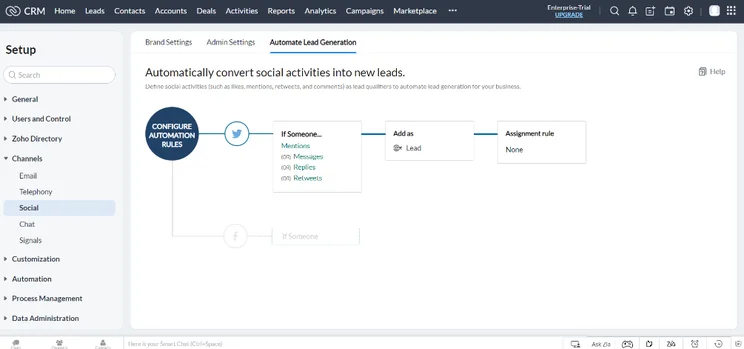
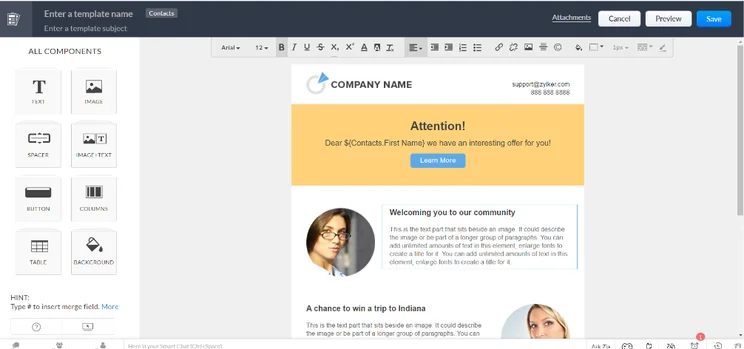
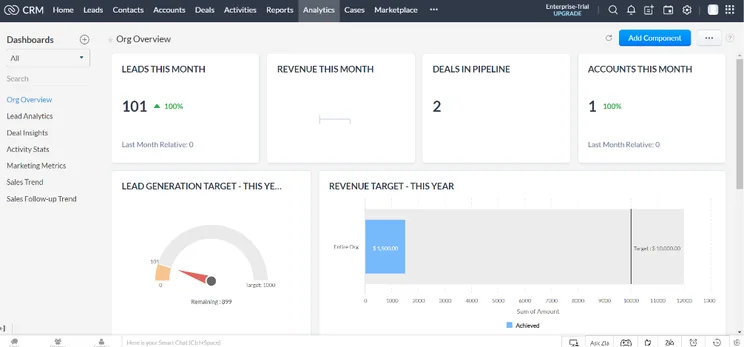
Zoho CRM is the best overall contact management software, as well as the best for small businesses, thanks to its large feature catalog and notable ease of use. All that, combined with an accessible starting price and a solid free plan puts Zoho CRM at the top of a lot of lists in our research.
As far as contact management features are concerned, Zoho CRM knocks it out of the park with all of its plans. It offers data import and export, which will allow you to bring contact data from other sources to the popular platform. You’ll also get access to list segmentation to organize your contact database a bit better and automated workflows to save your team time on basic operations.
Even Zoho CRM’s free plan offers these features, which means it beats Freshsales Suite and HubSpot as it’s the only provider on this list with a free plan that offers automated workflows. By way of comparison, you’ll have to sign up to one of HubSpot’s paid plans for this feature. Zoho CRM also offers custom fields, but these are limited to a certain number per object, depending on which pricing plan you go with.
Zoho CRM customer support
Zoho CRM offers some solid customer support options if your team needs a bit of help getting started. Onboarding assistance is available, but you’ll need to pay extra, no matter which plan you opt for.
Other customer support features are included, though, like knowledge base and community forum access, as well as email support. You’ll also get phone and live chat support for 8 hours a day, 5 days a week in the Standard and Professional plans, but that gets bumped up to 24/5 in the Enterprise plan, and all the way to 24/7 if you go for the Ultimate plan.
Zoho CRM

In Short
-
Pros
- 15-day free trial
- Sales and marketing functionality available in free plan
- Highly customizable dashboards and fields across platform
- Integrates with other Zoho services or the vast app library
-
Cons
- No spam prevention on web forms
- Onboarding assistance for your team costs extra
- Team management functionality lacking, with limited storage space
Pricing
-
 Free plan available
-
Standard: $14/user/month
-
Professional: $23/user/month
-
Enterprise: $40/user/month
-
Ultimate: $52/user/month
Images
Zoho CRM pricing
Zoho CRM offers a lot of flexibility with five pricing plans. As we mentioned, there is also a solid free plan that can get you started with the platform.
As for the actual prices of these plans, the Standard plan will cost you $14 per user, per month, the Professional plan costs $23 per user, per month, the Enterprise plan is priced at $40 per user, per month, the Ultimate plan costs $52 per user, per month, and the Plus plan comes in at $57 per user, per month.
If you’re a small business in need of contact management features, our research found that the best plan is the Professional, as it increases the number of custom fields from 10 per object to 155 per object for only a few dollars more per user, per month.
Check out our Zoho CRM pricing guide for more information.
Freshsales Suite – Easiest software to use
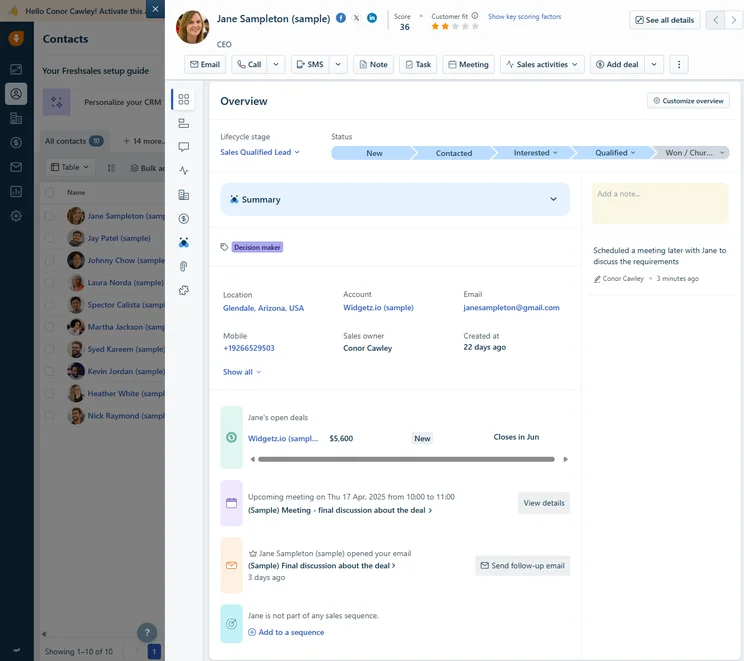
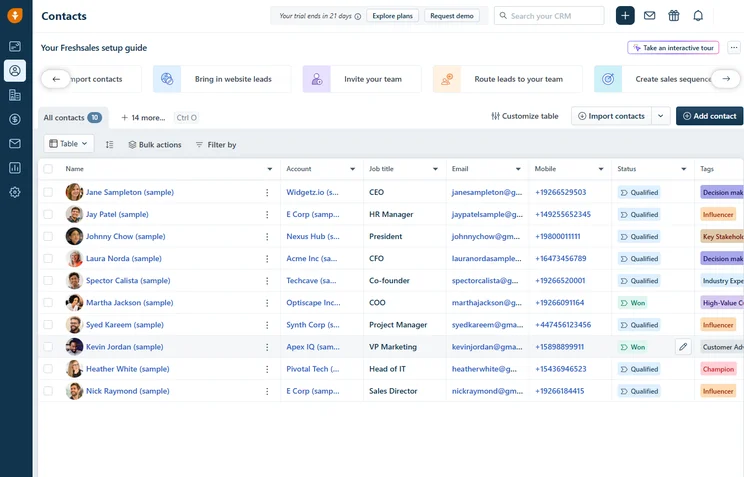
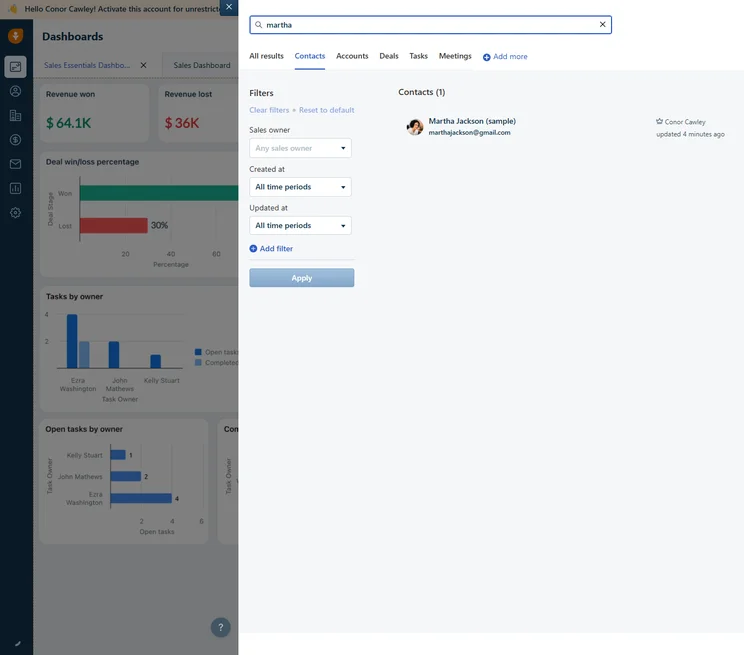
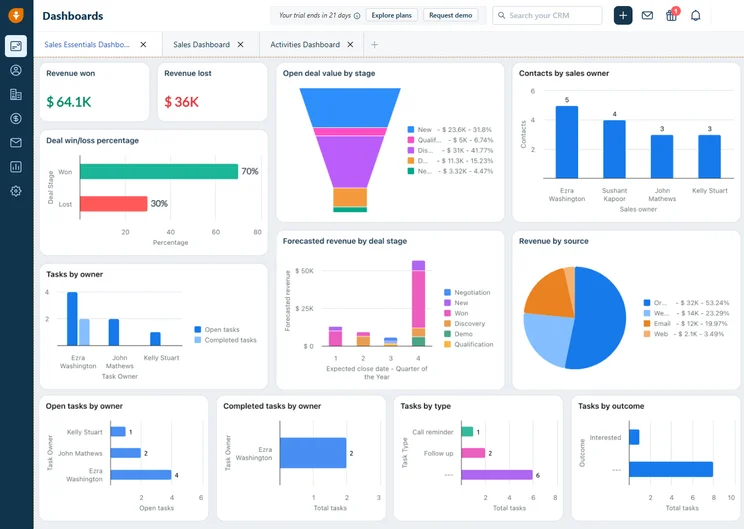
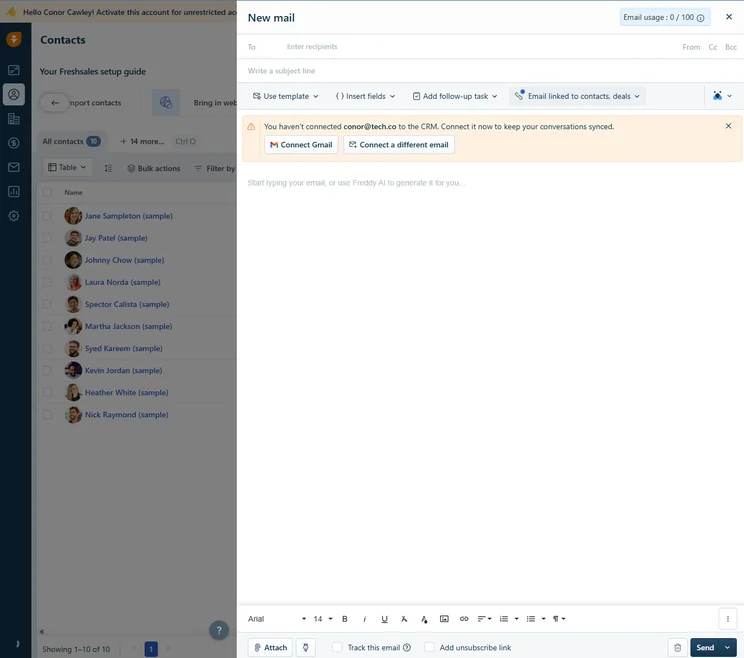
If you need contact management software to manage potential sales and marketing leads, Freshsales Suite could be your best bet. This comprehensive hub houses both functionalities in an intuitive interface that scored higher than any other software provider for ease of use. All of this, combined with an affordable price tag, makes it an attractive option.
When it comes to contact management, Freshsales Suite also delivered big by including list segmentation, which will help you organize your contact list more effectively. You’ll also gets data import and export across all paid plans, so you can transfer previous datasets into the platform. You’ll also get custom fields and automated workflows, but there will be some limitations based on the plan you choose.
The free plan, on the other hand, only offers data import and export, which is one of the reasons Freshsales Suite dropped to the second spot behind Zoho CRM.
Freshsales Suite customer support
Customer support for Freshsales Suite is pretty easy to explain, as the offerings are the same across all four plans, including the free plan.
If you’re set up with Freshsales Suite, you’ll get email, phone, and live chat support, as well as access to community forums and knowledge bases. You won’t get 24/7 live support, unfortunately, so make sure your team won’t need help at all hours of the night.
Freshsales

In Short
-
Pros
- Free plan available for up to three users
- More digital selling options than most
- Phone, email, and live chat support with 24/5 coverage
-
Cons
- Lacks some team organization capabilities found in competitors
- Doesn’t provide an IP restriction security feature
- No integrations available on free plan
Pricing
-
Growth: $9/user/month
-
Pro: $39/user/month
-
Enterprise: $59/user/month
Images
Freshsales Suite pricing
With only three pricing plans, Freshsales Suite has fewer options than Zoho CRM when it comes to price. Again, though, there is a free plan, but it’s pretty limited when it comes to contact management features.
Here’s how each of the pricing plans compares on actual cost: The Growth plan costs $9 per user, per month, the Pro plan costs $39 per user, per month, and the Enterprise plan costs $59 per user, per month.
For small businesses, our research found that the Growth plan is your best fit, as it unlocks all contact management features for a comparatively low price. Plus, the limits on custom fields (150) and automated workflows (20) are generous enough to get you by before you scale.
monday.com – Best for customization
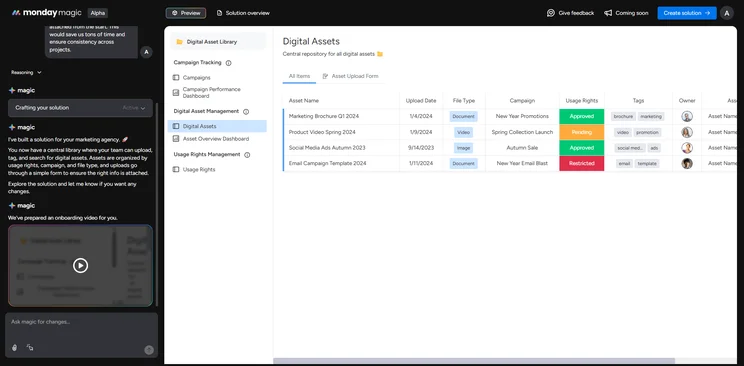
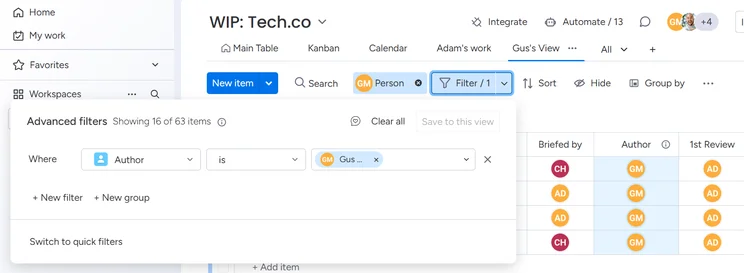
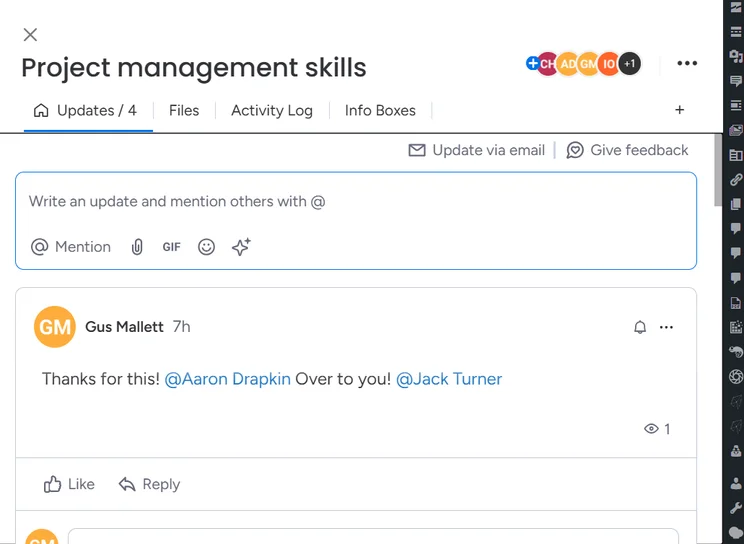
A lot of the criteria for contact management software is the ability to customize fields to fit your needs, and monday.com is the best contact management software for customization, according to our research. This may be beneficial to businesses with unique or conventional contact data that needs to be tracked, allowing you the flexibility necessary to manage your contacts.
As far as actual contact management features are concerned, monday.com is one of the only providers on this list that offers unlimited custom fields, along with Pipedrive. It does, however, put a limit on the number of workflow automations, which varies depending on which pricing plan you choose.
monday.com customer support
While monday.com certainly excels when it comes to customization, the customer support offering is lacking a bit compared to other options this list. Not only is there no 24/7 support, but you’ll miss out on phone and live chat support if you opt for this contact management software.
Still, there are some options when it comes to solving problems on monday.com. You’ll still get email support, as well as community forum and knowledge base access, so at least that’s something!
monday CRM

In Short
-
Pros
- 14-day free trial
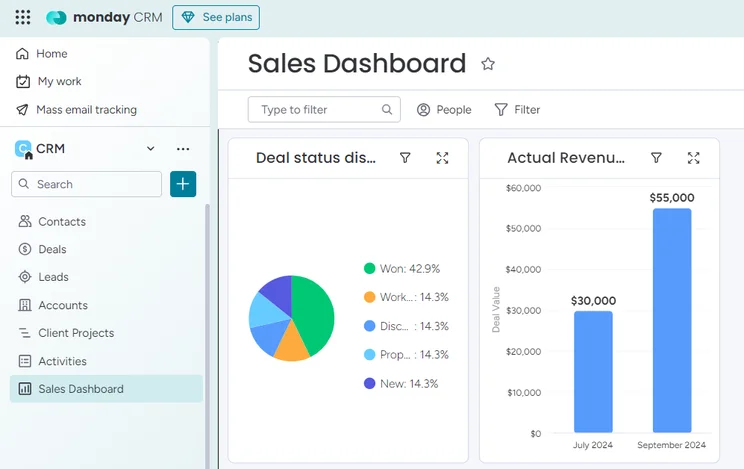
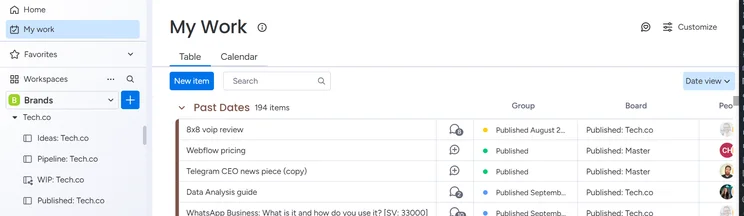
- Simple and modern layout with basic color-coded system
- Custom fields across platform, including customizable dashboards
- Many reports: deals, activity, recurring revenue, and more
-
Cons
- Workflow automations are capped monthly
- No centralized inbox to improve team management
- No phone support on any plan, but live chat is available
Pricing
-
Basic: $12/user/month
-
Standard: $17/user/month
-
Pro: $28/user/month
Images
monday.com pricing
The monday.com CRM offers three pricing plans, as well as an Enterprise plan that requires users to reach out to the company for information about tailored pricing. Here’s how they matchup on actual cost.
The Basic plan costs $12 per user, per month, the Standard plan costs $17 per user, per month, and the Pro plan costs $28 per user, per month. Friendly reminder, though, that each of these plans has a minimum three users, so you’ll pay at least $36 per month. monday.com also offers an Enterprise plan, but it does not have publicly available pricing.
For small businesses, we’d recommend actually going with the most expensive plan from monday.com — the Pro plan — if you can afford it, because the jump in automated workflows goes from 250 to 25,000 between the two plans, and we don’t have to tell you how much time that could save you at your business.
Check out our monday.com review guide for more information
Pipedrive – Best for team organization features
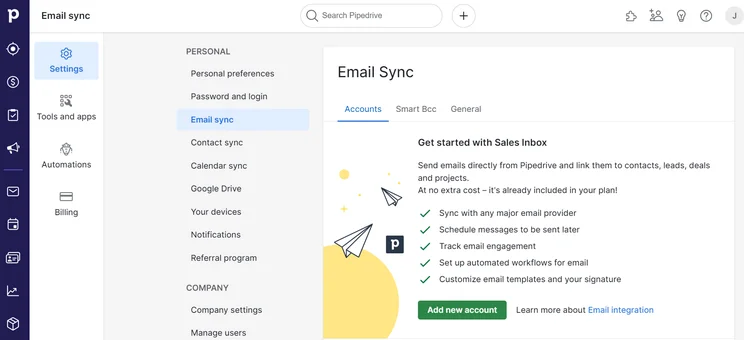
If you need contact management software that can manage your contacts and your team, Pipedrive might be what you’re looking for. Pipedrive not only offers excellent contact management features, but you’ll also get a robust set of team infrastructure features like calendars, reminders, and meeting scheduling functionality built right into the platform.
For contact management, Pipedrive matches up with the best on this list, offering data import and export and list segmentation. You’ll also get unlimited custom fields, a feature it shares with only monday.com on this list, and a limited number of automated workflows depending on your pricing plan. Unfortunately, those limits are pretty low compared to other options on this list, with the maximum coming in at only 100 for the Enterprise plan.
Pipedrive customer support
If you’re a bit antisocial, Pipedrive might be your best bet for customer support, as the provider allows only for live chat; no email or phone options available. Still, you’ll get 24/7 access on live chat, which can be great if you foresee problems at all hours of the day.
On top of all that, like the other options on this list, Pipedrive offers knowledge base and community forum access for all plans.
Pipedrive

In Short
-
Pros
- Unlimited contact database for larger businesses with lots of clients
- Great security tools include user permissions and multi-factor authentication
- 24/7 live support via chat and phone
-
Cons
- 24/7 support only available in more expensive plans
- Can’t create custom task types within the platform
- Web form creation is a paid add-on
Pricing
-
14-day free trial
-
 Lite: $14/seat/month
-
Growth: $39/seat/month
-
Premium: $59/seat/month
-
Ultimate: $79/user/month
Images
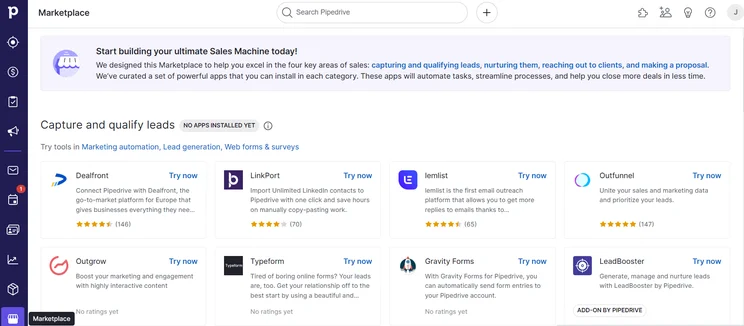
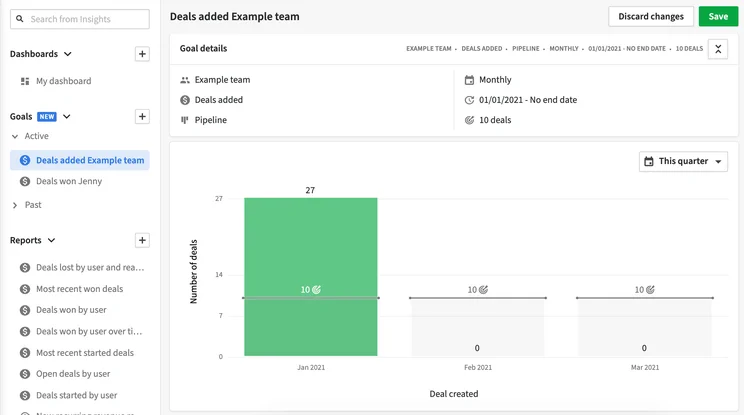
Pipedrive pricing
Pipedrive offers four different pricing plans, and they’re all on the more expensive side of the spectrum. Pipedrive would definitely be considered a premium purchase given the cost.
The Essential plan costs $14 per user, per month, the Advanced plan costs $39 per user, per month, the Professional plan costs $49 per user, per month, the Power plan costs $64 per user, per month, and the Enterprise plan costs $99 per user, per month.
Our research found that the best pricing plan for contact management features is the Advanced plan, because it unlocks automated workflows, which are not available in the Essential plan. Plus, as we mentioned, the limits of automated workflows don’t go up by much from plan to plan, so the chance to save a little while still getting access to this feature is a boon for everyone.
Check out our Pipedrive pricing guide for more information
HubSpot CRM – The most scalable contact management software
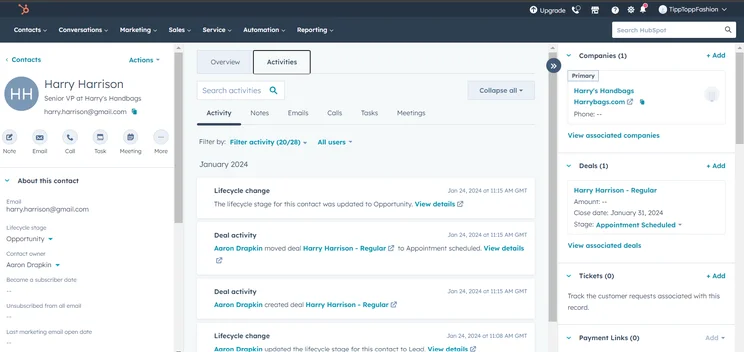
There’s a good chance you simply scrolled down to HubSpot CRM because you saw that it was free, and honestly, that’s fair. HubSpot CRM isn’t the only contact management software with a free plan — Zoho CRM and Freshsales Suite both have — but it does offer one with a hefty set of features, including some contact management options that are more than sufficient.
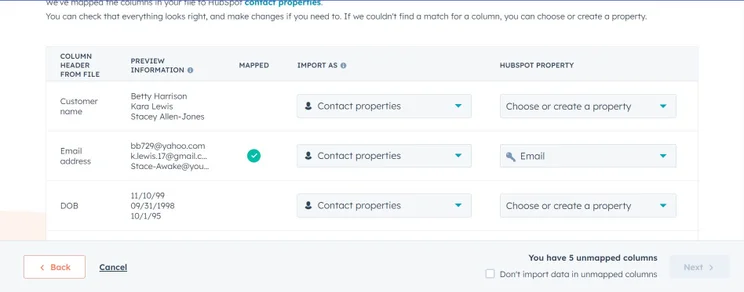
Even better, HubSpot’s free plan offers a comparable experience to the paid plans on this list. You still get list segmentation and data import and export, as well as a small number of custom fields (10). The biggest downside, however, is that the HubSpot free plan allows for no automated workflows, which is why it’s down here at the bottom of the list behind Zoho CRM, Freshsales Suite, monday.com, and Pipedrive. Still, the company has affordable pricing plans as an option should you need to scale.
HubSpot customer support
If you opt for the free plan, you’re going to miss out on the majority of customer support options, as this plan only offers community forum and knowledge base access.
If you opt for one of the paid plans, though, you can get chat and email in the Starter plan, and unlock phone support in the Professional and Enterprise plans. You won’t get 24/7 access, though, no matter how much you pay.
HubSpot CRM

In Short
-
Pros
- Sales and marketing features for growing businesses on all plans
- Tidy, easy-to-navigate interface
- Shared team inbox makes chasing leads and support tickets much less complex
- Feature-rich free plan
- Easy-to-use AI and automation tools
-
Cons
- Scarce customer support on the free plan
- 5 document storage limit on free plan
- Mandatory, one-time onboarding fees on premium plans
Pricing
-
Free plan available
-
Starter: $7/user/month
-
Professional: $1,300/month/includes 6 seats
-
Enterprise: $4,700/month/includes 8 seats
Images
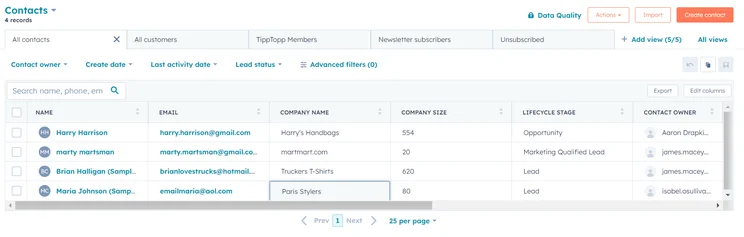
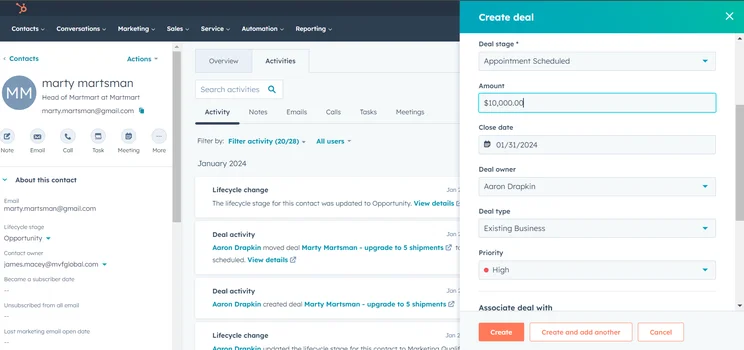
HubSpot pricing
Hubspot has a free plan as well as several paid plans, so being ready to scale will very much be a financial decision. HubSpot’s Marketing, Sales, and Service plans start at $9 per user, per month, which is at the more affordable end of the CRM and contact management software market.
It’s the Professional and Enterprise plans that are on the pricier side. Still, there are three pricing plans you can choose from should you decide to scale. The Professional plan is a less accessible $450 per user, per month with a minimum of five users ($90 per user, per month each). The Enterprise plan is $120 per user, per month with a minimum of ten users.
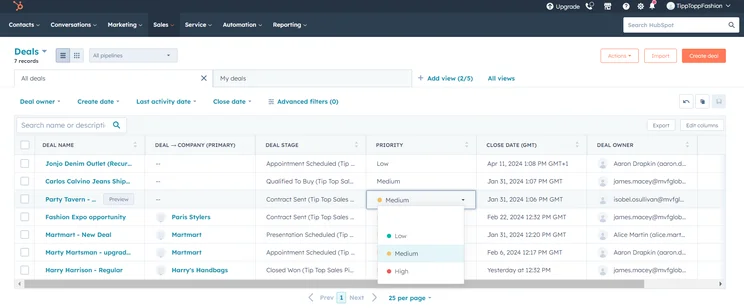
All of the contact management features are available in every single pricing plan. However, you do get access to HubSpot’s robust analytics, including sales forecasting, starting in the Professional plan, which is essential if you want to make the most of the tool and use the insights it’ll help you find to improve your processes and plan out your year.
What’s more, you’ll unlock a wide range of team infrastructure features like internal knowledge bases and user hierarchy with the Enterprise plan. Simply put, our research notes that HubSpot is going to likely be your best bet as a small business in need of contact management software that can easily scale to accommodate growth. Plus, the option to scale is always there, as long as you’ve got the money.
Check out our HubSpot pricing guide for more information
How Did We Find the Best Contact Management Software?
Why trust Tech.co with your business software questions? Well, our research teams spend hours of pain-staking research to bring us valuable data points in regard to how these providers actually improve your business.
For software that offer contact management functionality, our team focused on four different features: list segmentation, custom fields, automated workflows, and the ability to import or export data into the platform. Overall, we also took into consideration criteria like price, customization, ease of use, and other features beyond contact management.
If you want to understand our process of rating and ranking business software a bit better, feel free to check out our research guide to gain valuable insight into why these providers made the cut.
To better understand this software, check out our CRM database guide
As our research discovered, Zoho CRM is the best contact management tool for small businesses. The prices are accessible for smaller budgets, the feature set is expansive and includes robust contact management functionality, and it’s a generally easy to use interface.
Overall, though, the best contact management software is going to fit your particular business needs, and there’s obviously a lot to consider when it comes to contact management features. If you need a bit of help, feel free to check out our contact management software comparison page, which offers in-depth looks a wide range of tools designed to help you manage contacts at your business.
Frequently Asked Questions
Contact management software is typically quite easy to use, particularly if you get the right contact management software for the job. Our research found that Freshsales Suite is easiest contact management software to use, thanks to its quick setup process and intuitive interface.
Contact management software refers to digital tools for businesses that are designed to track, analyze, and manage the information from contacts of your business.
Whether it be for sales, marketing, or customer service, information is power. The ability to understand what your customers, clients, and other contacts need, where they’re from, and how often they’ve contacted your business can be valuable pieces of data when it comes to making a sale, reaching a customer, or solving a problem.
Customer relationship management (CRM) software is an online tool used by businesses to manage a wide range of business functionalities from sales, marketing, and customer service industries. In most cases, these software providers offer contact management features within these platforms.
You may think that a simple spreadsheet is good enough to manage your contacts. However, the reality is that spreadsheets don’t allow for much analysis or advanced functionality, which is why we recommend getting set up with customer relationship management (CRM) software to help you track, analyze, and manage your contacts more effectively.
If you click on, sign up to a service through, or make a purchase through the links on our site, or use our quotes tool to receive custom pricing for your business needs, we may earn a referral fee from the supplier(s) of the technology you’re interested in. This helps Tech.co to provide free information and reviews, and carries no additional cost to you. Most importantly, it doesn’t affect our editorial impartiality. Ratings and rankings on Tech.co cannot be bought. Our reviews are based on objective research analysis. Rare exceptions to this will be marked clearly as a ‘sponsored’ table column, or explained by a full advertising disclosure on the page, in place of this one. Click to return to top of page


