


We may receive a commission from our partners if you click on a link to review or purchase a product or service. Click to Learn More
Productivity is the name of the game when it comes to the success of any business, and the easiest way to ensure you maintain it, and stay ahead of your competitors, is by utilizing technology such as project management software.
Project management software is designed to make life easier for employees and business owners alike. This is especially important during a global pandemic which throws extra challenges into the mix for daily tasks, such as communication and performance tracking. There are even a whole suite of easy project management software services that have been created to help even the most tech illiterate businesses smooth up operations.
This article will explain the five major benefits of project management software, as well as some of the top providers, some key tips, and a general explanation of what project management is.
The Benefits of Project Management Software
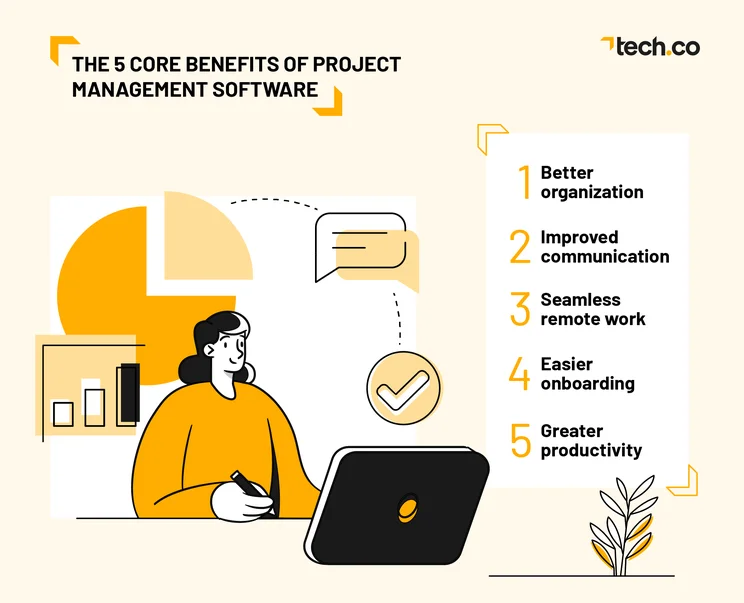
If you’re considering project management for your business, it’s important to understand how they can actually help your business. We’ve collected some of the core benefits of project management software below, so you can get a better idea of what you’re paying for before you make the decision.
1. Better organization
The value of organization cannot be overstated when it comes to your business. From avoiding mistakes to improving productivity, having your projects and tasks laid out in an easy-to-understand yet comprehensive way can do so much for the overall success of your business.
Project management software platforms are built on a foundation that is designed to organize tasks, track projects, manage performance, and generally sort all of your work processes. Plus, depending on your business, the organization achieved through project management software can save you some serious headaches later down the line too, including avoiding double work and tedious data entry with automated reports and analytics.
Some project management software is often bundled with other services, which can make the investment more than worth it. For example, Scoro comes with CRM functionality on even its most barebones plan, which can save small businesses a lot of money in the long run.
2. Improved communication
Keeping in touch with your team is vital to the success of your business. From explaining deliverables and providing objectives to rewarding accomplishments and socially engaging with team members, you need to have a way to communicate with your team that doesn’t sew confusion and distrust.
This is where a project management platform can really shine. In most cases, the right software will provide a chat function or some kind of communication tool that can make life infinitely easier for everyone. Even better, they often provide additional features, such as commenting and feedback, that allows you to stay in the loop on projects as they’re getting done.
You may also find that some project management software, such as Microsoft Project Review integrates seamlessly with your existing work platforms.
3. Seamless remote work
The pandemic has forever changed how we work, and the ability to seamlessly integrate your newly remote workforce into your daily operations is more important than ever. After all, this is the new normal, and you don’t want to suffer poor employee retention because you can’t offer flexibility.
With project management software, you won’t have to worry about your remote employees being left behind. You’ll have your entire docket of important projects and tasks in the cloud, so they can be accessible anywhere. Plus, with thorough security measures in place for these platforms, you won’t have to worry about your company data falling victim to a breach.
4. Easier onboarding
Even if you’re in a hiring freeze, eventually you’re going to need to onboard a new person. They might be from a different department, or they could be a completely new hire all together. Either way, having an organized, comprehensive system for your team to track projects will go a long way in helping assimilate new team members into your company.
Don’t count project management software out on this one either. Showing a new hire a simple, well-designed interface that they can use for projects is far less daunting than a complicated spreadsheet or, heaven forbid, some word of mouth assignments. With the right platform, you’ll even be able to track their progress, so you can see how they’re getting along in their new role over time.
5. Greater productivity
This one may seem obvious, as the goal of any additional software is always to improve productivity. You want your team to work efficiently, you want projects delivered promptly, and you want your company to run like a well-oiled machine, and that’s what you get when using project management software.
With 92% of employees stating that technology helps them do their job more productively, it’s safe to say these kinds of platforms are a no-brainer for businesses in need of an extra push. Simply put, the more tools for success that you give to your team, the better they’re going to perform in the long run.
What is Project Management?
In so many words, project management is the process by which business owners and managers keep track of progress and, yes, projects underway at their company. It describes the tools, skills, and strategies utilized by these business leaders to monitor, from beginning to end, the many tasks that make up your day-to-day operations.
Now, the means by which you utilize project management at your business can vary dramatically. Spreadsheets are an admittedly popular, albeit rudimentary option, as they’re completely free. Still, they leave a lot to be desired as far as analytics, interface, and general usage is concerned.
The more modern option is project management software. These platforms are designed to keep track of everything, from employee performance and project status to efficiency and productivity, so you can get the full picture of what your team is capable of accomplishing.
Project Management Tips
Project management isn’t necessarily easy just because you understand what it is. In fact, there are a lot of pitfalls you’ll want to avoid and tips you’ll want to heed to make sure you’re improving your business rather than making it worse. Here are a few project management tips that should get you off to a good start.
Facilitate communication
It’s not just relationships that benefits from effective communication. Project managers need to be able to inform their teams of goals, objectives, and other necessary processes that go on from day to day. From briefs to feedback, you can’t expect your team to perform productively if they don’t know exactly what they’re doing.
Additionally, communication isn’t a one way street. Your employees need to feel comfortable in bringing problems and accomplishments to you and each other. Facilitating communication means getting your team to talk to each other as much as it is getting them to talk to you.
The best way to do this is by having a dedicated system for work-focused conversations. Whether it be a messaging platform like Slack or a project management software offering a dedicated communication tool, you’ll be able to actually stay in touch with your team and create an environment that thrives on communication.
Set achievable goals
Obviously, the objective of project management is for your team to accomplish their goals. Still, arguably one of the most important aspect of project management is actually setting those goals and, more important, making sure they are achievable.
It can be easy to set long-term goals that don’t have a clear end in sight. Perhaps something vague like “make more money” or “attract more customers.” But the reality is that accomplishing small goals that are specifically achievable can help guide your team down a more productive path, while allowing you to reward them as you see fit.
Plus, it works, as one study from Harvard found that those with clearly set goals are 10 times more likely to accomplish them, which is a hard stat to argue with.
Reward accomplishments
The reality is that many managers don’t take the time to appreciate their employees and reward accomplishments when they deserve them. But if you do this, you’ll be making your team feel better about progressing forward, and you’ll be providing concrete examples of why an organized project management system is worthwhile.
Rewarding employees effectively leads to higher employee retention, according to one study that found reward programs created a positive impact at 68% of businesses.
Top Project Management Software Providers
So, you want to get started with project management software? After hearing about all these benefits, it’s more than understandable that you’d want your business to enjoy the same success.
We’ve done some seriously in-depth research in regards to some of the top project management software providers on the market so you don’t have to. Check out our table below and read on for a summary of our favorite options.
|
Price from
All prices listed as per user, per month (billed annually)
|
Best for
|
Pros
|
Cons
|
|||
|---|---|---|---|---|---|---|
|
BEST OVERALL
 |
 |
 |
 |
 |
 |
 |
|
monday work management |
Teamwork |
Asana |
ClickUp |
Wrike |
Trello |
Smartsheet |
|
$9/user/month |
$9.99/user/month |
$10.99/user/month |
$7/user/month |
$10/user/month |
$5/user/month |
$9/user/month |
|
Ease of use |
Small teams |
Building automation |
Complex projects |
Integrations |
Basic project management |
Great security and customer support options |
|
|
|
|
|
|
|
|
|
|
|
|
|
|
| Visit monday | Compare Deals | Compare Deals | Visit ClickUp | Visit Wrike | Compare Deals | Visit Smartsheet |
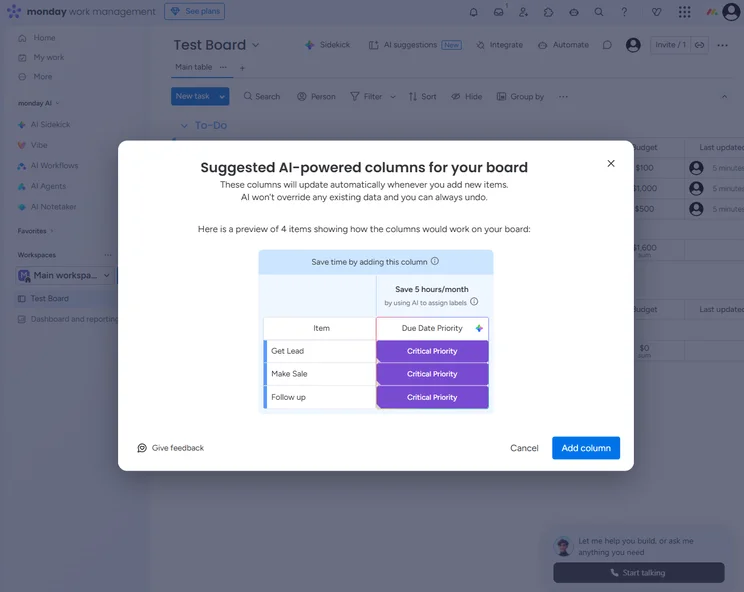
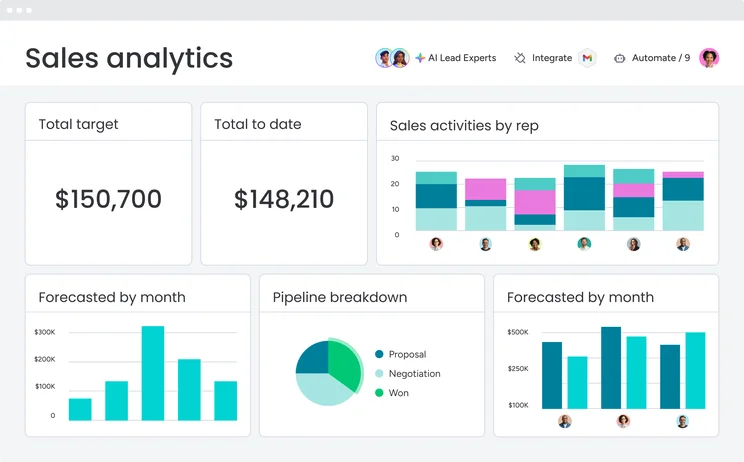
monday work management
If your team has specific needs that require some tailoring, monday work management is a great option for project management. It offers a supremely customizable interface, allowing you to set specific fields depending on your particular requirements. Plus, with its modern design, you can be sure your team is engaged and productive on a daily basis.
You can find out more about this provider in our monday work management review.
monday work management

In Short
-
Pros
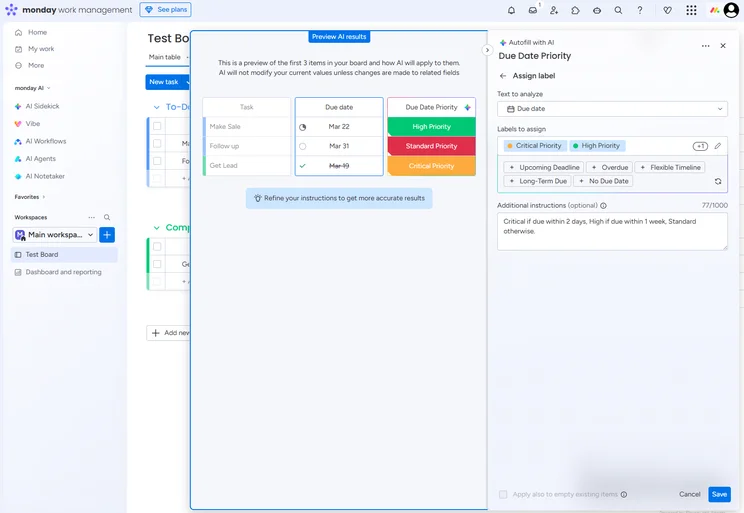
- Robust automation features
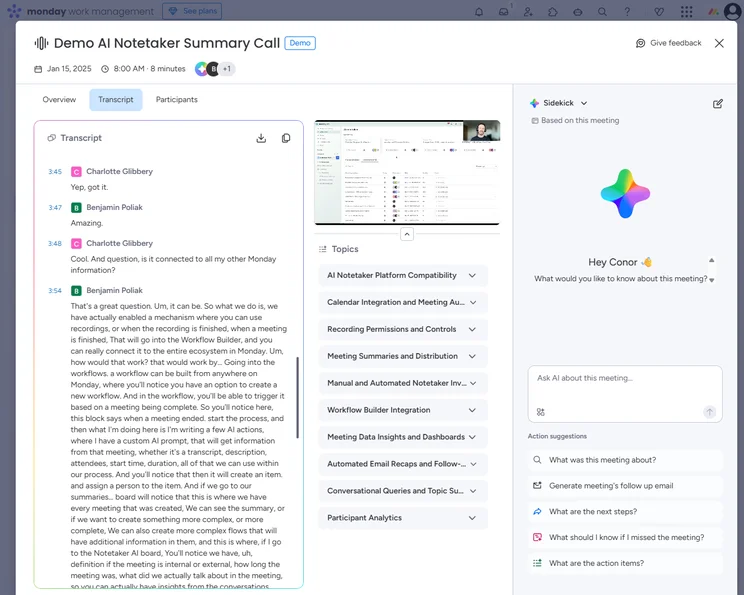
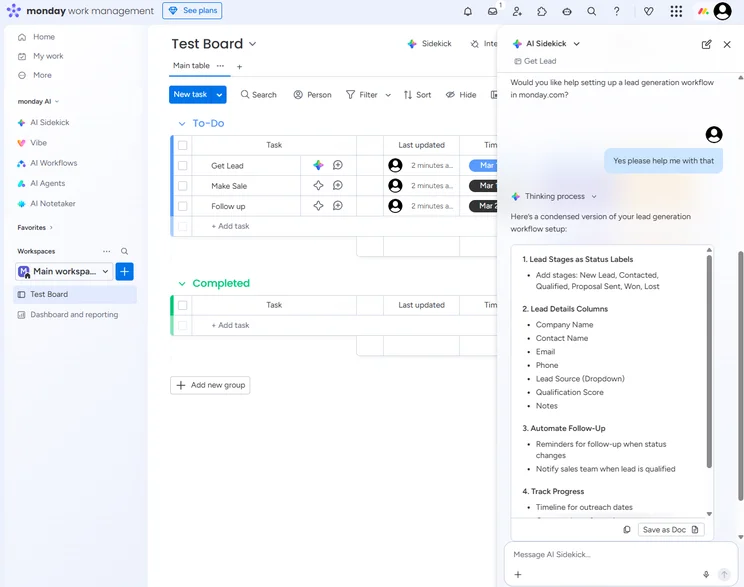
- Built-in AI tools for workflows and note taking
- Extremely customizable
-
Cons
- Free plan has 2-person user limit
- Strict AI credit limits
- Can get expensive with high AI usage
Pricing
-
 Basic: $9/user/month
-
Standard: $12/user/month
-
Pro: $19/user/month
-
Enterprise: Custom
-
Free plan available
-
14-day free trial
Images
Wrike
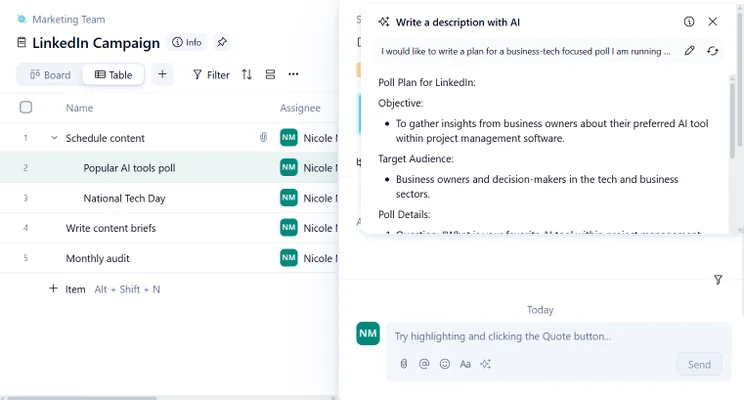
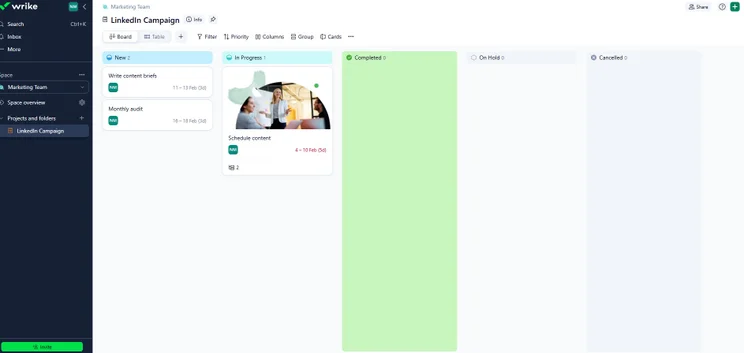
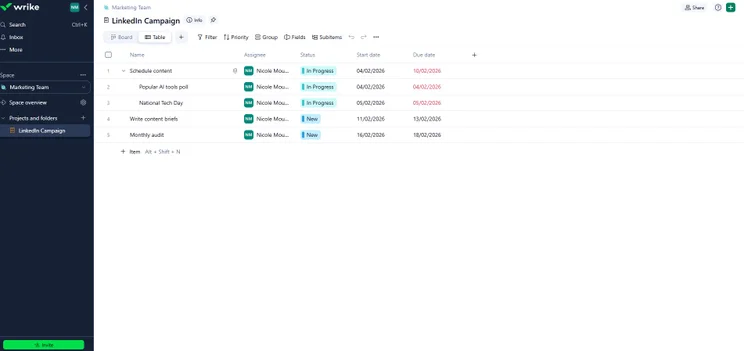
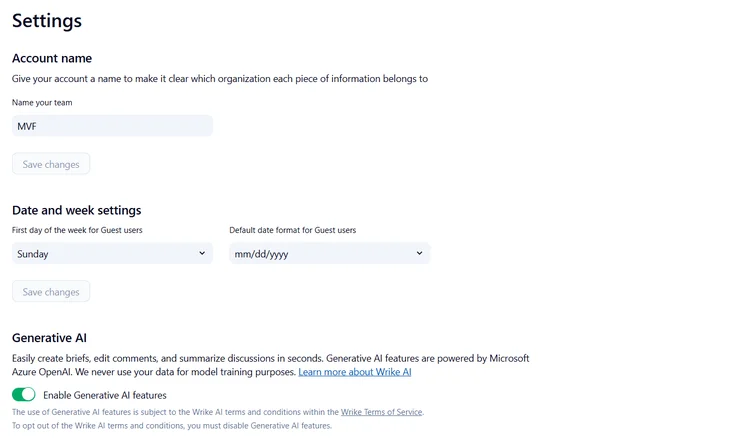
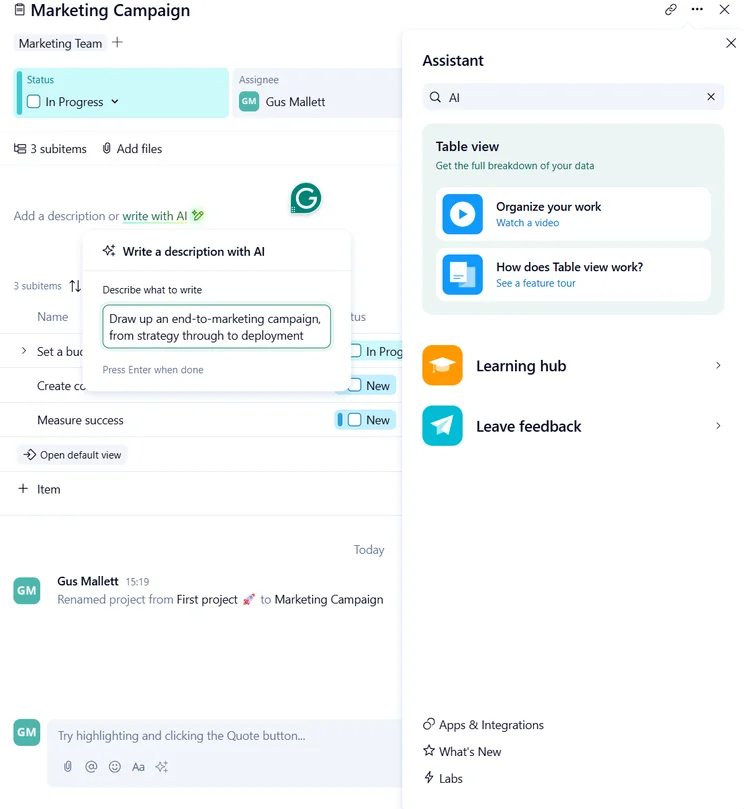
Ease of use can go a long way in establishing a good project management platform for your business, and Wrike is the way to go for that. It offers a lot of features, packed into a comprehensive interface that even the freshest beginner should be able to get the hang of. Additionally, it offers integrations with Slack, Google Hangouts, and Adobe Creative Cloud, so you can truly operate on an all-in-one hub.
Wrike

In Short
-
Pros
- No-nonsense, robust feature catalog
- Lots of customizability
- Strong task management and data tools
- Huge integrations library
-
Cons
- Not entirely easy to use
- Difficult to use automation builder
- Not the best for collaboration
Pricing
- Free plan available
- Team: $10/user/month
- Business: $25/user/month
- Pinnacle: custom pricing
- Apex: custom pricing
Images
ClickUp
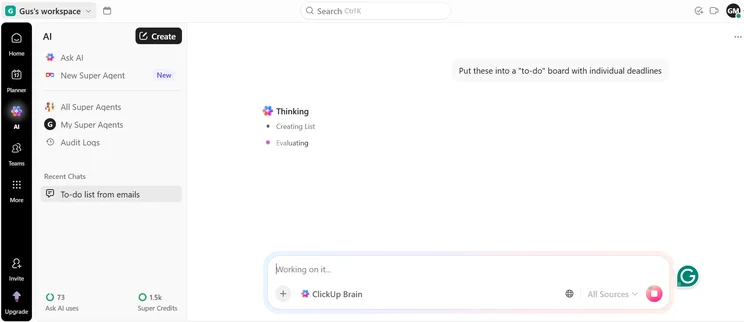
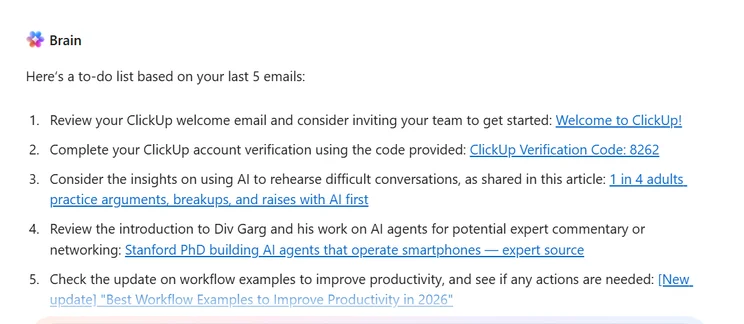
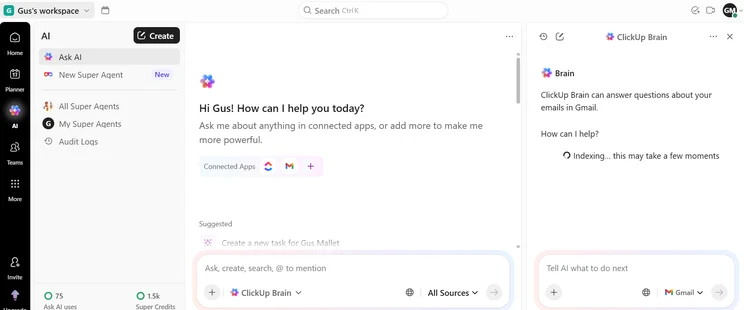
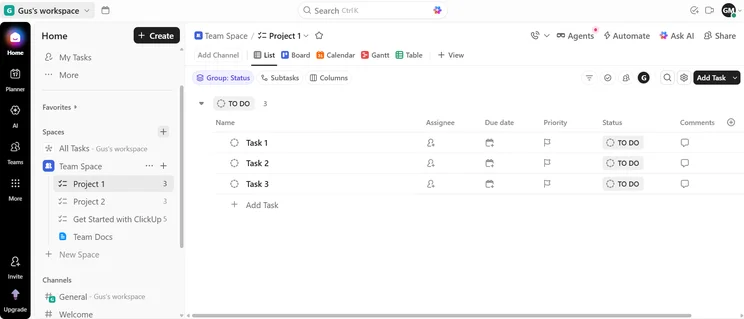
Your budget is always something to consider when adding new software to your business, and ClickUp offers something that will make any business owner’s ears perk up: free! That’s right, ClickUp is a robust option that provides a solid free plan that lasts forever. Obviously, if you’re a larger business, you’ll likely need to upgrade, but getting started with ClickUp costs nothing, so you might as well give it a try.
ClickUp

In Short
-
Pros
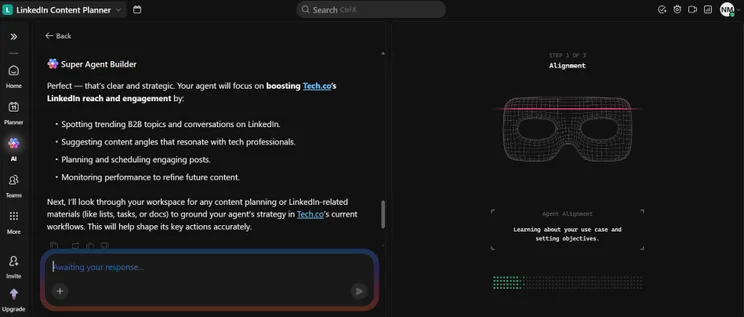
- 11+ ways to view project progress and data
- Useful “Chat” view for collaboration
- Team view for organizing tasks by team member
- Cheaper than monday Work Management or Wrike
- Agile project management features
- Vast number of features, even on cheap plans
-
Cons
- Customizability can be overwhelming to new users
- Not great at compiling project feedback
- Comparatively clunky automation builder
- Slow to load on our tests
Pricing
- Free plan available
- Unlimited: $7/user/month
- Business: $12/user/month
- Enterprise: custom pricing
Images
Frequently Asked Questions
While there are many benefits of project management software and these platforms are designed to make life easier, there are always some pitfalls that exist. For one, software costs money, which can create budget problems if you aren’t flexible. Additionally, these platforms are added technology, which can glitch and break down at times, leaving you up a creek without a paddle, although this is extremely rare for software from the top providers.
While it can be used to communication with your team, Zoom is not considered a project management tool. It does not provide the standard features, like project tracking and status updates, so you can’t exactly keep an eye on projects per se. Still, we consider it a solid web conferencing tool, so feel free to check out our Zoom review for more information.
Simply put, project management software allows you to organize and automate your business in a way that promotes productivity and efficiency. You can share timelines, provide status updates, and share documents, all on a single platform, which eliminates redundancies and wasted time.
If you click on, sign up to a service through, or make a purchase through the links on our site, or use our quotes tool to receive custom pricing for your business needs, we may earn a referral fee from the supplier(s) of the technology you’re interested in. This helps Tech.co to provide free information and reviews, and carries no additional cost to you. Most importantly, it doesn’t affect our editorial impartiality. Ratings and rankings on Tech.co cannot be bought. Our reviews are based on objective research analysis. Rare exceptions to this will be marked clearly as a ‘sponsored’ table column, or explained by a full advertising disclosure on the page, in place of this one. Click to return to top of page


