

We may receive a commission from our partners if you click on a link to review or purchase a product or service. Click to Learn More
The best HVAC service software is Housecall Pro, thanks to its large feature catalog, thorough analytical tools, and intuitive design that even beginners can figure out. In fact, we found Housecall Pro to be the best option across multiple industries, consistently providing a more comprehensive platform than competitors.
Maintaining heating, ventilation, and air conditioning is not a job you can take lightly. Excessive temperatures can impact customers’ health and livelihoods, especially with more people working from home than ever. HVAC businesses need to be on top of every detail to turn sweaty staff into satisfied clientele or prevent frozen workflows in a freezing environment.
So, whether you’re just getting started with HVAC software or are looking to switch providers, the research-backed information below should help you take your next step.
Below are our top picks for HVAC service software this year, based on our extensive and impartial research.
- Housecall Pro – Best overall HVAC service software
- ServSuite by FieldRoutes – Best training features
- GorillaDesk – Good for scheduling features
- FieldEdge – Good invoicing features
- WorkWave – Good for customer support features
- Jobber – Good for automation features
Read on to learn more about the best HVAC software providers on the market.
What Is HVAC Software?
HVAC software describes an online platform for HVAC businesses that can help to streamline specific, day-to-day processes through organization and automation. This tool can help with features like scheduling and dispatching HVAC technicians, invoicing and quoting clients, and booking appointments for customers.
Whether you’re still keeping track of customer records on paper or just need to revamp your spreadsheet game, HVAC software is designed to handle the nitty gritty details of your business in a more modernized and simplified way.
With $14 billion spent on HVAC services in the US each year, you want to make sure that you’re optimizing your business and serving your customers needs.
Check out our field service software pricing guide for more information
Best HVAC Service Software Providers Compared
We’ve outlined the key features, pros and cons of all the HVAC service software options below, which is all based on our in-depth research into the business platform. This should help you choose the right one for running your business.
- Housecall Pro – Best overall HVAC service software
- ServSuite by FieldRoutes – Best training features
- GorillaDesk – Good for scheduling features
- FieldEdge – Good invoicing features
- WorkWave – Good for customer support features
- Jobber – Good for automation features
|
Best For
|
Starting Price
|
Pros
|
Cons
|
Free demo?
|
Free trial
|
|||
|---|---|---|---|---|---|---|---|---|
|
SPONSORED
 |
BEST OVERALL
 |
 |
 |
 |
 |
 |
||
|
Connecteam |
Housecall Pro |
ServSuite by FieldRoutes |
GorillaDesk |
FieldEdge |
WorkWave |
Jobber |
||
|
Not yet reviewed |
Overall usage |
Training features |
Scheduling features |
Invoicing features |
Customer support features |
Automation |
||
|
$29/month |
$49/month |
On request |
$49/month |
On request |
On request |
$30/month |
||
|
|
|
|
|
|
|
||
|
|
|
|
|
|
|
||
|
|
|
|
|
|
|
|
||
|
14 days |
14 days |
|
14 days |
|
|
14 days |
||
| Try Connecteam | Try Housecall | Compare Quotes | Compare Quotes | Compare Quotes | Compare Quotes | Try Jobber |
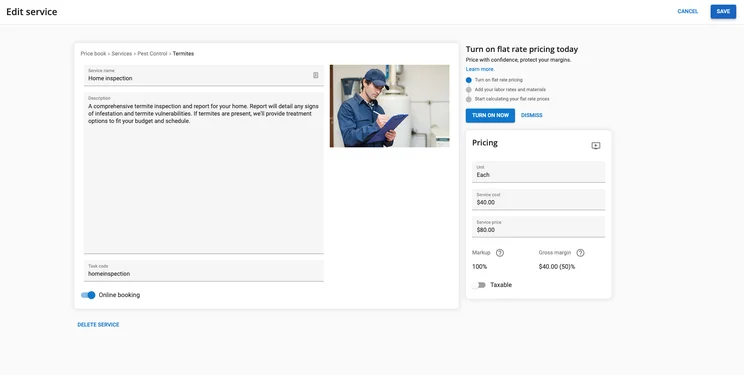
Housecall Pro for HVAC – Best overall HVAC service software
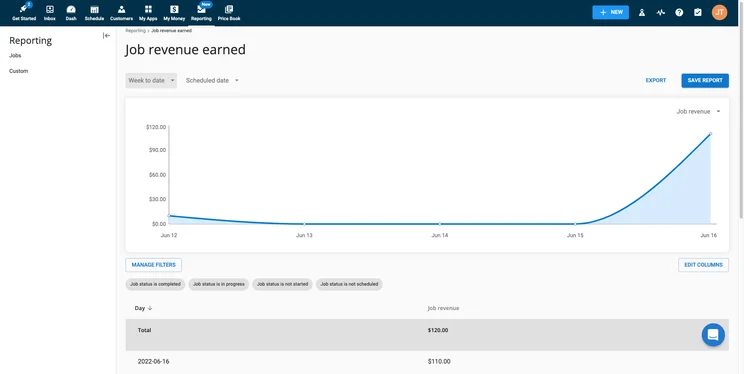
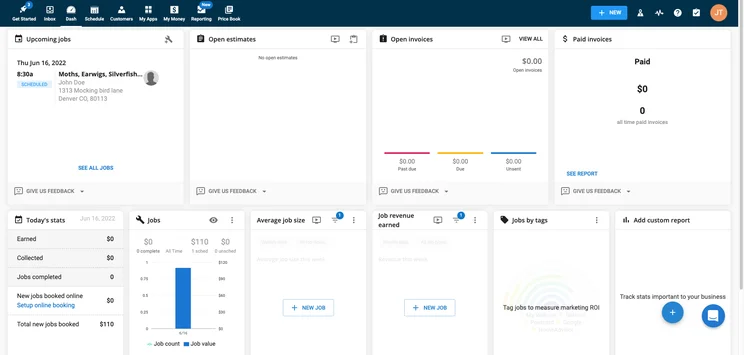
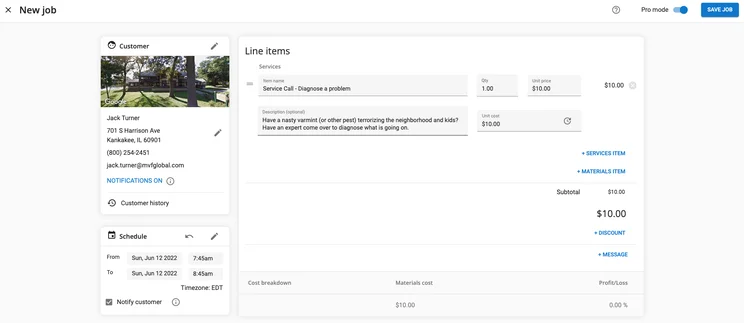
You really can’t go wrong with Housecall Pro. Our research found that it clearly takes the top spot, scoring highly across every single category we measured in our research. Perfect 5/5 scores came in invoicing, scheduling, and dispatching, expertly covering all the major necessities of HVAC service software.
Housecall Pro also scored a 4/5 in customer support, only losing points for not being available 24/7, which admittedly few providers on this list do. Other than that, Housecall Pro has an excellent mobile app, and the variety of pricing plans makes it perfect for any sized business. All in all, Housecall Pro is our number one pick.
Housecall Pro pricing
As is standard for many HVAC service software, Housecall Pro offers three different pricing plans: Basic, Essentials, and Max. The Basic plan pricing is available, costing users $49 per month, while the Essential plan will cost you a bit more at $129 per month. The Max plan does not provide publicly available pricing, but you can reach out to the company to get a tailored quote.
Housecall Pro does not offer a free plan, which is also common for HVAC service software, but it does provide a 14-day free trial, so you can test it out before using it at your business.
Housecall Pro

In Short
-
Pros
- Covers most industries
- Includes marketing tools
- Support 7 days/week (5am-5pm PST weekdays)
-
Cons
- No route optimization
- Limited customization options
- Above average cost
Pricing
-
 Basic: $49/month
-
Essentials: $129/month
-
14-day free trial
-
 Available on web
-
 Available on Play Store
-
 Available on App Store
Images
ServSuite by FieldRoutes – Best training features
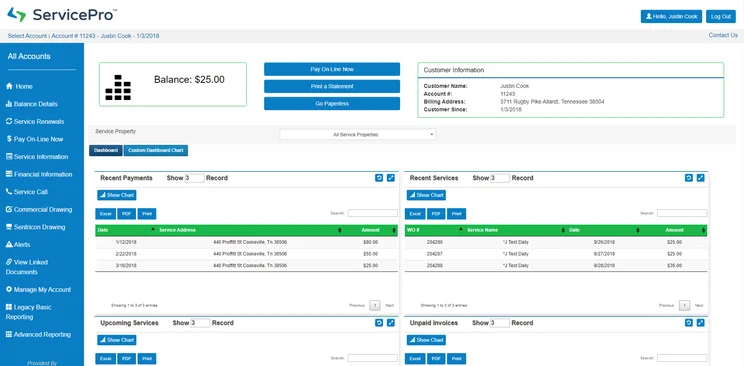
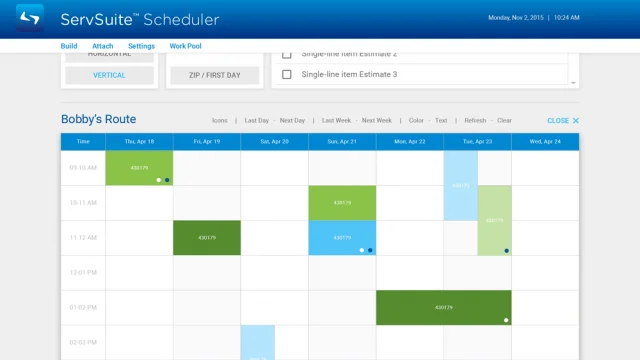
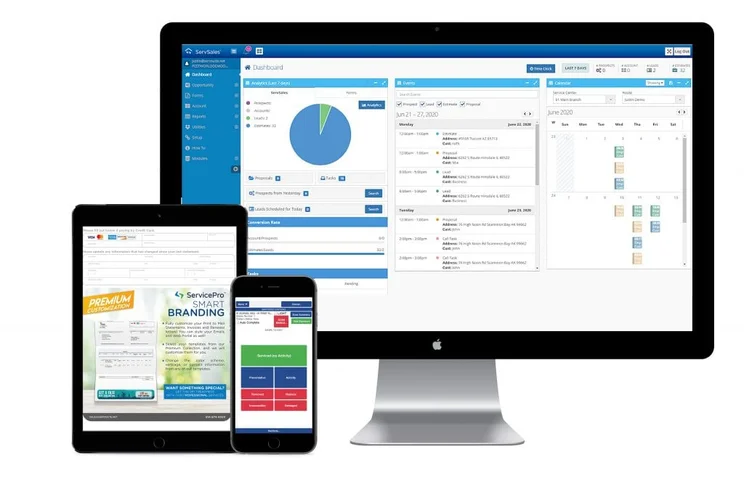
ServSuite was acquired by ServiceTitan in 2021, and subsequently merged with FieldRoutes in 2022, as part of ServiceTitan’s acquisition of the company. ServiceTitan also offers software under their own brand name but it’s ServSuite that impressed us. Its invoicing features scored perfectly in our testing, with a 5/5, and the customer support available is even a bit better than Housecall Pro, thanks to slightly better hours and a robust collection of tutorial videos.
Where ServSuite falls a bit short compared to Housecall is the mobile app, which scored just a 3/5 in our research. Users rated it lower in the app store, noting that it wasn’t as easy to use as they expected, which can be key for field technicians in need of an on-the-go solution.
ServSuite by FieldRoutes pricing
ServSuite no longer makes its prices public, but pre-acquisition pricing was slightly more expensive than the three plans offered by Housecall Pro. The Starter plan for Service Pro, prior to its acquisition, cost $126 per month, while the Plus plan cost $186 per month, and the Pro plan cost $339 per month.
Unlike Housecall Pro, ServSuite does not offer a free trial, but you can get a free demo, so you won’t have to buy the platform sight unseen.
ServSuite by FieldRoutes

In Short
-
Pros
- Great analytic tools for insightful data
- Very easy to use even for beginners
- 24/6 customer support options
-
Cons
- Add-ons necessary for full functionality
- Analytic reports can get complicated
- Above average cost
Pricing
-
No publicly available pricing
-
Previously started at $126/month
-
Free demo available
-
Available on web
-
Available on Play Store
-
Available on App Store
Images
GorillaDesk – Good for scheduling features
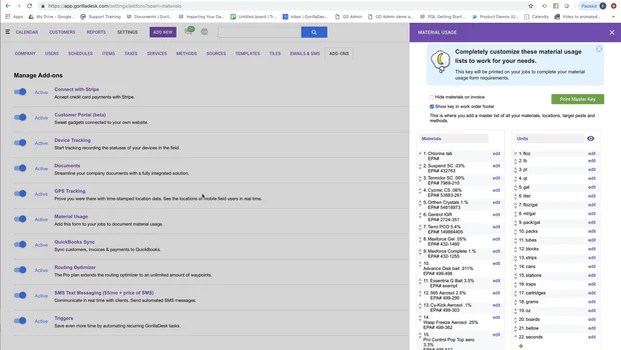
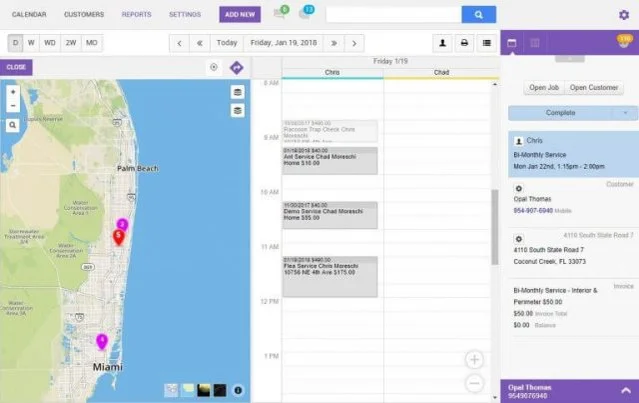
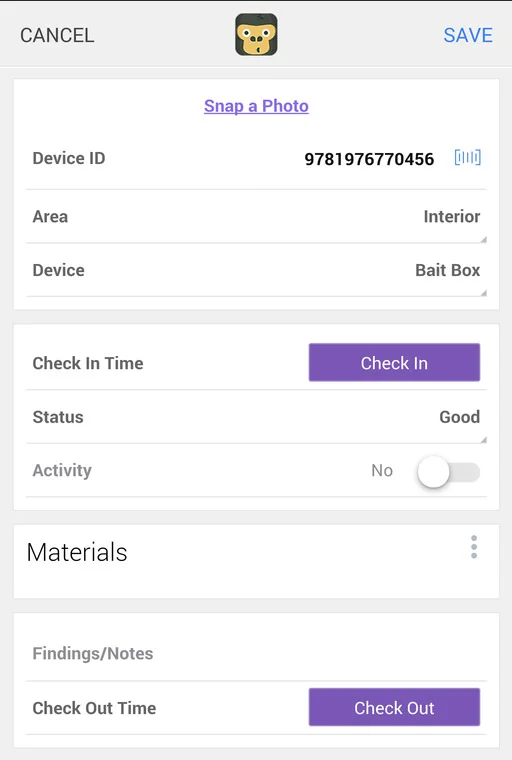
GorillaDesk is named aptly, as the provider is a strong HVAC service software provider. Like ServSuite Pro, it scored highly across virtually all categories, most notably scoring perfect 5/5 in invoicing, scheduling, and dispatching features, as well as customer support. Even the mobile app is respectable, scoring a solid 4/5 in our research.
In fact, the only reason that GorillaDesk is way down here at number three is because it lacks some of the more important customer booking features, like real-time booking and Book via Google. Still, with comprehensive, affordable pricing, we’d definitely be remiss if we didn’t recommend GorillaDesk for businesses with only a few routes.
GorillaDesk pricing
Breaking with tradition so far, GorillaDesk only offers two different pricing plans, appropriately named Basic and Pro. The Basic plan starts at $49 per month and the Pro plan starts at $99 per month.
Those are two of the lowest prices we’ve seen so far, but GorillaDesk pricing starts so low and increases for each route you want to add. Subsequently, if you need a software for multiple routes, it’s going to cost you extra per month.
GorillaDesk

In Short
-
Pros
- Very ease to use interface
- Plenty of learning modules available
- Responsive customer support team
-
Cons
- Limited customizability
- Outdated interface
- Fewer notifications in app compared to desktop
Pricing
-
Basic: $49/month
-
Pro: $99/month
-
14-day free trial
-
Available on web
-
Available on Play Store
-
Available on App Store
Images
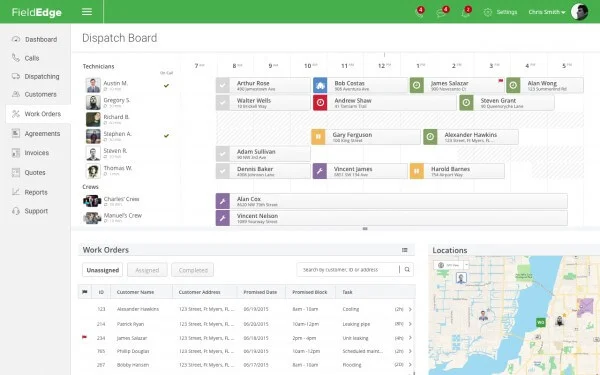
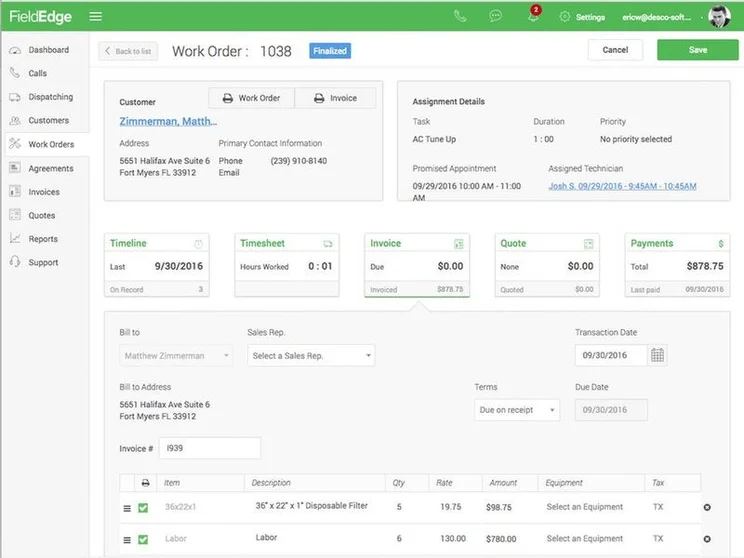
FieldEdge Software – Good invoicing features
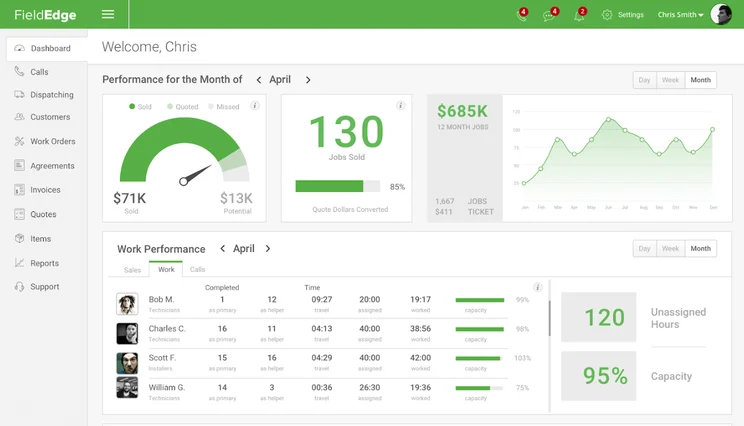
The further down the list we go, the more issues arise with the service software and FieldEdge is a good example. While it scored perfectly for invoicing, scheduling, and dispatching features, it scored low for its online customer booking features, netting 3/5 in our research.
The mobile app is a real problem, though. With some exceptionally low ratings on the App Store and the Play Store, users complain that the connectivity issues are too much sometimes. Overall, though, this shouldn’t deter you too much from trying FieldEdge, as long as a comprehensive mobile app is not on your must-have list.
FieldEdge pricing
Sometimes a little mystery can be a good thing, at least that will have to be the case for FieldEdge pricing, as the HVAC service provider does not offer publicly available pricing options for its plans. You’ll have to reach out to the company to get a customized quote from them, based on the size and operation of your business.
FieldEdge

In Short
-
Pros
- Easy to use
- Comparatively very affordable
- Integrates with Quickbooks
-
Cons
- No GPS or route optimization features
- Runs a bit slow at times
- Complicated reporting tools
Pricing
-
Must get a quote
-
Lower prices than average
-
Free demo available
-
Available on web
-
Available on Play Store
-
Available on App Store
Images
WorkWave – Good for customer service features
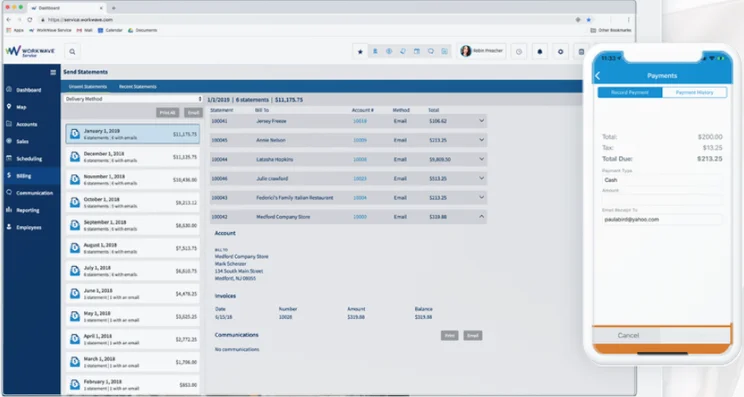
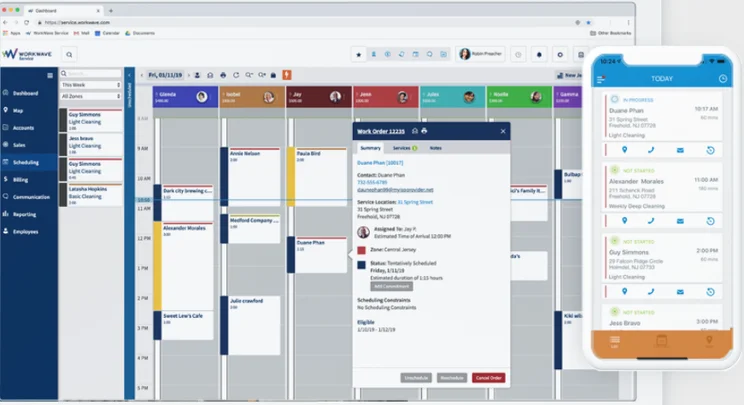
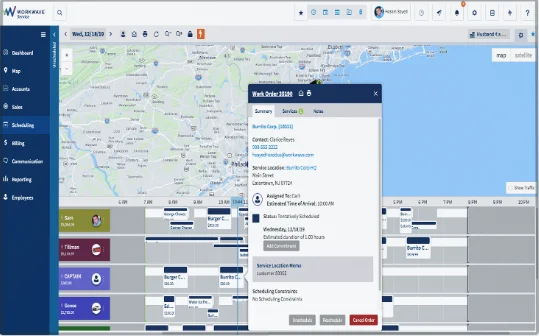
The goal is for your HVAC service software to make waves, and WorkWave can absolutely help with that. Our research found that it, like others on the list, it offers great invoicing, scheduling, and dispatching features, scoring a 5/5 in our research. Customer support is also robust with a 4/5, thanks to availability via phone, live chat, and email, as well as a bounty of tutorial videos on everything you can imagine.
Why is WorkWave so far down the list then? The biggest hit to WorkWave is the online customer booking features, which scored lower than any other option on the list at 2/5 in our research. This is thanks to a lack of general functionality, like the ability to upload images (which virtually all other providers can do), book in real time, or book via Google.
WorkWave pricing
Unfortunately, you can’t always know everything, which is the case with WorkWave pricing. The company does not provide publicly available pricing, so you’ll have to contact their sales department to get a tailored quote for your business.
There’s also no free trial with WorkWave, but you can get a free demo to see how the platform actually works before you buy.
WorkWave

In Short
-
Pros
- Includes marketing features aimed at new clients
- Robust mobile options for working on the go
- Easy to use design even for beginners
-
Cons
- No inventory management
- Annual contract is a must
- Poor payment processing features
Pricing
-
Must get quote
-
Three custom plans
-
Free demo available
-
Available on web
-
Available on Play Store
-
Available on App Store
Images
Jobber – Good for automation features
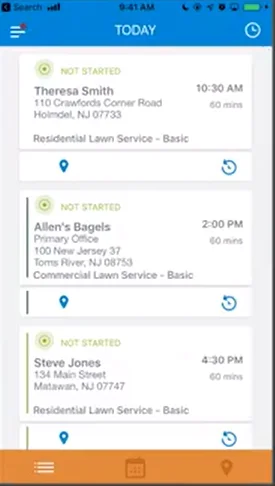
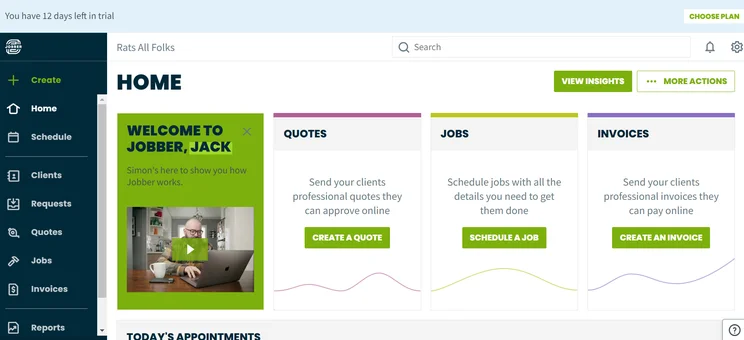
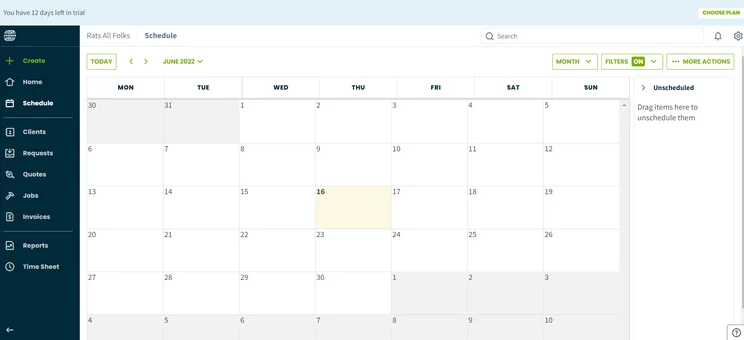
Jobber is another all-around solid choice for HVAC service software, not scoring particularly low in any category, but not excelling too much at any either. It racked up respectable scores for its invoicing features at 4/5, as well as its easy-to-use mobile app, also with 4/5. It lagged a bit on online customer booking features but makes up for it with great scheduling and dispatching options.
The customer support isn’t super either, netting a score of only 3/5 in our research. This stems from the lack of email channels available for users, which is quite uncommon for other providers like Housecall Pro, as well as the fact that their live chat is only available in their help center. Overall, though, Jobber is a comprehensive option that will do just fine for the average business.
Jobber pricing
Jobber is one of the more affordable options on the list, offering four different pricing plans — Lite, Core, Connect, and Grow — that undercut many other providers above.
The Lite plan costs only $19 per month, the Core plan costs only $49 per month, the Connect plan costs $129 per month, and the Grow plan costs $249 per month. Jobber also offers a 14-day free trial, which many on this list do not.
Jobber

In Short
-
Pros
- Great for automation, saves lots of time
- Easy to use for everyone
- Comprehensive mobile app
-
Cons
- QuickBooks integrations a bit messy
- No in-field communication capabilities
- Limited backup options
Pricing
-
Core: $49/month
-
Connect: $129/month
-
Grow: $249/month
-
Available on web
-
Available on Play Store
-
Available on App Store
Images
Do I Need Dedicated HVAC Software?
There’s a notable lack of HVAC industry-specific service software on this list, but that doesn’t mean we didn’t research them. However, while it may seem logical that a software exclusively aimed at HVAC specific companies could provide a better platform, we found in our research that the broader field service software providers are your best bet.
For one, they typically offer more features, allowing you wider functionality for scheduling, dispatching, and invoicing your clients. On top of that, customer support is generally more available and through more channels, so you can troubleshoot problems a lot faster.
Overall, we’d recommend going for non-industry-specific service software, but we do have some options in our lawn care, pool, cleaning, plumbing, and pest control guides, so feel free to check those out as well.
It’s also worth noting that the core purpose of field service management software is to schedule and dispatch your field technicians. While many providers offer additional features like accounting and invoicing, there are dedicated platforms for those purposes that are better suited for the task, like Zoho Invoice and QuickBooks.
All that to say, it’s important to understand exactly what you need from your business software before you commit, whether it by HVAC-dedicated software, general field service software, or accounting software.
There’s nothing more daunting than switching business software when your current provider isn’t cutting it. Fortunately, when it comes to HVAC software, the switch doesn’t have to be a brutal task that you put off for weeks. If you do it right, you should be able to make the switch without too much hardship.
The most important thing to remember when switching HVAC software providers is to export your data before cancelling your subscription. This will ensure that you don’t lose all your data when swapping providers, as most platforms make importing existing data as easy as a few clicks. After that, feel free to cancel your subscription to your old provider and get your new platform up and running for your business.
How We Research HVAC Service Software
As you can probably tell, there’s a lot that goes into comparing HVAC service software. In earnest, we wouldn’t be able to do it justice if we didn’t have a research team that could match up everything from features to customer support with rigorous testing. To see what that looks like, take a look at the metrics we use below to evaluate the 18 different field service software providers:
- Online customer booking – Whether a service offers features like real-time booking, Book via Google, or customer rating tools
- Schedule and dispatch – Whether a service offers features like recurring jobs, GPS tracking, and customer notifications
- Invoicing – Whether a service offers features like automated or batch invoicing, as well as invoice reminders, tracking, and templates
- Mobile app – How well the mobile app is rated and whether it offers full website functionality
- Customer support – How available the support team is and through which channels you can reach them
If you’re interested in learning more about how we investigate, rate, and rank HVAC service software, take a look at our research guide to get a clearer picture of our methodology.
Our research shows that Housecall Pro is the best HVAC service software thanks to plenty of features, excellent customer support, and a comprehensive mobile app.
However, as you can see, HVAC software comes in all shapes and sizes, and deciding which one is right for you doesn’t have to be an arduous chore. Whether you’re a small business just starting out or a huge company looking to organize their work processes, this software can get the job done.
Frequently Asked Questions
Yes, HVAC software is suitable for small businesses, but you need to make sure you end up with the right provider. Some, like Verizon Connect, are more aimed at enterprise-level organizations, whereas others, like mHelpDesk, offer a more small business focused interface, to make life a bit easier.
There aren’t many free HVAC software options that last forever. However, many of the providers listed above offer free demos, and some even have free trials that let you do a few orders free of charge. Still, you’ll eventually have to pay, but these services are more than worth the money.
The cost of HVAC service software most heavily relies on which provider you sign up with, but there are some basics that hold true across most of them. Typically, users are charged on a monthly basis, and you can expect to pay between $40 per month and $150 per month, depending on the size of your company.
We consider HouseCall Pro to be the best field service software available today, thanks to its vast array of features, great analytical tools, and impressive ease of use. The software is not exclusive to HVAC businesses— plumbing, lawn care, pest control, cleaning services and many other kinds of business can also benefit.
Quickbooks is not an HVAC software. Rather, it is an accounting software that, depending on which provider you sign up with, can integrate with HVAC software in order to making your financial tracking system a bit more comprehensive.
If you click on, sign up to a service through, or make a purchase through the links on our site, or use our quotes tool to receive custom pricing for your business needs, we may earn a referral fee from the supplier(s) of the technology you’re interested in. This helps Tech.co to provide free information and reviews, and carries no additional cost to you. Most importantly, it doesn’t affect our editorial impartiality. Ratings and rankings on Tech.co cannot be bought. Our reviews are based on objective research analysis. Rare exceptions to this will be marked clearly as a ‘sponsored’ table column, or explained by a full advertising disclosure on the page, in place of this one. Click to return to top of page


