
We may receive a commission from our partners if you click on a link to review or purchase a product or service. Click to Learn More
Sendinblue’s paid plans start at $25 per month for the Lite plan, capped at 10,000 emails per month, and $65 per month for the more feature-rich Premium plan, capped at 20,000 emails per month. If you’re considering investing in email marketing tools, it’s worth exploring a guide to email marketing costs to understand the broader pricing landscape before committing.
Both plans offer a series of higher-priced tiers for a larger monthly email volume, topping out at $99 per month for 100,000 emails in the Lite plan, and a whopping $599 per month for one million emails in the Premium plan.
On top of all that, Sendinblue offers a limited free plan at no cost and an expanded Enterprise plan for a custom quote.
Confused? We get that. Here’s our full breakdown of the four plans: What features are included, what add-ons you might have to pay extra for, and if it’s all worth it.On this page:
|
Price
|
Users
How many individuals can access your account
|
Posts
How many emails can be sent within a month
|
Support
What support options exist
|
||
|---|---|---|---|---|---|

|
BEST VALUE
|
|
|
||
|
Free |
Lite |
Premium |
Enterprise |
||
|
Free |
Starts at $25 per month |
Starts at $65 per month |
Custom quote |
||
|
1 |
1 |
3 |
Unlimited |
||
|
Up to 300 emails per day |
10K-100K emails, no daily limit |
20K-1M emails, no daily limit |
Custom |
||
|
|
|
Email, phone, and chat |
Email, phone, and chat |
Sendinblue Pricing Plans
The two plans that are most commonly used are Lite and Premium, and they’re the ones with a complicated pricing tier system. Here’s the quickest explanation of all four plans — click each plan name to jump to a detailed discussion of what features and abilities it offers.
The above prices for Lite and Premium are the prices when billed monthly. Pay for an entire year at once, and Sendinblue will knock about ten percent off of the price.
In addition, both Lite and Premium come with optional paid add-ons: For $12 per month, Lite will give users more advanced email tracking features, while Premium users have the option to add users ($12 per user per month, capped at 10) and landing pages ($24 per five landing pages per month).

Sendinblue Free Plan
Features:
- Email Campaigns
- Mobile-friendly email designer
- Email template library
- SMS marketing
- Unlimited contacts and details
- Advanced segmentation
- Customizable signup forms
- Sales CRM
- Core API features
- Advanced templating language
- Workflow editor
- Page tracking
- Real-time reporting
- Support: Email
- Inboxes: 1
The Free plan costs just as much as you’d think – nothing – and it includes an impressive amount of features and support, along with unlimited contacts.
The catch? You’ll be capped at 300 emails per day, which means that once your mailing list passes 300, you won’t be able to send even one message to all of them. This sending limit is an intentionally restrictive move, designed to give users a taste of what’s available without giving them something so useful they won’t consider a paid plan.
Those features include everything you need to run email campaigns with segmentation, tracking, and real-time reporting abilities. You’ll get basic API integrations, including RSS, Google Contacts, and Typeform, among others.
Marketing automation workflows are available for up to 2,000 contacts. Support is available only through email, and you’ll get one inbox to handle everything, which means the plan supports just one user.
Sendinblue Free is a great solution for anyone with fewer than 300 addresses on their mailing list, but for everyone else, it’s more of an appetizer than a meal.
Sendinblue Lite Plan
Features:
- Everything in the Free plan
- No daily sending limit
- A/B testing (with add-on)
- Sendinblue logo removal (with add-on)
- Advanced campaign reporting tools (with add-on)
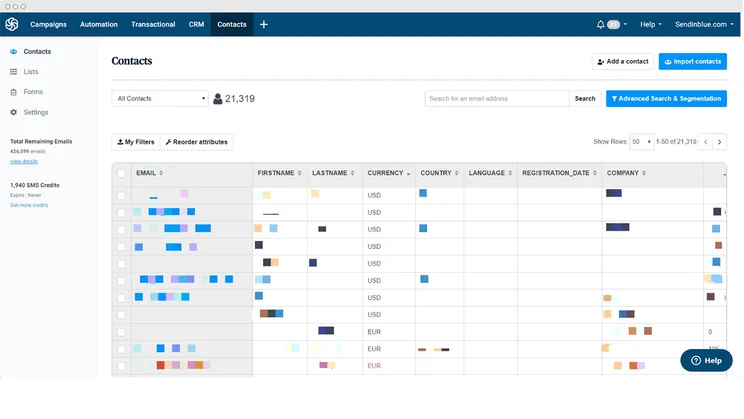
The Lite plan is $25 per month for a cap of 10,000 emails total. The per-month price rises if you’re sending more emails, with four additional tiers: $39 for 20,000; $54 for 40,000; $69 for 60,000; and $99 for 100,000 emails. Those numbers are billed monthly: You’ll save a few bucks more per month when paying annually, bringing the yearly 10,000-email starting price down to $22.50/month.
Plus, there’s an extra add-on, available across all tiers of the Lite plan: Advanced E-mail features is another $12 per month, and gives you the ability to remove the Sendinblue logo from your emails, the ability to A/B test email subject lines and content, and advanced campaign reporting tools including a heat map, geography, device, and in-depth open and click statistics.
You’ll get an impressive amount of email campaign and reporting features, but they’re all the same ones you already heard about in the Free plan — the Lite plan doesn’t add anything the list. As in the Free plan, you’ll get support only through email, and one user is supported, due to the single inbox you’ll get.
It’s best as the affordable option for those who tried to the Free plan and liked what they found. Small business owners will likely stay under the 100,000 email cap fairly easily, and the functionality and support is well-priced.
Sendinblue Premium Plan
Features:
- Everything in Lite
- Send time optimization
- Landing page builder
- Facebook ads
- Geography & device reporting
- Heat map reporting
- Advanced open & click stats
- Support: Email, phone and chat
- Inboxes: 3
- Landing pages: 5
The Premium plan starts at $65 per month for a cap of 20,000 emails across the month. Once again, that per-month price rises along with the email cap, with more tiers than ever: $79 for 40,000; $94 for 60,000; $124 for 100,000; $169 for 150,000; $229 for 250,000; $289 for 350,000; $379 for 500,000; $499 for 750,000; and $599 for one million emails. That’s all billed monthly, so if you pay an annual bill, the prices will drop a little further.
Without add-ons, the base Premium plan offers three inboxes, so three users are supported, up from just one. You’ll also start with five landing pages, up from no landing page builder at all.
As for add-ons, the plan bundles in all the features that the Lite plan makes you pay extra for — A/B testing, logo removal, advanced reporting tools — but it adds two new paid add-on opportunities: Each additional user costs $12 per user per month (capped at 10), and more landing pages will cost $24 per five landing pages per month.
On top of all that, the Premium plan includes more features: You’ll be able to optimize send time for each email to boost open rates, create and launch Facebook ads without leaving the Sendinblue interface, and get even more granular reporting tools, like geolocation and device stats on every opened email.
For the first time, you’ll also get phone and chat as support options in addition to email, and the 2,000 contact cap on marketing automation workflows will be dropped.
It’s a supercharged email marketing service that’s best for large or growing companies. You’ll need to be operating at a large enough scale to benefit from tiny tweaks that will squeeze the most value out of your campaigns.
Sendinblue Enterprise Plan
Features:
- Everything in Premium
- Dedicated IP
- Dedicated account manager
- SSO & SAML
- 99.9% uptime guarantee
- Support: Email, phone and chat
- Inboxes: Unlimited
- Landing pages: Unlimited
The Enterprise plan’s pricing is custom, so you’ll have to contact Sendinblue directly for a personalized quote. The quote can vary depending how many users you’ll need or other factors. There’s no limit to the number of landing pages and inboxes you can get.
You won’t get a huge amount of features, but you will get the two types of functionality most important to an enterprise organization: The infrastructure to support a large number of users, and the security measures to keep your data even more safe. A dedicated IP, an account manager, SSO, and a 99.9% uptime Service Level Agreement (SLA) all help with those goals.
Which Plan Should I Choose?
Putting aside the bespoke plan, as that’s too variable for us to confidently talk about, we think the best plan for the biggest amount of people is the Lite plan.
While the Free plan’s freeness is enticing, especially with the generous limits and features, the daily send limit can be a bit of a pain. The Lite plan’s removal of that limit is a great benefit, not to mention the additional A/B sending, and removal of a Sendinblue watermark.
How Does Sendinblue Pricing Compare With Other Email Marketing Tools?
Sendinblue really is our top pick overall for email marketing, due to features, support, and fair pricing. But your exact needs might vary, and there are plenty of fine digital marketing services available that can easily be the best fit for you.
Here’s a quick look at the services that rose to the top during our research into the best email marketing solution. First, check out our comparison table, and then we’ll discuss a handful of the options most similar to Sendinblue.
|
Best for
|
Starting price
|
Maximum contacts
|
Maximum monthly emails
|
Maximum users
|
||||||
|---|---|---|---|---|---|---|---|---|---|---|
|
SPONSORED

|

|

|

|
|

|

|

|
|

|

|
|
HubSpot |
Sendinblue |
Zoho Campaigns |
Moosend |
Mailchimp |
MailerLite |
GetResponse |
||||
|
Not yet rated |
Ecommerce automation |
Scalability |
Customization |
All-in-one marketing solution |
Overall value for money |
Pure email marketing platform |
Ecommerce |
Analytical features |
Small businesses |
Value for basic email marketing features |
|
$15/month |
$59/month |
$25/month |
$3/month |
$9/month |
$13/month |
$9/month |
$19/month |
|||
|
10,000 – 75,000 |
100,000 |
1 million |
100,000 |
Unlimited |
250,000 |
200,000 |
100,000 |
600,000 |
50,000 |
100,000 |
|
150,000 |
Unlimited |
20 million |
Unlimited |
1 million |
Unlimited |
Unlimited |
1.2 million |
7.2 million |
Unlimited |
Unlimited |
|
Unlimited |
Unlimited |
10 |
Unlimited |
10 |
5 (can be increased by contacting customer service) |
Unlimited |
5 |
Unlimited |
10 |
5 (can be increased to 10 on a bespoke plan) |
| Try Salesforce | Try Omnisend | Try Hubspot | Try Campaigner | Try Sendinblue | Try Zoho | Try Moosend | Try Mailchimp | Try Mailerlite | Visit Site | Try GetResponse |
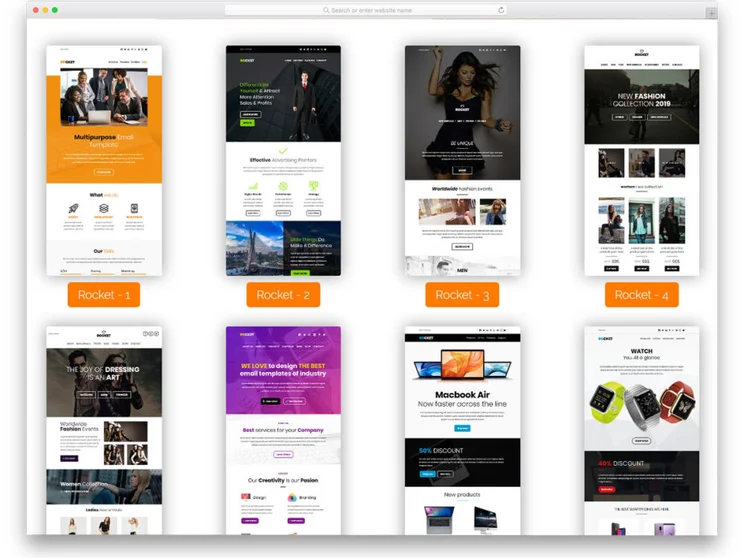
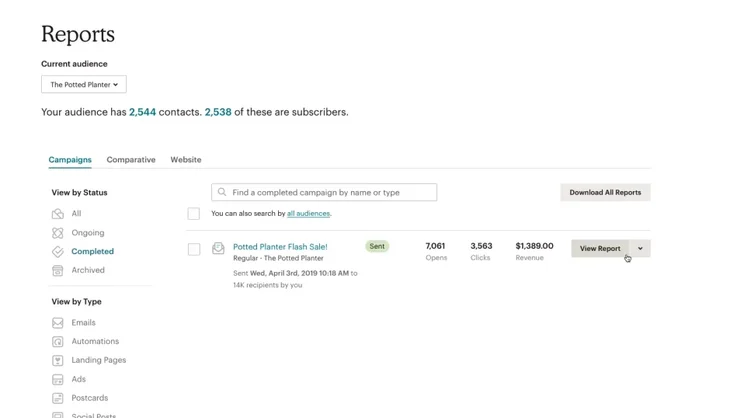
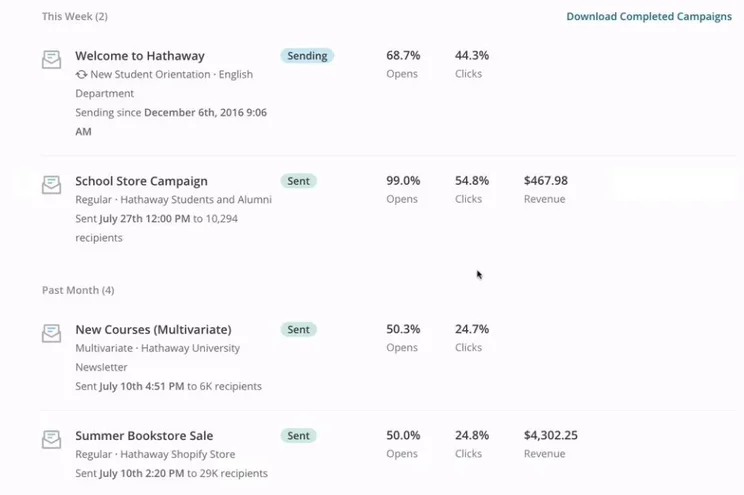
Mailchimp – From $9.99/month
Mailchimp is the email service to consider if your business has a large ecommerce component. If you’re selling products through an internet store, you’ll want your email marketing features to include scheduling on Twitter, Facebook, and Instagram (Sendinblue just supports Facebook), as well as a dedicated section for transactional emails, which are sent to just one user rather than a larger group — like welcome email or receipts sent after a purchase. Mailchimp supports all of those abilities.
Compared to Sendinblue, Mailchimp’s CRM functionality isn’t amazing and there’s no A/B testing to speak of, but if you’re all-in on ecommerce, it’s a great choice.
Mailchimp

In Short
-
Pros
- Great integration with ecommerce apps
- Quite cheap compared to competitors
- Great analytics, social media, and transactional emails
-
Cons
- No A/B testing available on free plan
- Low CRM functionality
- Limited reporting and analytics tools
Pricing
- Free plan available
- Essentials: $13/month for 500 contacts
- Standard: $20/month for 500 contacts
Images
Constant Contact – From $20/month
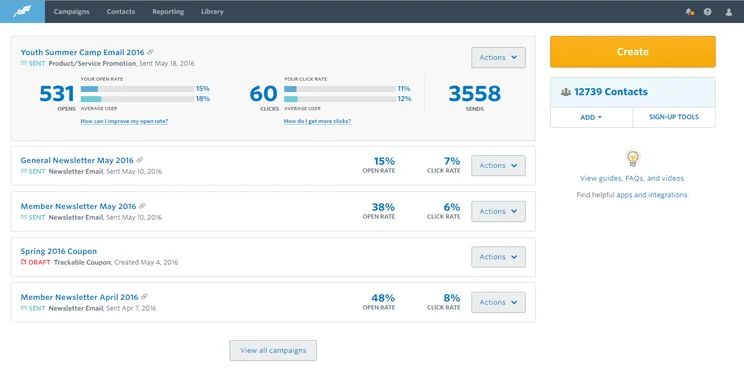
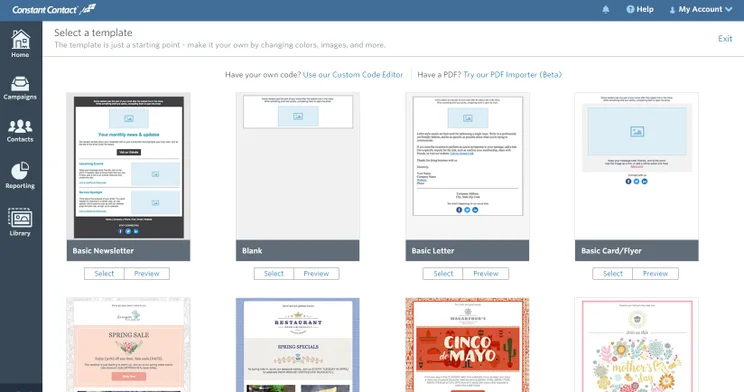
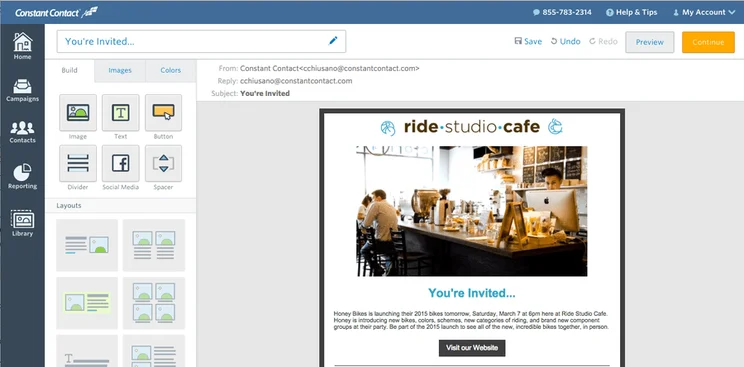
Small businesses in particular will see a lot to like in Constant Contact. While Sendinblue only has Facebook posts, Constant Contact has Facebook, Instagram, Twitter, and LinkedIn, and it tracks impressions, reach, and engagement across all posts, to boot. The two services are well-matched for analytics, both offering campaign analysis tools, platform tracking, engagement segmentation, and an email click map, but Constant Contact has more list growth tools. Don’t look to it for comprehensive automation, though, as it’s pretty limited in that category.
Constant Contact

In Short
-
Pros
– Email marketing features
– Provides ad functionality
– Low cost offering
– Good range of analytical features -
Cons
– Low number of social profiles
– Limited organizational/team features
– No listening features
Images
Zoho – From $3/month
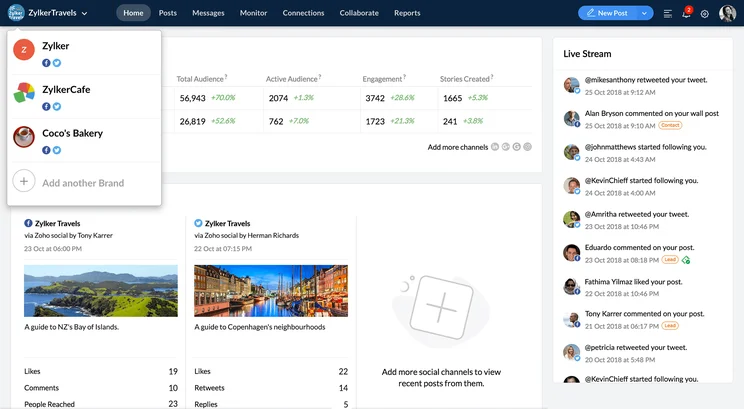
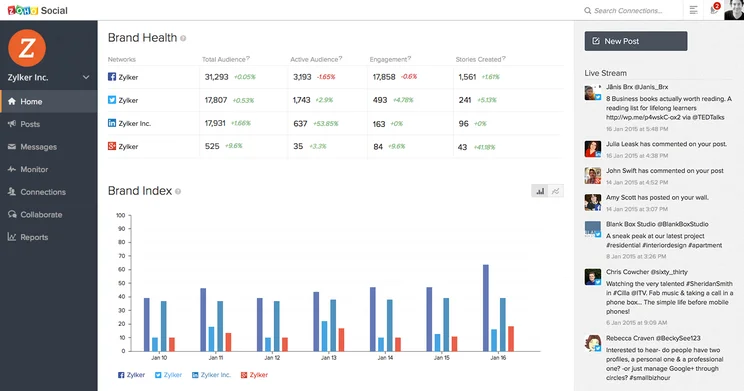
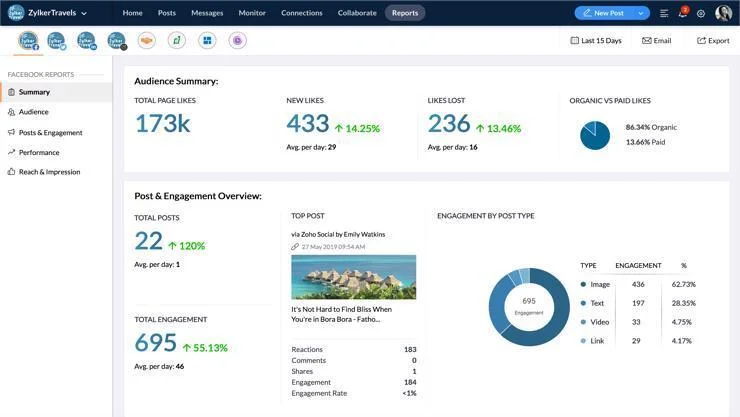
As you can tell from the price, Zoho stands out for how inexpensive the service is. It uses two forms of pricing, an email-based plan starting at just $3 per month and a subscriber-based plan starting at $5 a month. Analytics are strong (and include the useful A/B testing perk), while social media and CRM is lacking, partially because Zoho suite of products has an entire additional service dedicated to CRM. Still, Zoho is an attractive pick for any business that wants a stripped-down service to handle email marketing well without breaking the bank.
Zoho Social

In Short
-
Pros
– Affordable for wide functionality
– Offers a free plan
– Extensive organizational/team features -
Cons
– Not great for larger businesses
– No phone or live chat customer support
– No image editor or content library
Images
ActiveCampaign – From $15/month
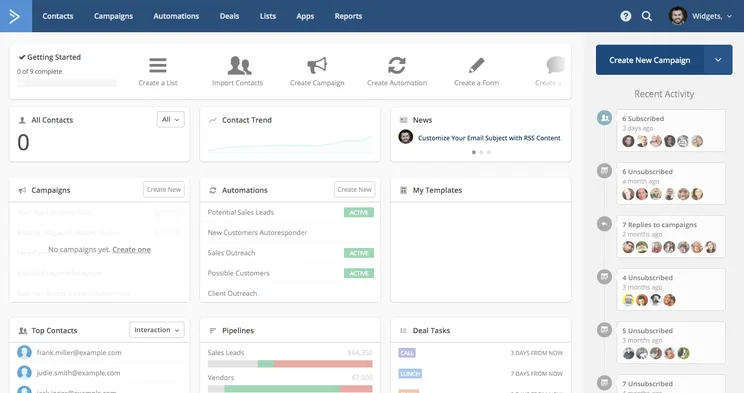
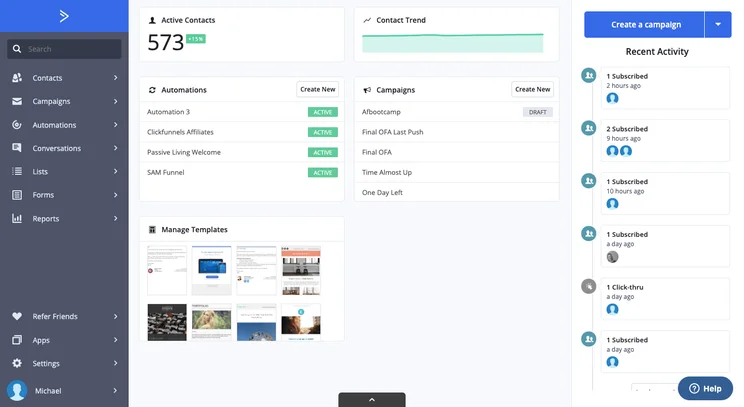
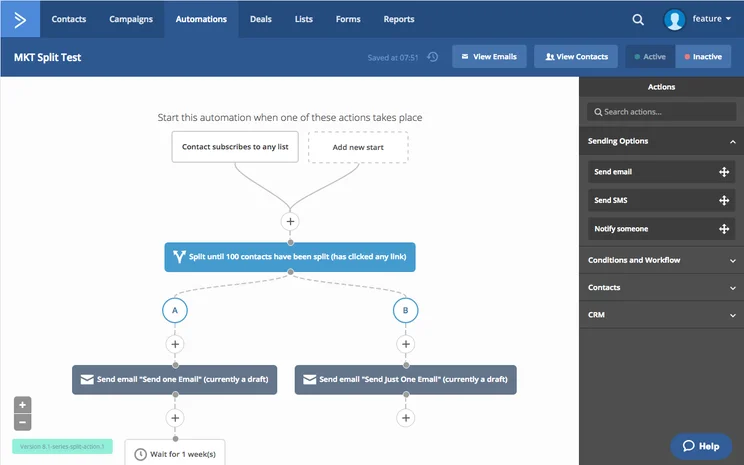
If you’re swamped with work and need a service that streamlines email marketing down to a manageable and painless series of quick tasks, look no further than ActiveCampaign and its in-depth automation tools. Customizable workflows can be built off of a series of intial workflow templates, with both behavior and date based automation is available, as are user segmentation and A/B testing. Granted, Sendinblue offers all these abilities as well. ActiveCampaign’s pricing rises a little faster than Sendinblues, and it doesn’t offer unlimited contacts, so if you have a small base of contacts, it might just offer a better deal.
ActiveCampaign

In Short
-
Pros
- Unlimited email volume in cheapest plan
- Lots of help and support options
- Great value for the money
-
Cons
- Watermarks in cheapest plan
- Limited advanced features
Images
HubSpot – From $50/month
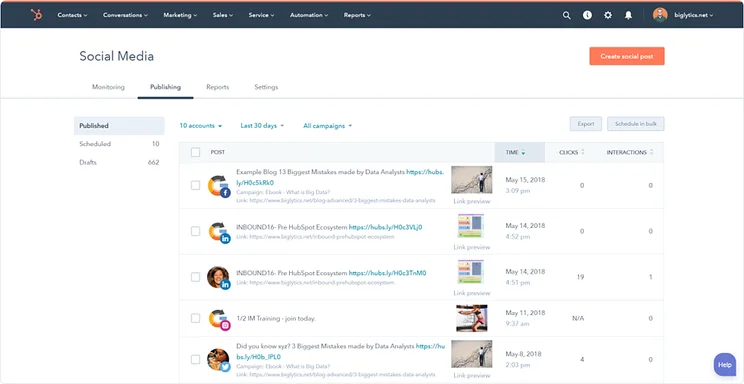
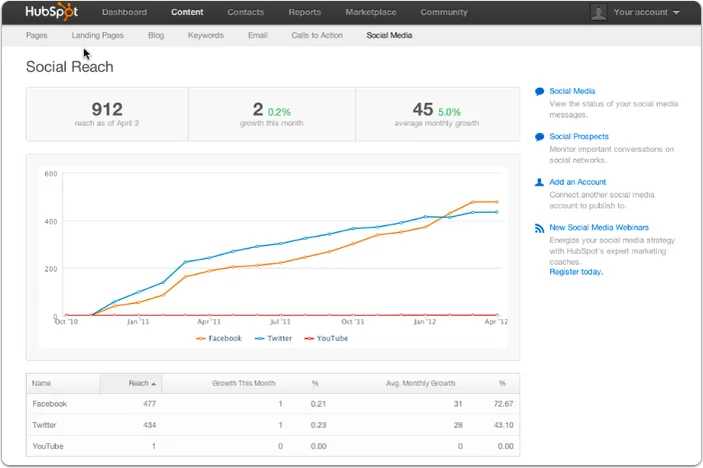
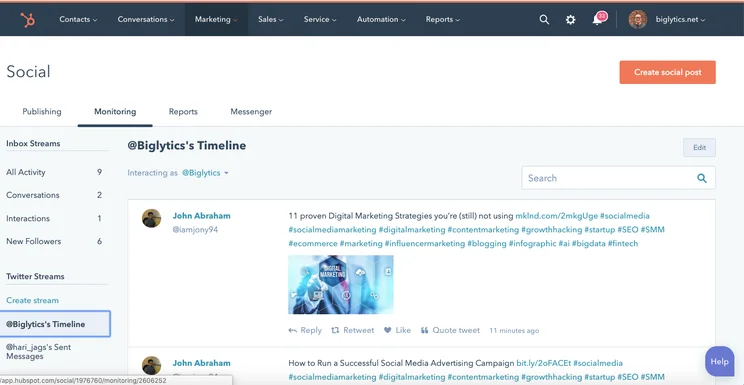
HubSpot maximalist offering is the opposite of Zoho’s minimal approach. Why bother with Sendinblue’s 60 or so email templates when HubSpot’s Asset Marketplace has over 1,000? HubSpot offers all the analytics and email functionality, plus it starts with a minimum of two users, compared to Sendinblue Lite’s single user. That said, Sendinblue does best HubSpot at CRM, offering the same core tools, plus task automation and lead scoring, which HubSpot lacks. On the whole, though HubSpot offers a robust, feature-packed email marketing service that’s squarely aimed at large businesses — and has the price tag to prove it.
HubSpot

In Short
-
Pros
– Extensive marketing features (not just social media)
– Great customer support options
– Publishing and listening features -
Cons
– Very expensive
– Engagement and analytics features not great for the price
– Posting limit of 10,000 posts per month
Images
Final Thoughts – Is Sendinblue good value?
Sendinblue is a great pick for most businesses’ email marketing needs. It offers a broad range of features, covering core areas including CRM, automation, and analytics. Pricing makes sense for what’s included in each plan: The Lite plan is great for small businesses, the Premium plan offers more granular tools for large ones, and the Enterprise plan is available for anyone who outgrows Premium.
Don’t take our word for it: Sendinblue’s permanently free plan gives businesses a chance to see it all in action before they pay a cent. Signing up just takes a minute.
Sendinblue Pricing FAQs
Yes, Sendinblue is a better email marketing service than MailChimp for a business that prioritizes email campaigns and the CRM tools to benefit from them. MailChimp has limited CRM functionality, and doesn’t include A/B testing support, unlike Sendinblue.
That said, MailChimp offers better social media integrations, supporting Facebook, Instagram and Twitter, compared to Sendinblue’s sole focus on Facebook. The best service for your business depends on your needs.
SendinBlue offers unlimited contacts on any tier, so you’ll never have to worry about having too many contacts. This is true even on the free plan.
Sendinblue’s paid plans start with the 10,000-email-a-month Lite plan, which costs $25 per month, billed monthly, and $22.50 per month billed annually. The amount of email you want to send impacts the price, though, so the Lite plan can cost between $25 and $99 per month, while the Premium plan can cost between $65 and $599 per month.
In addition, there’s a free plan at no cost, and an Enterprise one for a custom quote.
Yes, the Sendinblue Free plan is permanently free, and it offers an impressive range of features. But there’s a catch: It comes with a 300-email-per-day sending limit. Unless you have a very small mailing list, you’ll need to pay for the Lite or the Premium plan to get a useful email marketing service. But signing up for the Free plan can be a great way to get a taste of what features are available.
Yes, our research puts Sendinblue at the top of our list of email marketing services, ahead of big brands including HubSpot, MailChimp, and Zoho. It’s mostly due to Sendinblue’s range of features, which cover the essentials across email campaigns, CRM, automation, and analytics. Granted, it’s not perfect — the social media component just covers Facebook — so you should look at other top email marketing services as well. But Sendinblue is definitely a great service worth considering.
Sendinblue is the best email marketing service according to our research. We rank it slightly above Zoho and Moosend as the best service for functionality, pricing, and support.
Sendinblue offers a great range of functionality, beating out MailChimp in the important area of customer relationship management. But if you’re looking for an email marketing service that matches MailChimp’s social media post scheduling tools, try Constant Contact, which has every core social media feature MailChimp has, plus audience integration and support for LinkedIn posts. In the end, it all depends on what your biggest business needs are.
Nothing! If you happen to reach your monthly email cap, you simply won’t be able to send out any further emails until the new month arrives. You may be prompted to go up to a higher plan, but it won’t force you to.
If you click on, sign up to a service through, or make a purchase through the links on our site, or use our quotes tool to receive custom pricing for your business needs, we may earn a referral fee from the supplier(s) of the technology you’re interested in. This helps Tech.co to provide free information and reviews, and carries no additional cost to you. Most importantly, it doesn’t affect our editorial impartiality. Ratings and rankings on Tech.co cannot be bought. Our reviews are based on objective research analysis. Rare exceptions to this will be marked clearly as a ‘sponsored’ table column, or explained by a full advertising disclosure on the page, in place of this one. Click to return to top of page


