
We may receive a commission from our partners if you click on a link to review or purchase a product or service. Click to Learn More
Running a small business often means wearing many hats, and marketing can be one of the most challenging areas to tackle, especially with limited resources. SMEs often struggle to reach their customers effectively and worry about the cost of email marketing.
Thankfully, there are powerful, free email marketing platforms designed specifically for small businesses like yours. These tools can help you create professional-looking emails, manage your subscriber list, and track the performance of your campaigns — all without any upfront investment.
This article will guide you through the top options, helping you choose the right tool to connect with your audience, drive sales, and grow your business without spending a dime.
|
Starting price
|
Free plan
|
Monthly emails
|
User limit
|
Subscriber limit
|
||
|---|---|---|---|---|---|---|

|

|

|
|

|
||
|
HubSpot |
Zoho Campaigns |
Mailchimp |
MailerLite |
GetResponse |
||
|
$15/month |
$3/month |
$13/month |
$9/month |
$19/month |
||
|
|
|
|
|
|
||
|
2,000 |
12,000 |
2,500 |
12,000 |
2,500 |
||
|
2 |
5 |
1 |
1 |
1 |
||
|
None |
None |
2,000 |
5,000 |
None |
Key Takeaways
- Free email marketing services like HubSpot and Zoho Campaigns offer robust features for small businesses to engage customers and boost sales.
- While free plans have limitations, they provide an excellent starting point for small businesses to launch their email marketing efforts.
- Key factors to consider when choosing a service include user-friendliness, automation capabilities, and scalability.
- Other free options like MailChimp, MailerLite, and GetResponse each have their own unique strengths.
The 5 Best Free Email Marketing Services for Small Businesses
While several excellent email marketing tools exist that suit small businesses, not all have a free plan. Let’s look at the five top options that offer robust free plans, perfect for small businesses looking to optimize their email marketing without upfront costs.
1. HubSpot
Best for: Comprehensive customer relationship management
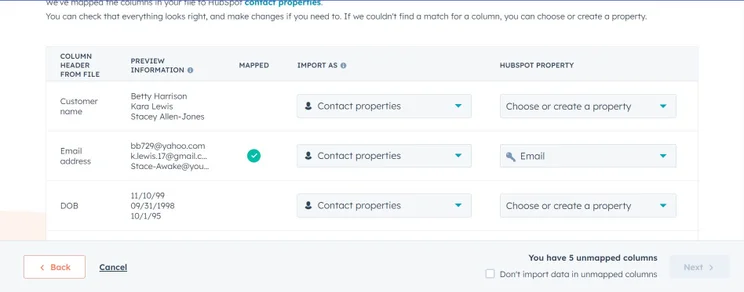
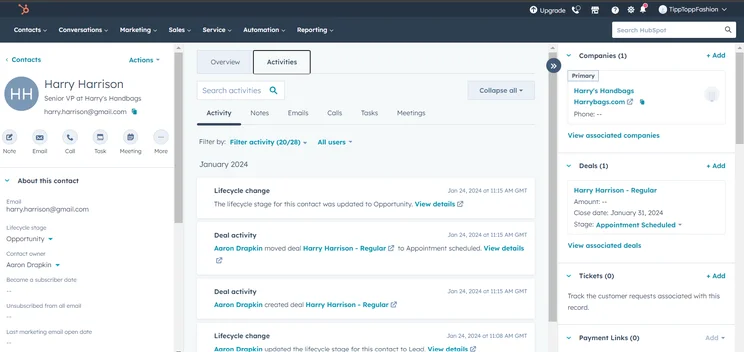
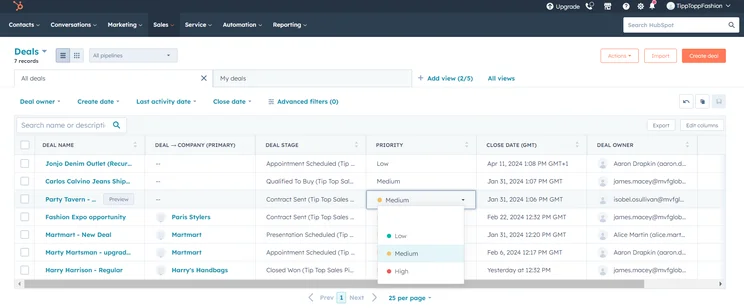
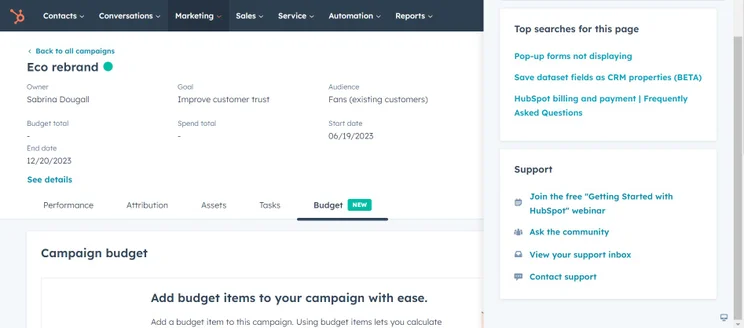
HubSpot’s free email marketing tool is excellent for small businesses. HubSpot offers more than just an email service — it’s a broader CRM platform that lets you manage contacts, segment your email list, and track engagement all in one place.
With HubSpot’s free plan, you can send up to 2,000 emails per month. The drag-and-drop editor makes it effortless to create professional-looking emails. Plus, you can set up basic automation. However, it’s worth noting that there’s now a two-person limit on HubSpot’s free plan — which was reduced from five in 2024.
To make up for it, HubSpot throws in a landing page builder with the free plan. This can be a real boost when trying to grow your email list. You can use this to create dedicated pages for email sign-ups, offering a lead magnet like an ebook or discount code to encourage subscriptions.
Hubspot Marketing Hub

In Short
-
Pros
- Highly scalable with four major marketing channels
- Vast functionality across all feature sets
- Provides product onboarding service
-
Cons
- Requires larger investment
- Limited organizational tools
- Almost no team infrastructure features
Pricing
- Free plan available
- Starter: $15/user/month
- Professional: $800/month
Images
2. Zoho Campaigns
Best for: International businesses with multilingual needs
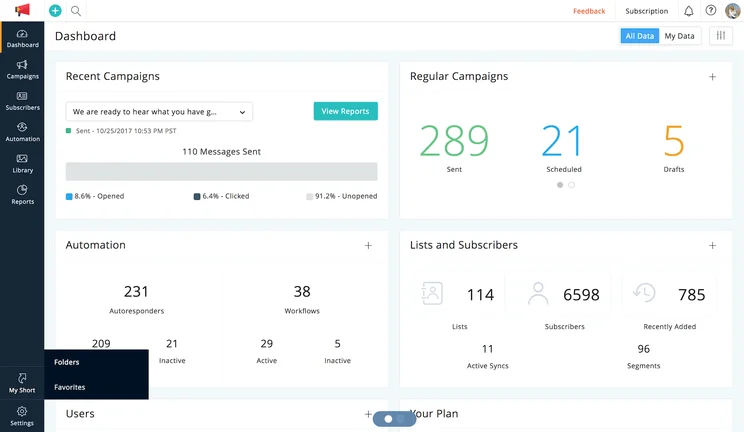
Zoho Campaigns is a user-friendly option that doesn’t skimp on features, even in its free version. You can send up to 12,000 emails to 2,000 contacts per month — pretty generous for a free plan. If you need to send even more, the Standard plan, which costs just $3 per month, allows for unlimited emails.
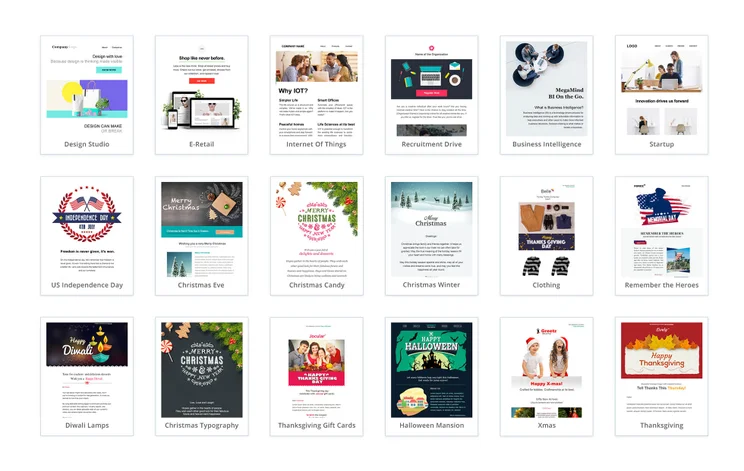
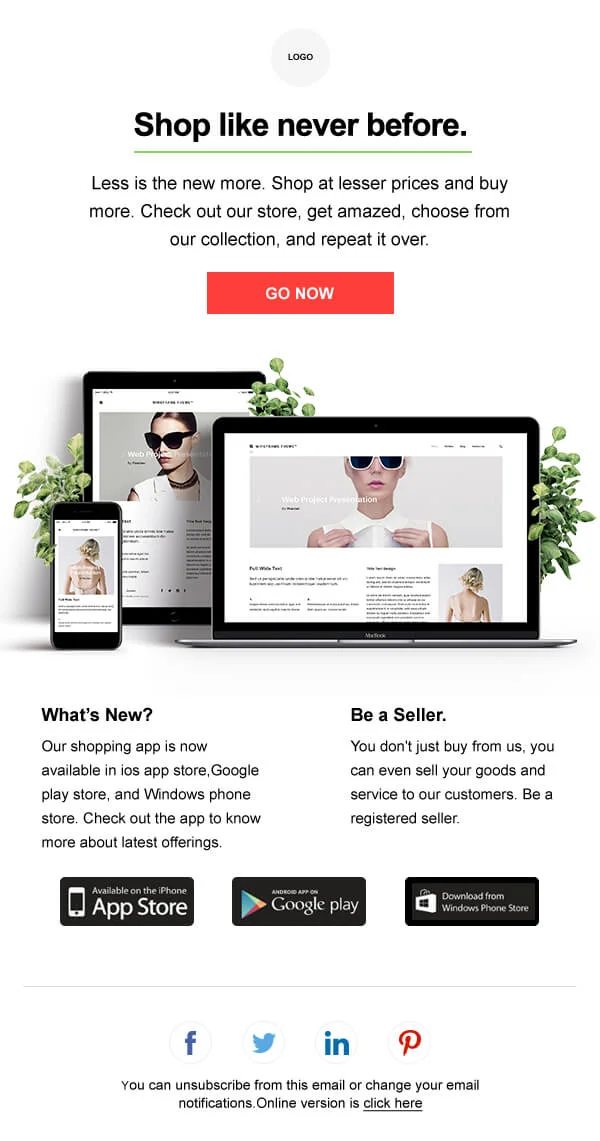
The platform offers a variety of customizable templates and an easy-to-use editor. You’re not just limited to sending one-off emails either. Zoho Campaigns includes basic automation features, so you can set up autoresponders and drip campaigns to nurture your leads.
If you’ve already purchased a plan from Zoho CRM or Zoho Projects, you’ll find the email marketing integration seamless. This can be a big plus if you’re looking to streamline your marketing and sales processes. For instance, you could automatically trigger an email campaign when a lead’s status changes in your CRM.
Zoho Campaigns

In Short
-
Pros
- Clear and varied pricing structure
- Great automation options
- Very comprehensive analytics
-
Cons
- No CRM functionality (sold separately)
- Could polish up their social media integration
Pricing
- Free plan available
- Standard: $3/month
- Professional: $4.50/month
Images
3. MailChimp
Best for: E-commerce integration and abandoned cart emails
MailChimp is one of the most popular email marketing software choices for small businesses, and its free plan packs a punch. You can send up to 2,500 emails per month to 1,000 contacts.
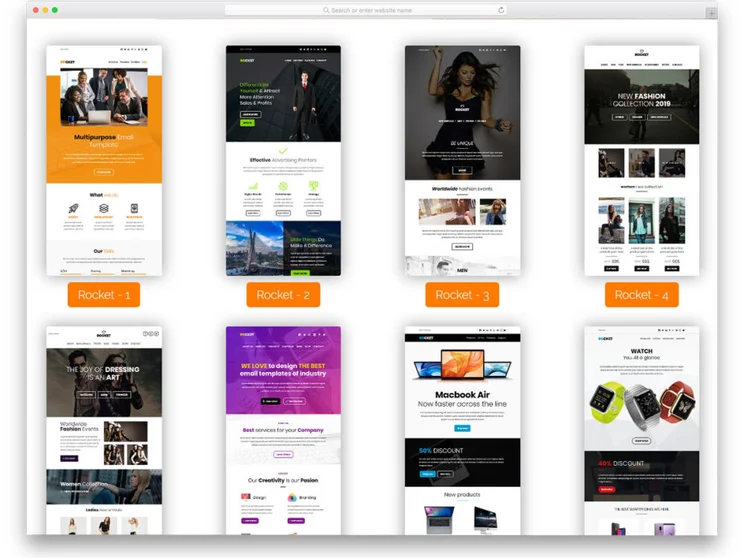
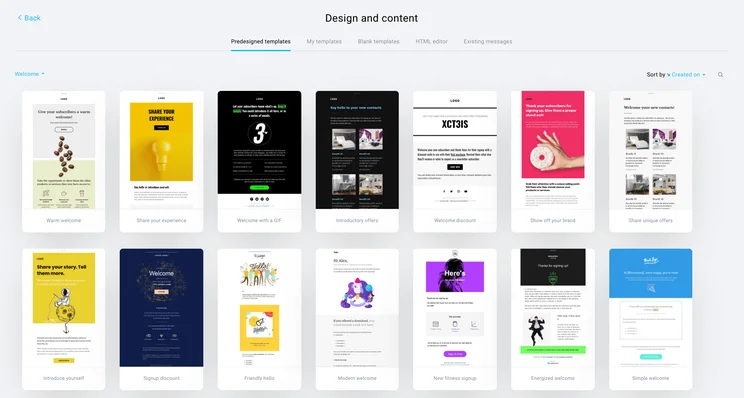
One of MailChimp’s strengths is its user-friendly interface and extensive template library. Even if you’re new to email marketing, you’ll find it easy to create eye-catching emails with its drag-and-drop editor.
It also offers basic segmentation and personalization options to help you target your messages more effectively. For instance, you could create different email content for customers who’ve made a purchase and those who haven’t.
Advanced features like A/B testing are only available on paid plans, but the free version gives you plenty to work with as you’re starting out.
Mailchimp

In Short
-
Pros
- Great integration with ecommerce apps
- Quite cheap compared to competitors
- Great analytics, social media, and transactional emails
-
Cons
- No A/B testing available on free plan
- Low CRM functionality
- Limited reporting and analytics tools
Pricing
- Free plan available
- Essentials: $13/month for 500 contacts
- Standard: $20/month for 500 contacts
Images
4. MailerLite
Best for: Frequent senders with a growing audience
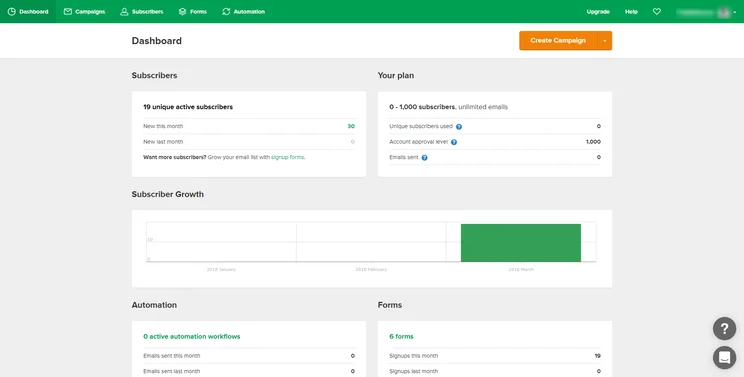
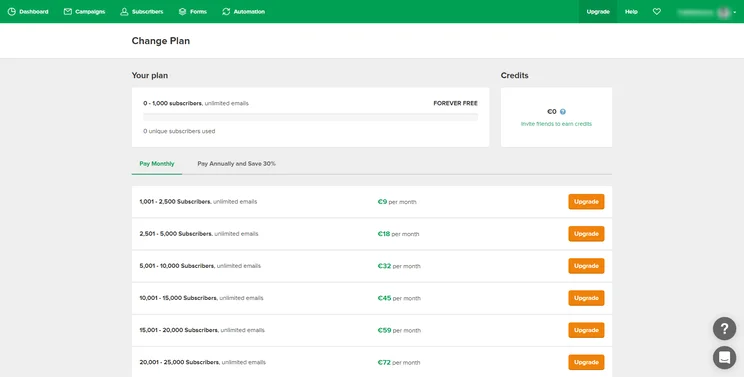
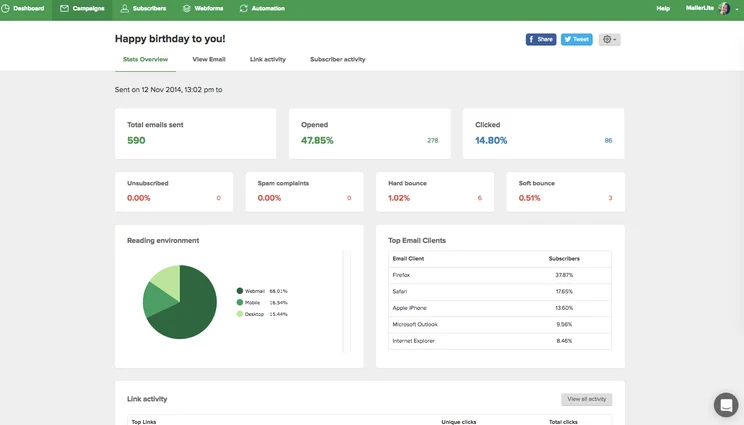
MailerLite offers a generous free plan that lets you send up to 12,000 emails per month to 1,000 subscribers. This makes it a great choice if you want to send frequent email campaigns to a growing audience.
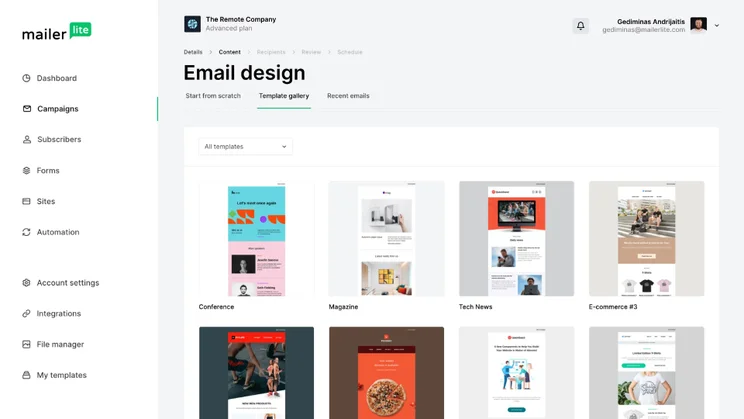
The platform impresses with its clean, intuitive interface and powerful features. You get access to a drag-and-drop editor, rich text editor, automated transactional emails, and even built-in photo editing tools.
A nice bonus of MailerLite’s free plan is the inclusion of a landing page builder and popup forms. You could use these tools to create a targeted landing page for a new product launch, complete with a popup form to capture the email addresses of interested customers.
MailerLite

In Short
-
Pros
- Good range of automation features
- 3 variable A/B testing
- Directly integrates with Facebook
-
Cons
- No A/B testing in automation workflow
- Limited CRM and Social integrations
Pricing
- Free plan available
- Growing Business: $9/month
- Advanced: $18/month
Images
5. GetResponse
Best for: Businesses interested in webinar marketing
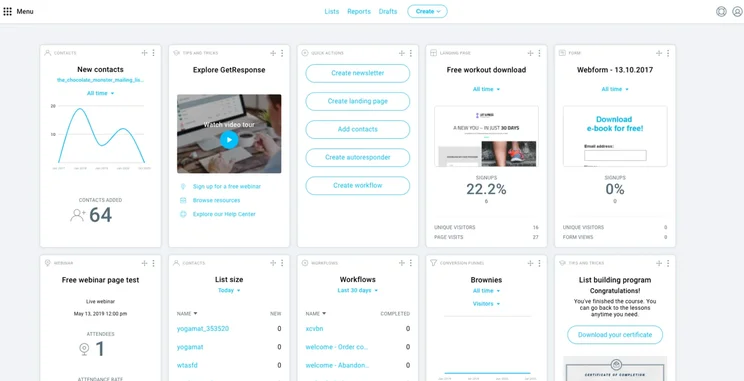
GetResponse rounds out our list with a free plan that offers some unique features. While the contact limit is lower than others (up to 500), it makes up for it in other ways.
It offers access to an intuitive email creator with a variety of templates, making it easy to design professional-looking emails. Basic automation features are also included so you can set up simple workflows to engage your audience.
On top of this, GetResponse throws in basic webinar functionality, making it a good choice if you’re looking to host virtual events. You could use the webinar feature to host a free online workshop, collecting email addresses from attendees to grow your list.
Some features, like abandoned cart emails, are only available on paid plans, but the free version gives you a solid set of tools to get started with.
GetResponse

In Short
-
Pros
- Very suited for small scale campaigns
- On the cheaper side
- Fantastic social media options
-
Cons
- No CRM
- Automation could use some work
Pricing
- Free plan available
- Email marketing: $13.30/month
- Marketing automation: $41.30/month
Images
What To Look for in an Email Marketing Service
When choosing a free email marketing service for your small business, several factors can make a big difference in your email marketing strategy. Here’s what we recommend looking at first:
- User interface: Look for platforms with intuitive drag-and-drop editors that make creating attractive emails simple, even if you’re not a design expert.
- Automation capabilities: The ability to set up automated welcome sequences or birthday emails can save you time and keep your audience engaged without constant manual effort. For example, you could set up a series of onboarding emails for new customers sent automatically over their first week with you.
- Scalability: While you might start small, you’ll want a service that can scale with your business. Look for providers that offer easy upgrades to paid plans with more features as your subscriber list grows.
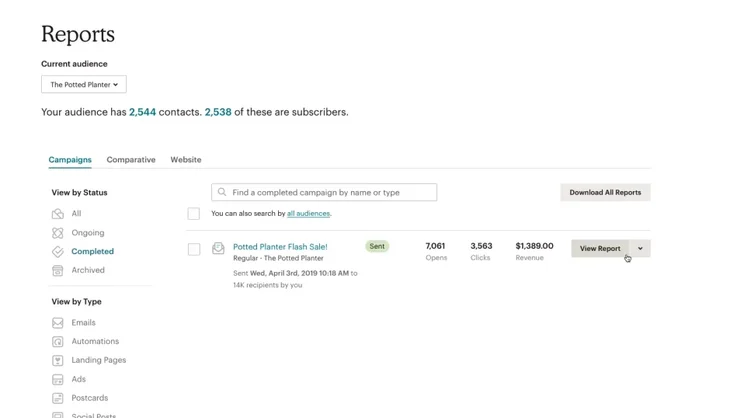
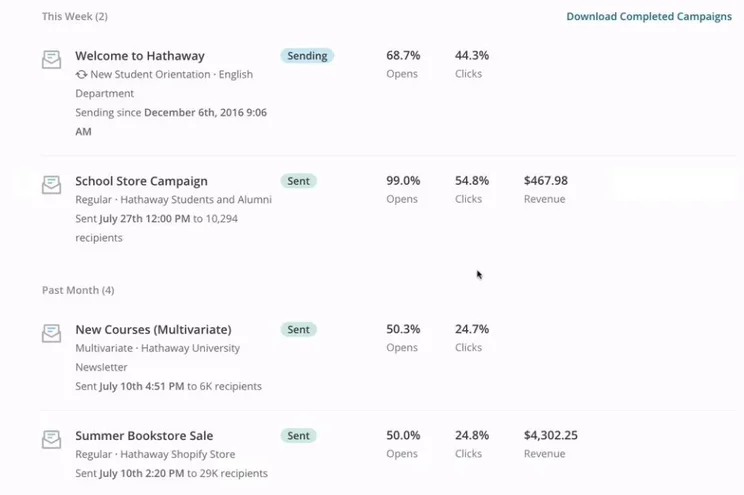
- Analytics and reporting: These tools help you understand what’s working in your campaigns so you can refine your approach over time. Look for metrics like open rates, click-through rates, and conversion tracking.
- Integrations: Look for services that integrate with other tools, like your customer relationship management (CRM) or e-commerce platform, to streamline your workflow. For instance, you could automatically add new customers to your email list or send targeted emails based on purchase history.
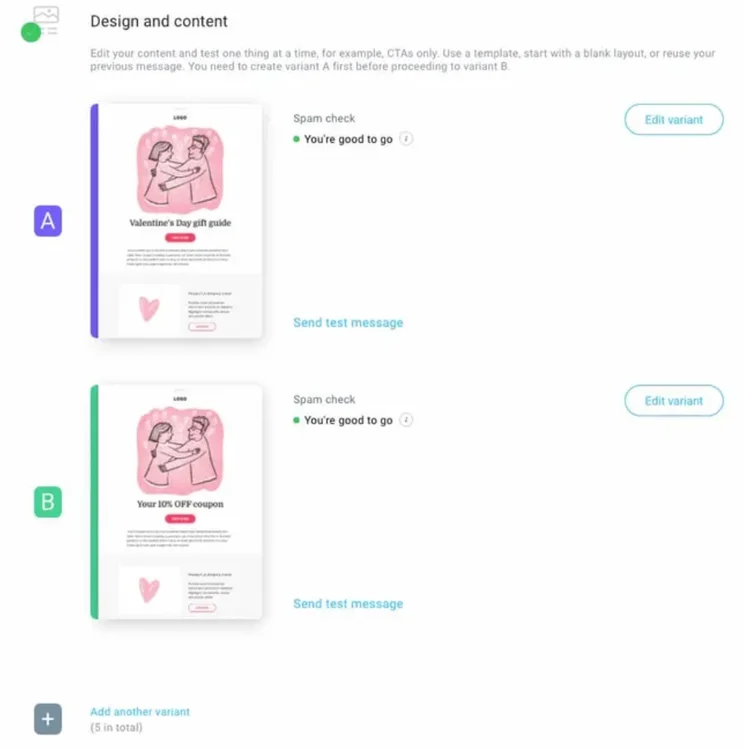
- Free plan limitations: Understand the restrictions on subscriber numbers, emails per month, and advanced features like A/B testing or landing page builders. A/B testing, which allows you to compare two versions of an email to see which performs better, is often a paid feature.
- Generative AI features: In the modern era, more and more platforms are being outfitted with generative AI features that can create subject lines and even generate email copy, so you can save time on the nitty gritty details of building out your campaign.
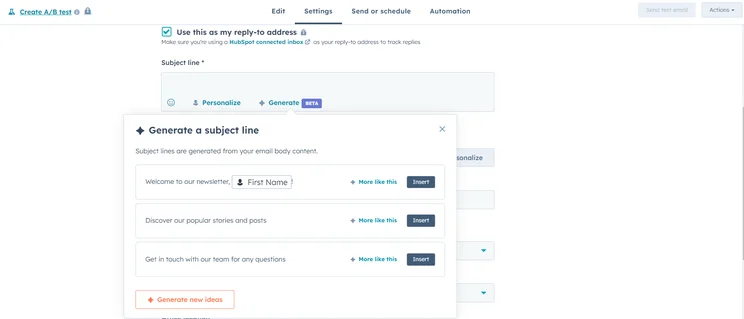
HubSpot email marketing offers helpful tools to generate copy like subject lines. Source: Tech.co testing
We think HubSpot or Zoho Campaigns will be the best bet for most businesses. These tools offer robust features to engage your audience, drive sales, and grow your customer base — all without putting a dent in your budget.
As you explore these options, remember that the best choice depends on your specific needs and goals. Start with a free plan, experiment with different features, and watch your email marketing efforts take off. Don’t be afraid to try out a few different services; most allow you to export your contact list, making it easy to switch if you find a better fit.
Ready to level up your email game? Check out our guide on email marketing tips to maximize your campaigns’ impact, or explore the best email marketing platforms to find the perfect tool for your business.
FAQs
Yes, you can do email marketing for free. Many providers offer free plans with basic features like email creation, list management, and simple automation. While there are limitations, free plans typically allow you to send several thousand emails per month, which is often sufficient for businesses with small- to medium-sized email lists.
The best free email platform depends on your specific needs. HubSpot offers a comprehensive CRM integration, MailChimp provides user-friendly templates, and MailerLite offers generous sending limits. Consider factors like your list size, how often you plan to send emails, and what additional features (like landing pages or automation) you need.
Yes, MailChimp offers a free plan that includes basic email marketing features. You can send up to 2,500 emails per month to 1,000 contacts, use its email builder, and access basic templates and automation features.


