

We may receive a commission from our partners if you click on a link to review or purchase a product or service. Click to Learn More
Zoho Desk requires you to install a free add-on (IT Asset Tracker) via Zoho CRM to unlock IT asset tracking capabilities. We’ve rated the best free asset tracking solutions, and Zoho makes our list.
Alternatively, you can try another Zoho-owned platform, ServiceDesk Plus, which offers IT asset tracking on its Professional plan, which starts at $21 per user, per month.
Zoho offers a lot of different applications, most of which will integrate with each other. In this article, we’ll cover the two Zoho apps that can handle IT asset tracking, as well as all the related Zoho platforms you can integrate with asset tracking.
Zoho Desk

In Short
-
Pros
- Affordable prices and 15-day free trial
- Plenty of features, particularly for the price
- Easy to use interface with intuitive layout
-
Cons
- Limited customer support options
- Small amount of available customization
Images
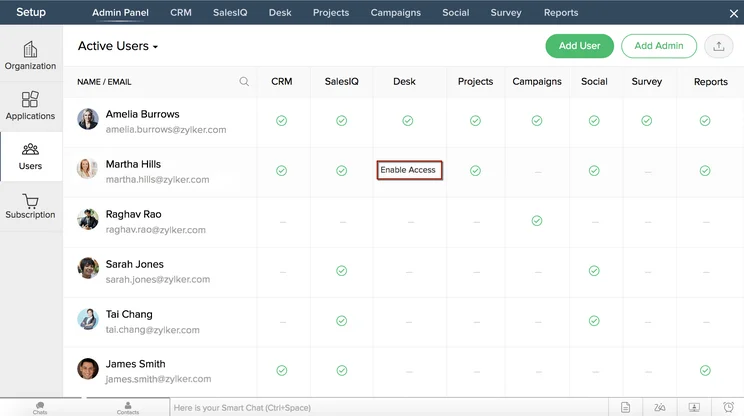
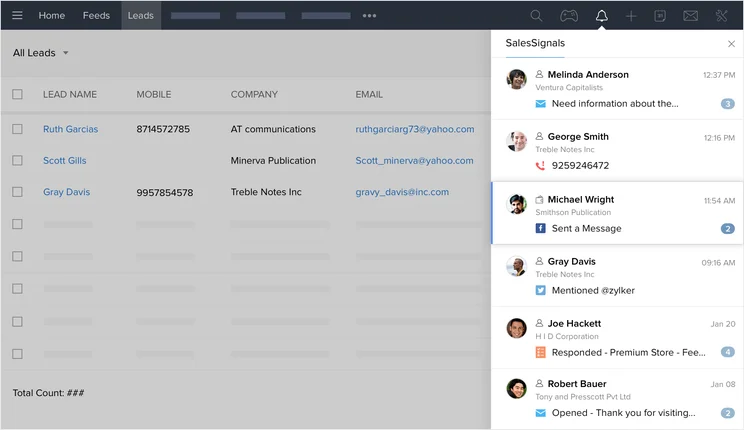
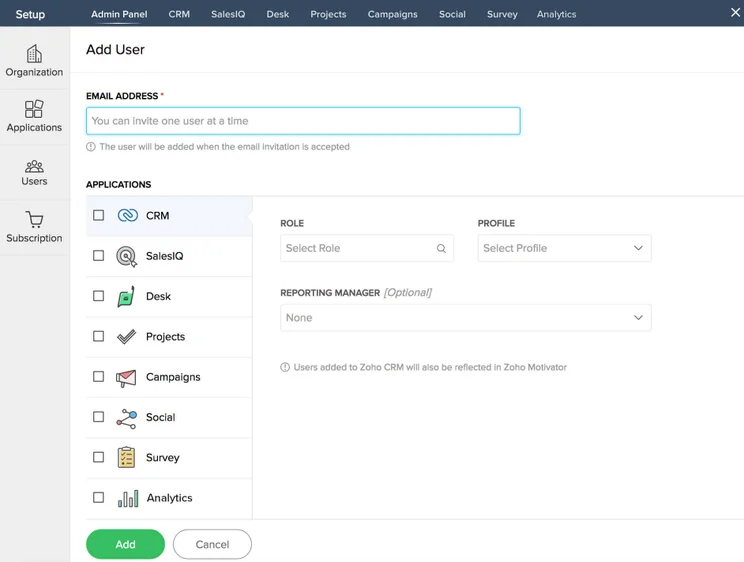
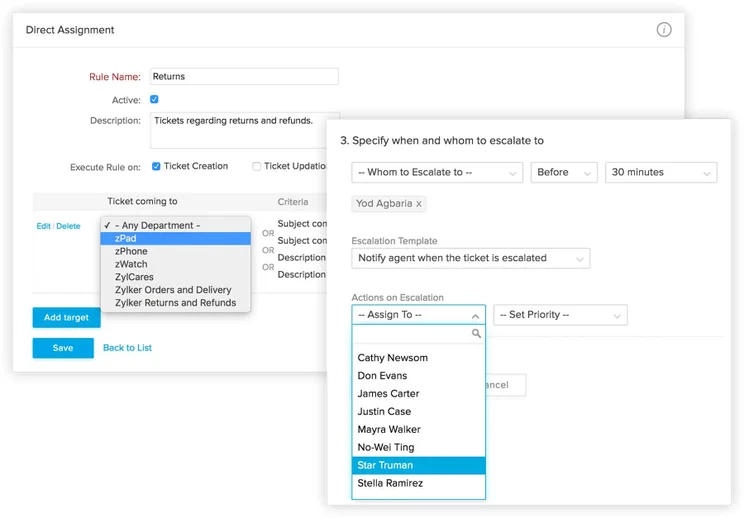
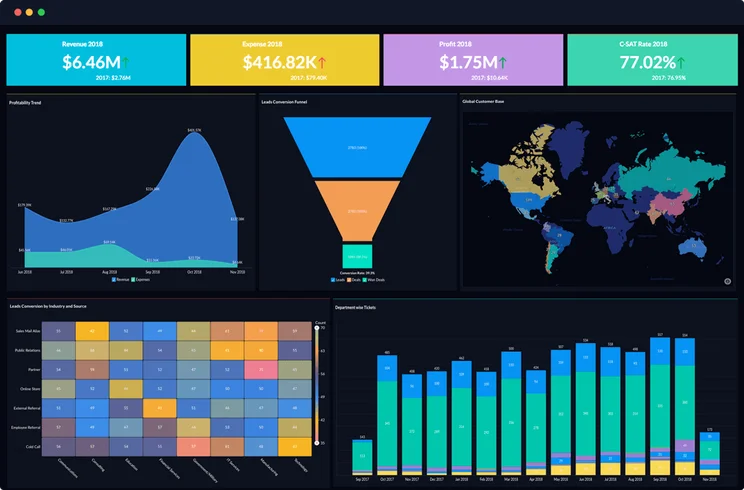
Zoho Desk Quick Fact File
Zoho offers many overlapping products. If you’re in need of asset management software, these are the products you should consider:
- Zoho Desk doesn’t handle asset management. It’s designed as a standard help desk software, but it can be synced with Zoho CRM, which supports the IT Asset Tracker integration. This will allow you to use both Desk and a basic IT asset tracking app within the larger Zoho CRM platform – but Desk and the IT Asset Tracker won’t directly sync with each other.
- ManageEngine’s ServiceDesk Plus does handle asset management, as well as other IT service desk needs. ManageEngine is the enterprise IT management division of Zoho Corporation. If you need a great IT asset management solution from Zoho, this is our recommendation.
- Zoho People doesn’t yet have a direct IT Asset Tracker integration, but Zoho says it is working on adding one to its HR solution. Until then, you’ll have to use the Zoho People and IT Asset Tracker separately within the Zoho CRM for HR and asset tracking support.
- Zoho Creator integrates with the IT Asset Tracker app. Zoho Creator is the brand’s low-code application development platform, and it will integrate with IT Asset Tracker. Creator starts at $8 per user, per month.
Is Zoho Desk Right for Your Business?
|
Plan
|
Price
Billed annually
|
Users
|
Social Media Channels
|
|
|---|---|---|---|---|

|
|
|
|
|
|
Free |
Standard |
Professional |
Enterprise |
|
|
Free |
$14/user/month |
$23/user/month |
$40/user/month |
|
|
3 |
Unlimited |
Unlimited |
Unlimited |
|
|
|
|
|
|
A Zoho Desk plan is worth getting if you need help desk software. It has relatively affordable pricing, good features, and the dependable infrastructure you need for team collaboration.
Zoho Desk doesn’t include asset management, but it can be synced with the Zoho CRM, which can itself be integrated with the free IT Asset Tracker app. This is free, aside from what you’ll already be paying for your Zoho Desk plan. In our guide to Zoho CRM pricing, we note that Zoho CRM does have a free plan for up to five users.
Does Zoho Desk have a free plan?
Yes, Zoho Desk does have a permanent free plan – but it is limited in its capabilities. Zoho is ranked in our guide to the best free asset tracking software, so it’s definitely worth signing up for the 15-day free trial for any of Desk’s three paid plans. Users can hit the “Trial Other Editions” button and switch between the paid plans to find one that best fits your business.
Zoho for Asset Tracking: Your Options
A good IT asset tracking software allows a business to track the location and condition of all its assets across their lifecycles, from laptops and routers to software licenses and other IP.
Zoho offers two software options for handling asset tracking: the standalone ServiceDesk Plus and the add-on, IT Asset Tracker. The IT Asset Tracker can be used through Zoho Creator within the Zoho CRM. Here are the different methods and costs for both options:
ServiceDesk Plus
ServiceDesk Plus, offered by Zoho’s IT enterprise division ManageEngine, is a SaaS service desk solution. It offers great features for tracking and resolving IT tickets, including plenty of automations for elements like ticket dispatching, categorizing, and assignment. Plus, a self-service portal can help employees track their own tickets as well, boosting transparency.
ServiceDesk Plus has three plans: Standard ($10 per user, per month), Professional ($21 per user, per month), and Enterprise ($50 per user, per month). You’ll be able to assign and track IT assets with the Professional plan. The full list of asset management features available on all plans include:
- Scanning for barcodes and QR codes.
- Bulk scanning for RFID tags.
- Ability to network scan to discover workstations (Windows, Linux, and macOS) and IP devices (printers, routers, switches, access points, and more).
- A credential library to log all network and domain credentials.
- Remote control tools for remotely accessing Windows or Mac workstations.
Every ServiceDesk Plus plan offers a great selection of help desk features for a business with IT assets, making this platform a worthwhile pick for a business that needs an affordable, reliable IT asset management solution.
IT Asset Tracker Add-on, With Zoho Creator
To use Zoho’s free IT Asset Tracker add-on you’ll need the Zoho CRM and Zoho Creator, an app for low-code custom integrations. Zoho CRM has a free plan, so the only cost to get started with the IT Asset Tracker is a Zoho Creator plan.
Zoho Creator starts at $8 per user, per month for the Standard plan, which supports just one custom app (existing Zoho apps like Desk and People don’t count). Zoho Creator’s two other plans are Professional, ($20 per user, per month), and Enterprise ($25 per user, per month). It’s worth noting that you’ll be able to use the IT Asset Tracker by signing up for the Standard plan at just $8 per user, per month.
With IT Asset Tracker, you’ll be able to:
- Manage IT assets, including software, computers, mobile devices, and software licenses.
- Manage asset requests, including reasons why the employee needs the asset, the required operating system, and any other relevant information.
- Create an asset database to track all hardware and software together
- Asset grouping for categories such as productivity or support
These are just the basics behind asset tracking, as IT Asset Tracker doesn’t offer complex scanning or remote control functions that ServiceDesk Plus has. However, it’s considerably less expensive.
Using IT Asset Tracker Alongside Zoho Desk and Others
What Zoho products can you pair IT Asset Tracker with? Below is a detailed list and the limits of the integrations.
Zoho Desk and IT Asset Tracker
Both Zoho Desk and Zoho Creator can be run within the Zoho CRM platform, with the IT Asset Tracker added through Zoho Creator. Desk has a free plan (limited to three users), but you’ll need to pay for Creator. Desk’s three other plans cost $14, $23, and $40 per user, per month.
With this setup, your business will be able to manage its assets and offer a non-IT help desk. However, it will not be able to integrate the two services directly, so employees will not have a built-in process to request and receive IT assets.
Zoho People and IT Asset Tracker
Like Zoho Desk, the Zoho People HR solution can be used within Zoho CRM along with IT Asset Tracker, via Zoho Creator. Zoho People starts at just $1.25 per user, per month, which includes HR file management, employee onboarding, and workflow management. However, IT Asset Tracker can’t be directly integrated with Zoho People, so employees cannot be seamlessly associated with the assets they are using.
Zoho Projects and IT Asset Tracker
Zoho Projects can be used alongside IT Asset Tracker with the same setup that works for Desk and People. Projects has a free plan for up to three users, so there’s no additional cost beyond the $8 per user, per month that Creator charges.
However, you will not be able to integrate Projects directly with IT Asset Tracker. This means employees won’t be able to assign specific assets to specific projects or easily incorporate the cost of an asset into the total project’s cost.
Zoho Books and IT Asset Tracker
Zoho Books can be used alongside IT Asset Tracker in Zoho CRM with the help of Zoho Creator. Again, you won’t be able to directly integrate Books and IT Asset Tracker, so any costs associated with the assets, from depreciation to maintenance, will have to be manually logged in Books.
How Does Zoho Compare With Other Providers?
Zoho’s IT Asset Tracker add-on offers basic asset tracking for a low and transparent price. This helps it stand out against the other top paid asset tracking tools we’ve researched because you’ll need to contact the providers directly for a custom quote to access any complex asset tracking functionalities.
If you only need IT assets tracked, we recommend Asset Panda, which offers a suite of IT service management tools without the setup complexities of integrating multiple different apps with each other. Some businesses also need powered assets tracked, however, and for them, Tenna is our top pick, given its broad range of asset tracking software and hardware, which covers GPS trackers as well as barcodes, QR codes, or RFID tags.
|
Free trial
|
Permanently free
|
Best for
|
Paid version
|
Trackable assets
|
Type of tracking
|
Pros
|
Cons
|
||
|---|---|---|---|---|---|---|---|---|---|
 |
 |
 |
 |
 |
 |
 |
|||
|
Zoho IT Asset Tracker |
Asset Panda |
Tenna |
AssetTiger |
AssetCloud by Wasp |
Sage |
Snipe-IT |
|||
|
|
|
|
|
|
|
|
|||
|
With Zoho Creator |
|
|
|
|
|
|
|||
|
Integrating with other Zoho apps |
Customizability |
Construction industry |
Small businesses |
Accuracy and compliance |
Depreciation tracking |
IT departments |
|||
|
$8/month (Zoho creator) |
Starting at $996/year |
Contact for quote |
$20/500 assets/month |
Starting at $108/month |
Contact for quote |
Starting at $399.99/year |
|||
|
Unlimited |
Unlimited |
Unlimited |
Up to 250,000 assets with paid plan (250 assets max with free plan) |
Unlimited |
Over 10,000 |
Unlimited |
|||
|
Manual entry |
Barcode, QR |
GPS, QR, RFID, Bluetooth |
Barcode, QR |
Barcode, RFID |
Barcode, QR |
Barcode, QR |
|||
|
|
|
|
|
|
|
|||
|
|
|
|
|
|
|
Our Methodology
Tech.co’s research and review team assessed the top asset tracking software options in the US in a process that took hundreds of hours. To do this, our team broke down the qualities of good asset tracking solutions into five categories. These are:
- Price: This includes plans, free trials, and the value provided by the cost (number of supported users, assets, or locations)
- Types of asset tags: Pricier GPS tags are for powered assets, while RFID or barcode tags are common for IT asset tracking.
- Alerts: This largely applies to powered assets, with alerts for geofencing, usage, and in-motion.
- Organization: Will it handle work orders, maintenance, fuel tracking, and insurance tracking?
- Hardware: This covers mobile app quality, or, for powered assets, weather proofing, network connectivity, and battery life.
Once all the categories were rated and weighted, we were able to assign a single 5-point score for each solution.
Final Thoughts – Is Zoho Desk Worth It?
Zoho Desk is a fine help desk solution, but not for managing IT assets. When it comes to IT asset tracking, we’d recommend the ServiceDesk Plus solution, available from the Zoho-owned ManageEngine, for its useful features.
Zoho’s other solution, the IT Asset Tracker add-on, has more limited IT asset tools, and is difficult (though not impossible) to integrate with Zoho Desk, Zoho Projects, and other software that a small or medium IT business is likely to need.
Zoho Desk FAQs
The short answer is no, you can’t use Zoho Desk for asset management. Two applications owned by Zoho do offer IT asset management, however: ManageEngine‘s ServiceDesk Plus and the IT Asset Tracker add-on.
Yes, all Zoho Desk plans come with email support, as well as an online knowledge base, community forums, and a customer portal – even for those on the free plan. However, only paid Zoho Desk plans have live chat and toll-free phone support.
Zoho Desk is Zoho’s help desk solution, helping manage a company’s customer service arm by tracking customer profiles across social media, email, phone, and other channels using tickets and alerts.
We rate the suite of Zoho business software highly overall, for its ease of use and its wide variety of interconnected business software, which allows a business to easily compile a custom solution for its needs.
If you click on, sign up to a service through, or make a purchase through the links on our site, or use our quotes tool to receive custom pricing for your business needs, we may earn a referral fee from the supplier(s) of the technology you’re interested in. This helps Tech.co to provide free information and reviews, and carries no additional cost to you. Most importantly, it doesn’t affect our editorial impartiality. Ratings and rankings on Tech.co cannot be bought. Our reviews are based on objective research analysis. Rare exceptions to this will be marked clearly as a ‘sponsored’ table column, or explained by a full advertising disclosure on the page, in place of this one. Click to return to top of page


