
We may receive a commission from our partners if you click on a link to review or purchase a product or service. Click to Learn More
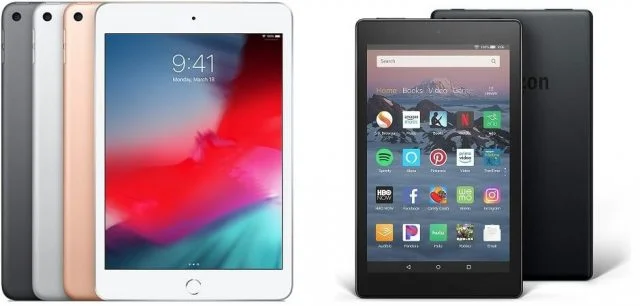
So you’re looking to pick up a tablet, and you’ve got your shortlist down to choosing between an iPad or a Fire tablet. Which one should you opt for? The answer really depends on what you want to use your tablet for.
Want to catch up on social media, stream the latest episode of your favorite series, and do so as cheaply as possible? Then an Amazon Fire could do the job. Want a tablet with innovative features that will last you a long time, and willing to put in a bit more financial investment for it? An iPad it is.
Keep reading and we’ll talk you through the full pros and cons of the iPad and Fire tablets, to help you decide which one to go for.
Apple iPad vs Amazon Fire: Head-to-Head
There are a lot of differences between the iPad and Fire tablet series, which go far beyond the obvious one (the price). Here are the key factors to consider when comparing the two devices:In This Guide:
- iPad vs Fire Tablet: Head to Head
- The Case for Choosing an iPad
- The Case for Choosing a Fire Tablet
- Best All Rounder: Apple iPad
- Best for Value: Amazon Fire
- Best App Store: Apple iPad
- Best for Kids: Amazon Fire
- Best for Battery Life: Draw
- Kindle Fire HD 10 vs iPad
- iPad Mini vs Amazon Fire
- Verdict
- Frequently Asked Questions
|
Screen Size
Measured diagonally across.
|
Screen Resolution
In pixels – the higher the number, the greater the screen detail.
|
Battery Life
As claimed by the manufacturer – actual performance will vary depending on daily tasks.
|
Operating System
|
Processor
|
Storage
The built in storage space for files, programs, apps and the operating system
|
Rear Camera
|
Front Camera
|
Price
|
Amazon
|
Buy
|
|||
|---|---|---|---|---|---|---|---|---|---|---|---|---|---|
  |
  |
  |
  |
  |
  |
  |
  |
||||||
|
The best choice for virtually everyone. The screen and A14 processor are perfect for day-to-day browsing, and it’s a good value. |
The largest Fire tablet, with a decent screen. While it’s a lot cheaper than an iPad, there’s quite a price jump versus the smaller Fire tablets |
A slim tablet with an unbeatable processor and great rear camera but priced far above the excellent iPad 10.9. |
An excellent portable tablet, but it feels less essential in this age of extra-large smartphones – especially as it’s pricier than the iPad 10.9 |
The newest 8-inch Amazon tablet is cheap but smart, with wireless charging, more RAM and an Echo Show mode when connected to a dock (sold separately) |
A surprisingly good tablet given the price – it’s no iPad, but this is a respectable bit of tech that’s a particular bargain when on sale |
An exceptional tablet, and cheaper than the top-of-the-range 12.9-inch iPad Pro. The screen is glorious and there’s plenty of processing power |
The absolute best iPad that money can buy, with a price tag to match. Pair it with the Magic Keyboard and it truly is a laptop alternative. |
||||||
|
10.9″ |
10.1″ |
10.9″ |
8.3″ |
8″ |
8″ |
11″ |
12.9″ |
||||||
|
2360 x 1640 |
1920 x 1200 |
2360 x 1640 |
2266 x 1488 |
1280 x 800 |
1280 x 800 |
2388 x 1668 |
2732 x 2048 |
||||||
|
10 hrs |
12 hrs |
10 hrs |
10 hrs |
12 hrs |
12 hrs |
10 hrs |
10 hrs |
||||||
|
iPadOS |
Fire OS |
iOS |
iOS |
Fire OS |
Fire OS |
iPadOS |
iPadOS |
||||||
|
A14 |
Octa-core 2.0 GHz |
M1 |
A15 Bionic |
Quad-core 2.0 GHz |
Quad-core 2.0 GHz |
M2 |
M2 |
||||||
|
|
|
|
|
|
|
|
||||||
|
12MP |
2Mp |
12Mp |
12MP |
2Mp |
2Mp |
12Mp + 10Mp |
12Mp + 10Mp |
||||||
|
12MP |
2Mp |
12Mp |
12MP |
2Mp |
2Mp |
12Mp |
12Mp |
||||||
| Amazon | From Amazon | Amazon | Amazon | From Amazon | From Amazon | Amazon | Amazon |
The Case for Choosing an iPad
Everyone knows about the iPad. Even if you’ve never owned one, you’ll most certainly have used one at some point. iPad owners tend to be loyal to their products, thanks to the combination of great design, power, and a buttery-smooth user interface which makes using them so enjoyable.
If you want a powerful tablet that will last you for years, and which supports a huge range of apps, the iPad is the one to go for. Since its introduction in 2010, the iPad has become synonymous with tablets – and with good reason.
In the iPad line up, you’ve got:
- iPad 10.9: The classic iPad, and the best model for everyday use
- iPad Air: A slim tablet with an unbeatable processor and great rear camera
- iPad Pro 11: A supercharged iPad with a beefier processor
- iPad Pro 12.9: Supercharged and super large (with a price tag to match)
- iPad Mini: The smallest iPad, powerful, compact and stylus compatible
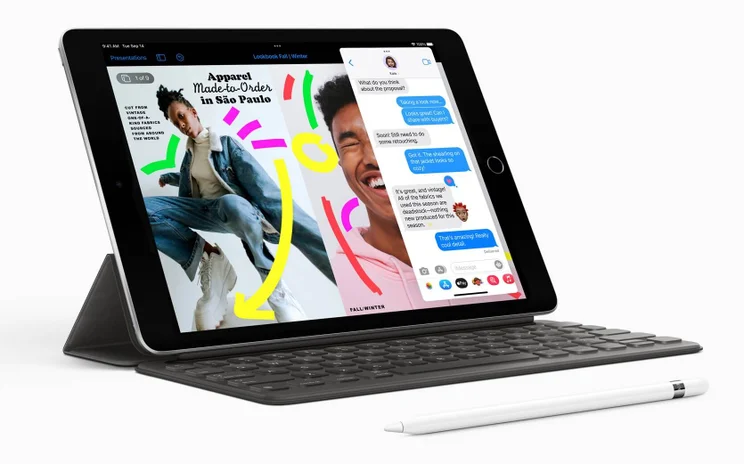
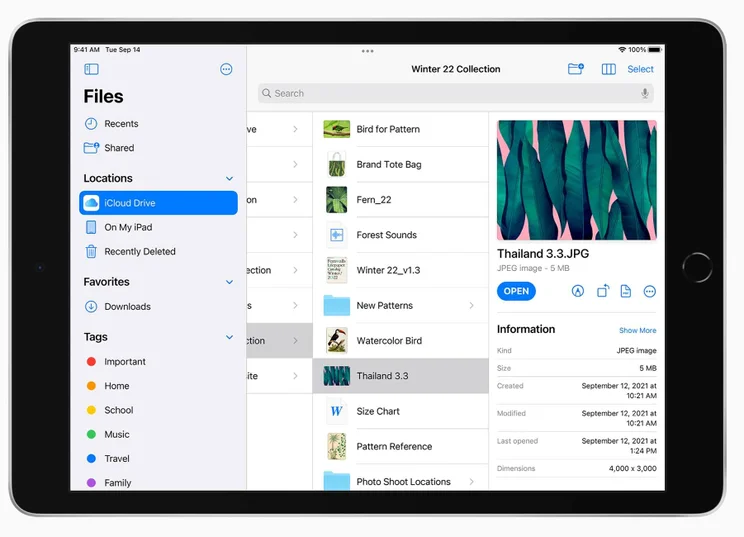
The lineup offers a good variety, but in most cases, we’d suggest the iPad 10.9 – it’s very much the everyman of the range, offering up a vivid screen, light and portable build, and an M2 processor capable of some fairly heavy lifting. With the most recent iPad release adding the high-powered processor, it’s the go-to option for the majority of users.
The iPad Air offers a bit more than the entry-level model, with the M1 processor makes it pretty powerful with a higher price tag and a slim body. It doesn’t quite rival the firepower of the Pro series, though. It’s a good compromise for those that need a bit more muscle but don’t have the budget for Apple’s Pro range.
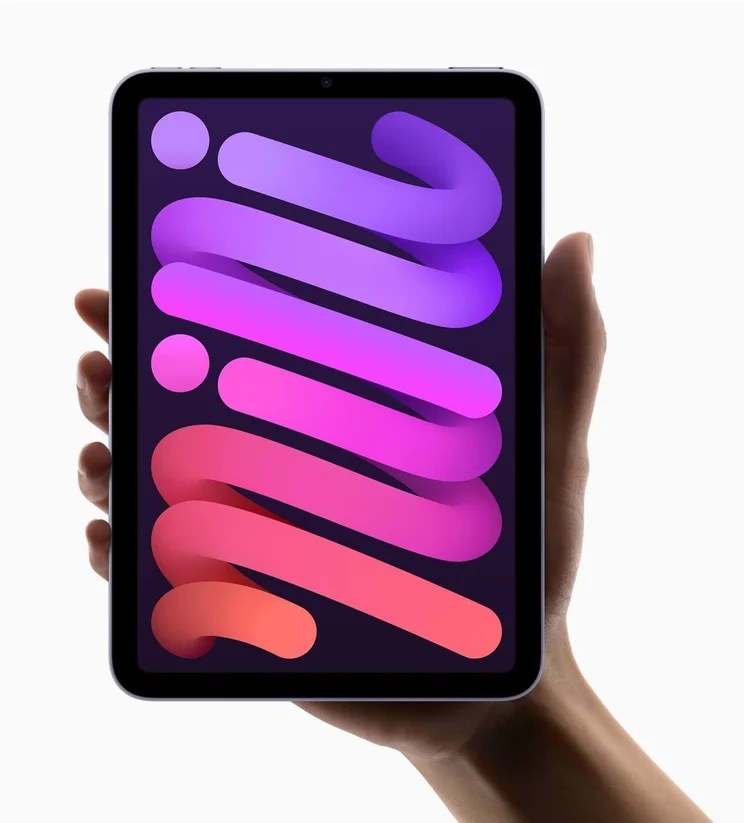
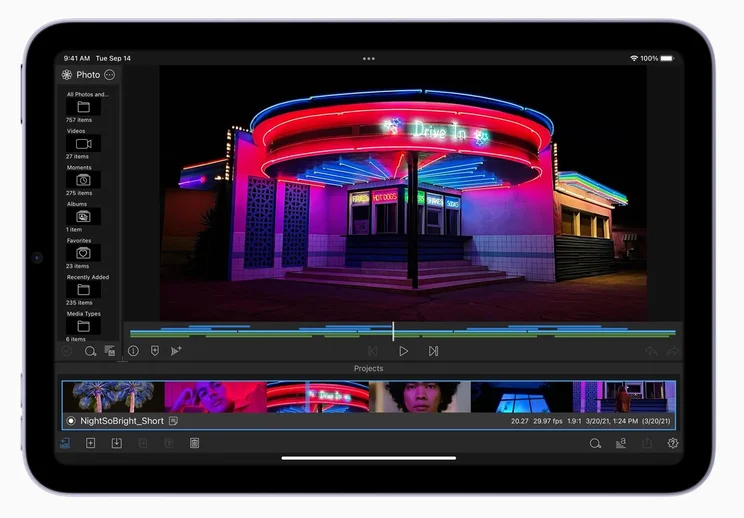
The iPad Mini had been left unloved by Apple for several years, but a 2021 update has made it a serious contender. Packing in an M1 processor, it’s essentially the iPad Air in a smaller package. It’s a bit more expensive, but the specs justify this, and it’s a powerful iPad device, perfectly replicated on a smaller scale.
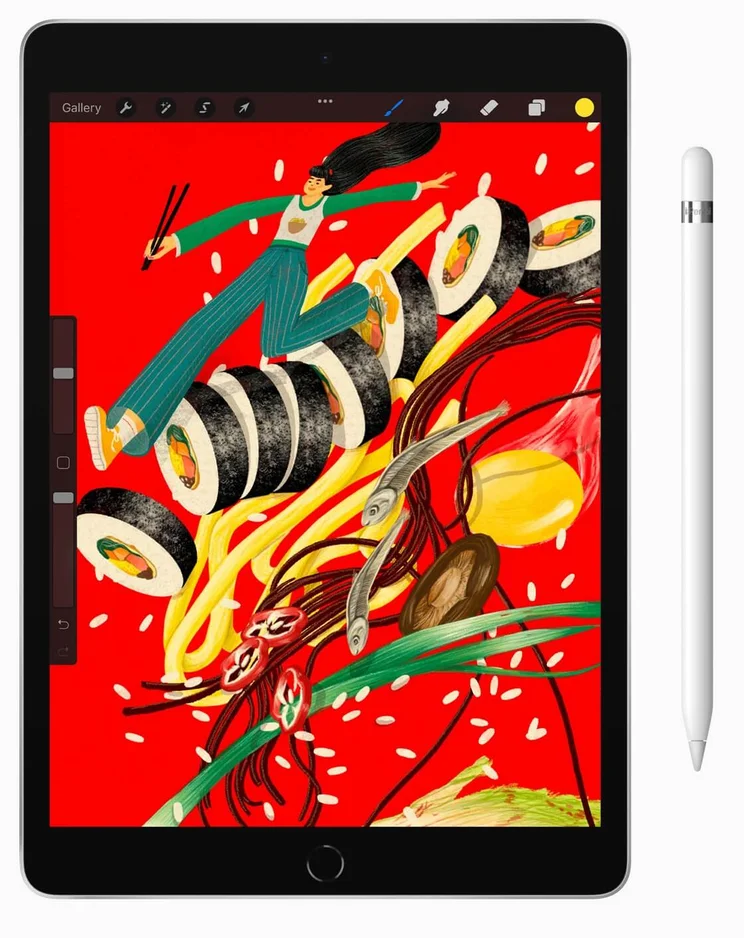
The Pro models are designed for those who need a little extra firepower from their iPad, with the M2 processor under the hood easily juggling the tasks of the most demanding users. The large screens are also a great boon to creative types.
Apple iPad 10.9 10th Gen
In Short
-
Pros
- Cheapest iPad available
- Compatible with Smart Keyboard
- 10.9-inch screen
-
Cons
- More expensive than previous iterations
Images

The Case for Choosing a Fire Tablet
The Fire tablet is Amazon’s answer to the iPad, in much the same way that your local supermarket offers its own brand alternative to popular chips – it’s notably cheaper, but cuts a few corners, and just isn’t quite as good.
The Fire line up consists of:
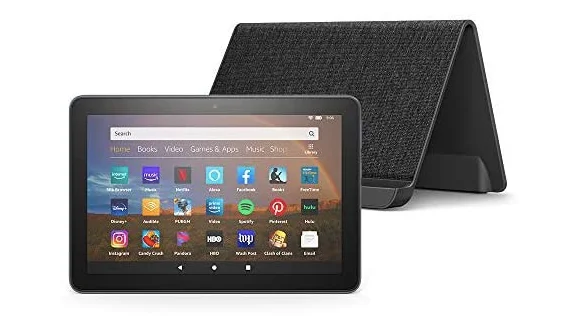
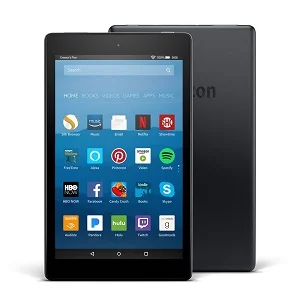
- Fire HD 8 Plus: The newest model, with wireless charging and extra RAM for a bit more speed
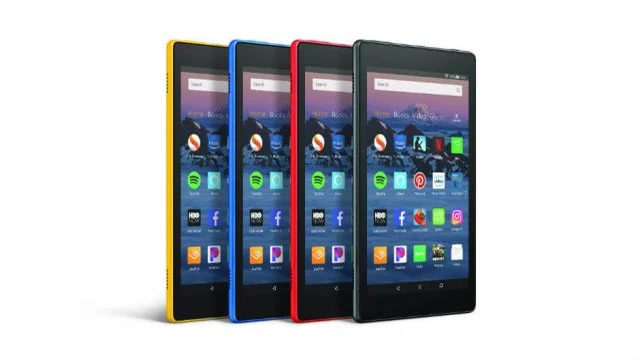
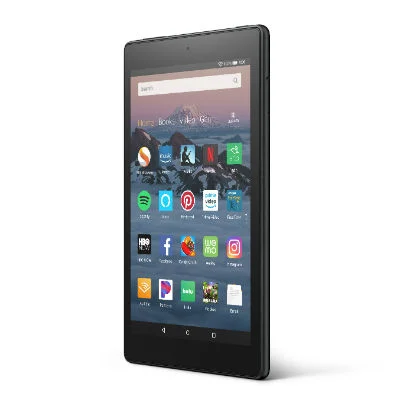
- Fire HD 8: Amazon’s all-rounder 8-inch tablet, a great value model to choose
- Fire HD 10: Amazon’s premium 10-inch tablet is the closest in the range to an iPad rival
- Fire Kids: Amazon offers a child-friendly version of each of its models
Amazon’s Fire tablets use a variation of the Android operating system named FireOS, which is controlled by Amazon and doesn’t offer the level of freedom to users that a standard Android tablet would. It also doesn’t share the Google Play store, instead operating its own Amazon app store. This means that it doesn’t have the same wide library of apps to choose from compared to Android’s own platform.
One positive is that the Amazon Fire tablet is designed with the Amazon ecosystem in mind, so it’s well suited to anyone that already subscribes to Prime.
Amazon tablets are now Alexa compatible too, meaning that you can give the tablet voice commands instead of having to use the screen.
The best part about the Amazon Fire tablet is the cost. The Fire range can’t compete with the iPad on specs, but for the price, it’s hard to argue with the incredible value for money offered by Amazon’s range, making it a great deal for those working to a limited budget, casual users, or children.
Check out our in-depth Fire HD 8 Plus review here
Amazon Fire HD 8 Plus
In Short
-
Pros
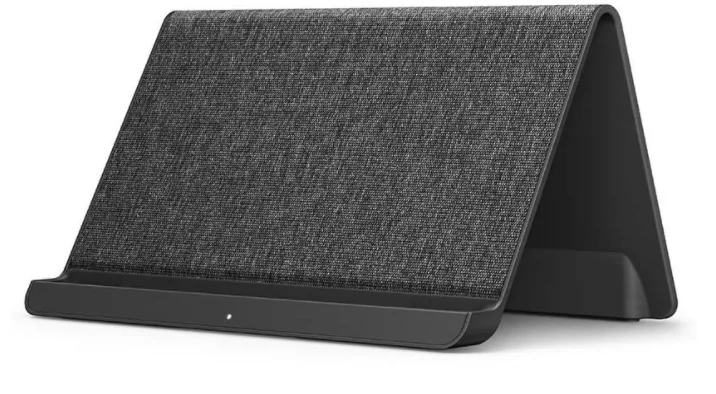
- Wireless charging via any Qi-charger, or custom dock
- Echo Show mode when docked
- Extra RAM (3GB, vs 2GB on standard 8-inch Fire tablet)
- 10 hour battery
- Stereo speakers
- Expandable storage
Cons
- Wireless dock sold separately
- More expensive than standard Fire HD 8
- Screen is HD, but not Full HD
-
Buy on Amazon
Images
Best All Rounder: Apple iPad
When it comes to choosing between a Fire tablet or iPad for an everyday all-around solid option, it’s hard to argue against Apple’s slab. While it’s notably more expensive (more than twice as much as the Fire HD 10), you can feel where the money has gone. From the powerful processor to the crystal-clear screen and the easy to navigate interface, the iPad is a great daily companion, able to tackle everything in its stride.
The Fire range, by contrast, doesn’t have the same sense of polish.
Best for Value: Amazon Fire
If there’s one thing that Amazon has cracked with its tablets, it’s price. Never afraid to undercut the competition, the Fire tablet range starts at $44.99 for the entry-level Fire 8. Sure, it’s no powerhouse, but you’ll be lucky to find a cheaper tablet with equivalent specs (especially one from such a well-established company). It’s also regularly discounted throughout the year.
By comparison, the iPad range starts at $449 for the 10.9-inch, and while you get a lot more tablet for your money, you could buy six Fire 8’s for the same amount – nine if they were discounted. Even the more expensive Fire tablets represent great value for money: The Fire HD 8 Plus is $54.99, while the Fire HD 10 – arguably the closest in the range to the iPad – is just $74.99.
Amazon Fire HD 8
In Short
-
Pros
- 10 hour battery
- HD screen
- Stereo speakers
- Expandable storage
Cons
- Not a huge spec boost over Fire 7
- Screen is HD, but not Full HD
-
Buy on Amazon
Images
Best App Store: Apple iPad
While the Fire tablet is Android-based, users don’t have access to the traditional Google Play store, and instead must download apps from Amazon’s own curated app store. There’s a lot of parity across the two stores, but there are some important apps that Fire owners can’t download – the most obvious of these is the lack of official Google apps, like Gmail and YouTube. It can also be slow to get some of the latest apps and games compared to the Apple store, where apps typically land first.
Apple’s Appstore is also a much more user-friendly experience, with a highly polished UI that makes finding the apps you want a breeze. By comparison, Amazon’s Appstore feels more like a garage sale – there’s much less signposting and categorization, meaning it will take you longer to find the right app (if it’s even there at all).
In terms of sheer number of apps, the Apple app store boasts over 2 million compared to Amazon’s 450,000+.
Best for Kids: Amazon Fire
Both the iPad and Fire tablets have a suite of parental controls, and it’s possible to restrict the content that your children will have access to.
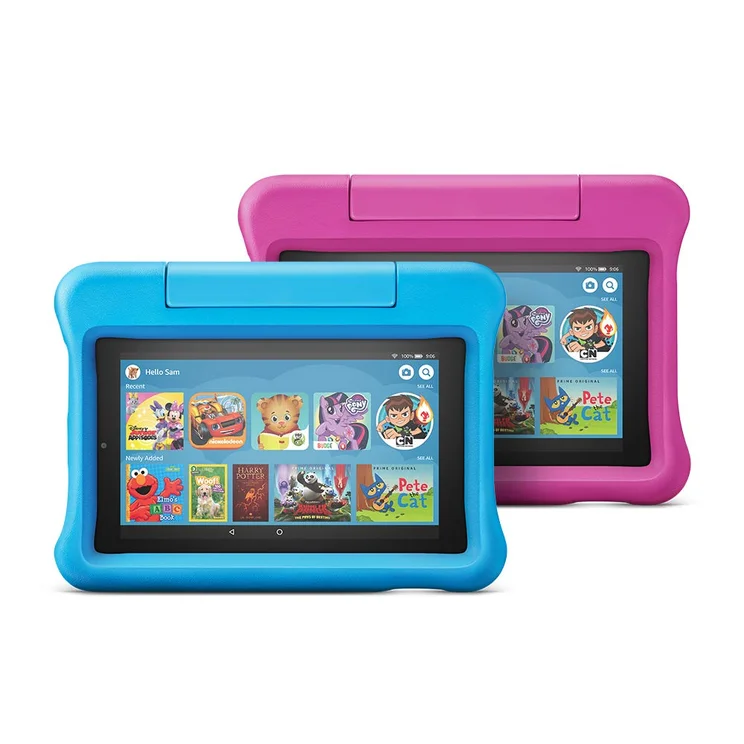
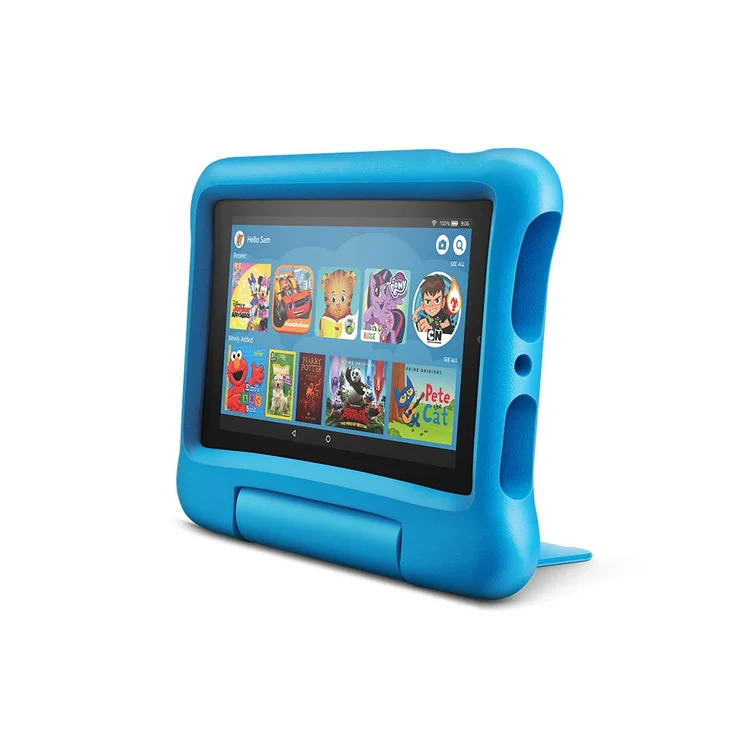
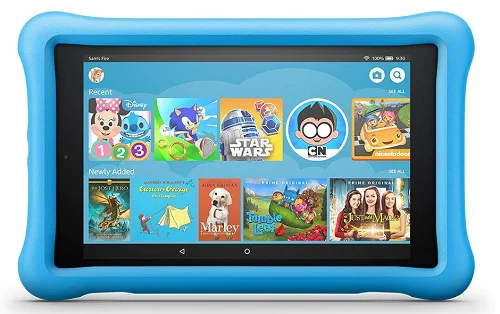
However, Amazon actually offers Fire models designed specifically for kids, with the Amazon Fire HD 8, HD 8 Plus, and HD10 all available in kid-friendly forms. What this entails for the most part is the addition of a large case, to help the child grip the tablet and to protect it from sudden visits to the floor. In addition, the Kids Fire tablets come with a no quibble two-year guarantee, meaning that Amazon will replace it, no questions asked, should your child get a little too rough with it.
We’d recommend the Kids Fire tablets for young children, but older kids may feel like they are missing out on the popular apps which are rife on the iPad, but not on the Fire (Fortnite is one such example). Also, the Fire doesn’t have the wide range of educational apps that the iPad does, so if your child needs a tablet for study, the iPad is worth the investment.
Amazon Fire HD 8 Kids Edition
In Short
-
Pros
- Special ‘kid-proof’ case
- 2 year guarantee
- Better screen quality than Fire 7
Cons
- Not a huge spec boost over Fire 7
- Screen is HD, not Full HD
-
Buy on Amazon
Images
Best for Battery Life: Amazon Fire Tablet
According to specs, every iteration of the iPad offers ten hours of battery life, while the Amazon Fire Tablet offers 12 hours of battery life, so we have to give the edge to Amazon Fire Tablet.
For most users, a tablet that offers ten hours is more than enough to get you through the day. Whether you’re watching films or keeping up to date on social media, you’re unlikely to see the red battery indicator on either, unless you’re really binging on your favorite show!
Kindle Fire HD 10 vs iPad 10.9
Despite the chasmic price difference, the Kindle HD 10 is the closest contemporary of the iPad, although we’d barely call it a fair fight.
While the Fire HD 10 boasts the range’s most powerful processor, with a quad-core 1.8GHz MediaTek MT8173 chip, the iPad’s M2 leaves it for dust in terms of raw processing speed.
In real terms, this means that only the iPad can handle demanding apps and multi-tasking without stuttering or slowing down. Both tablets have 2GB of memory, but it’s the iPad that is able to utilize it, while the Fire HD 10 has to focus on one app at a time.
There is one aspect where the Fire HD 10 has the edge – storage. Unlike the iPad, Amazon allows you to use a micro-SD card to expand storage space, and cheaply too. With an iPad, if you want more local storage space, you have no option but to buy a new, bigger iPad.
So, the iPad is the best tablet, hands down, on paper. However, if you’re not too bothered about all the bells and whistles, the Fire HD 10 is a far cheaper option – it’s simply more of a compromise.
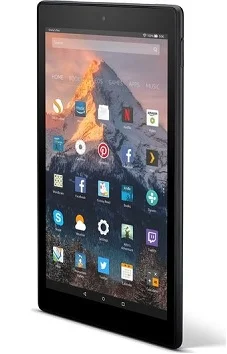
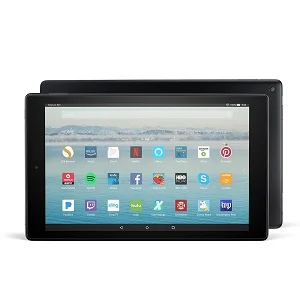
Amazon Fire HD 10
In Short
-
Pros
- Most powerful Fire tablet
- Full HD 10-inch screen
- Internal storage from 32GB
Cons
- Weighty
- Pricier than other Fire models
-
Buy on Amazon
Images
iPad Mini vs Amazon Fire
If you’re considering a smaller tablet, then two of your options are the iPad Mini or the Fire HD 8. Both tablets occupy the space between a traditional tablet and a large phone, with the iPad Mini having a screen size of 7.9 inches. By comparison, the Fire HD 8 has an eight-inch screen.
Let’s tackle the most obvious discrepancy first – the price. The Fire HD 8 costs $44.99 and the iPad Mini costs $499. The main reason for this huge difference in price is that the Mini is packing in some serious tech. With its M1 processor, the Mini is actually on a par with the iPad Air. Then there’s the Full HD display, the 3GB of RAM and Pencil compatibility. While the two devices share a similar size, they are entirely different beasts.
While the Fire HD 8 might not be able to tackle the iPad when it comes to specs, the iPad cannot compete on price. The Mini’s recent update means that if you buy one now you can be confident it won’t be replaced for some time, but the real question is do you need the extra power and features of the Mini, or could the much cheaper Fire HD 8 be a better fit?
For casual users who aren’t too bothered about having the latest gadgets and can put up with the odd niggle here and there, the Fire HD 8 is likely to tick most of the boxes for a fraction of the price.
Apple iPad Mini (2021)
In Short
-
Pros
- Smallest iPad
- Easy to hold for long periods
- Powerful enough for all users
-
Cons
- Feels less relevant as phones get larger (and foldable)
Images
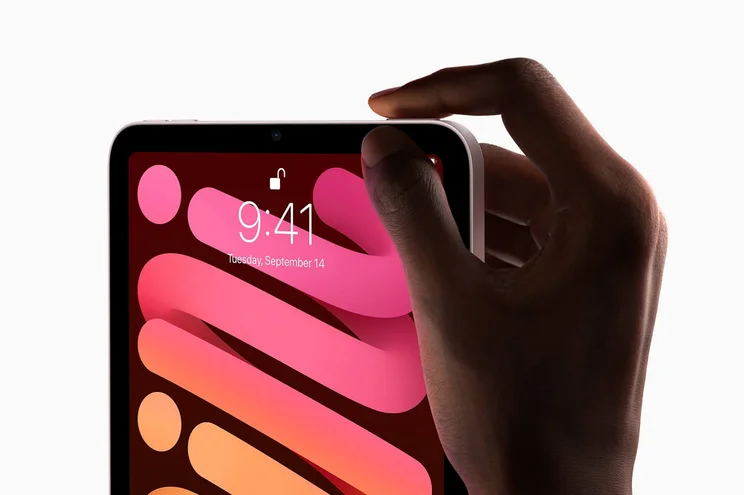

The Fire tablet lineup offers a good experience, but Apple’s devices are far more powerful and polished. If you want a fantastic tablet and don’t mind paying for it, then Apple’s iconic device is the one to go for. If you just want to hop online on occasion, fire up the odd app, and check social media, then the Fire series is more than viable, and it all comes back to that main selling point – the price tag.
For more information about both lineups, check out our iPad guide and our Amazon Fire Tablet guide to find out which one is best for you.
Frequently Asked Questions
The iPad is, generally speaking, the best tablet on the market, offering competitive pricing, smooth interface, and plenty of apps. The Fire tablet is a good budget option, with prices below $100 for solid tablets that can give you the ability to access streaming services and utilize apps.
Amazon Fire tablets are suspiciously cheap to some, but they really do offer some solid functionality. If you’re just looking for a tablet that can handle streaming services, basic games, and simple apps like email and social media, the Fire tablet can handle it. Anything more robust, particularly in the productivity department, is going to be a bit out of the depths, and you’re better off with an iPad.
The most affordable iPad available in 2023 is the iPad 10.9, which costs $449. The most affordable Amazon Fire tablet in 2023 is the Amazon Fire HD 8, which comes in at only $44.99.
If you click on, sign up to a service through, or make a purchase through the links on our site, or use our quotes tool to receive custom pricing for your business needs, we may earn a referral fee from the supplier(s) of the technology you’re interested in. This helps Tech.co to provide free information and reviews, and carries no additional cost to you. Most importantly, it doesn’t affect our editorial impartiality. Ratings and rankings on Tech.co cannot be bought. Our reviews are based on objective research analysis. Rare exceptions to this will be marked clearly as a ‘sponsored’ table column, or explained by a full advertising disclosure on the page, in place of this one. Click to return to top of page


