
We may receive a commission from our partners if you click on a link to review or purchase a product or service. Click to Learn More
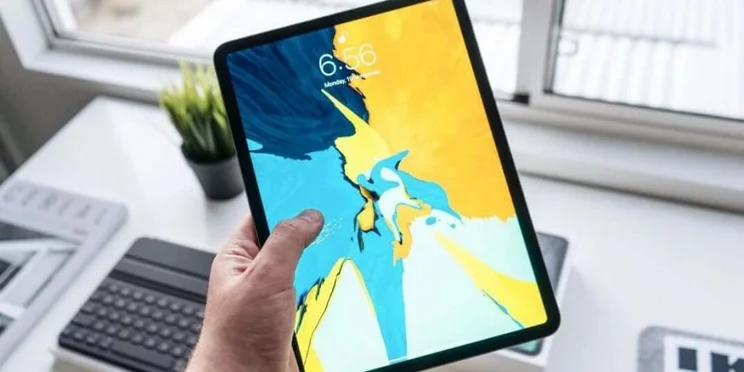
Our research shows that the iPad Pro is the best tablets for business users, offering an excellent, easy to use interface, lots of compatibility with popular apps, and a sleek, portable design.
It’s not all about the iPad, though. We’ve also picked out Microsoft and Samsung models — like the Galaxy Tab S8+ and the Surface Pro 9 — that will serve you equally well. These will provide you with a lightweight alternative to a traditional laptop, with excellent battery life and versatility.
In 2023, there’s very little that is done on a laptop or desktop PC that can’t also be replicated on a tablet — provided you choose the right one, of course. Now, with many of us adapting to working between home and the office, the portability of a tablet is more valuable than ever before.
We’ve also tackled some of the major questions that you have about business tablets, such as whether or not they can run Microsoft Office, and if you should get a compatible keyboard too (the answer to that one being a resounding “yes”).
|
Screen Size
Measured diagonally across.
|
Screen Resolution
In pixels – the higher the number, the greater the screen detail.
|
Battery Life
As claimed by the manufacturer – actual performance will vary depending on daily tasks.
|
Processor
|
Storage
The built in storage space for files, programs, apps and the operating system
|
Keyboard Included
|
Price
|
Amazon
|
|||
|---|---|---|---|---|---|---|---|---|---|---|
  |
  |
  |
  |
  |
||||||
|
An exceptional tablet, and cheaper than the top-of-the-range 12.9-inch iPad Pro. The screen is glorious and there’s plenty of processing power |
The absolute best iPad that money can buy, with a price tag to match. Pair it with the Magic Keyboard and it truly is a laptop alternative. |
Arguably the best tablet to replace a laptop on the market, with an easy-to-use keyboard that attaches easily to the base. |
One of the best Android tablets business users can choose, with a powerful processor, a great screen and an S Pen included |
A slim tablet with an unbeatable processor and great rear camera but priced far above the excellent iPad 10.9. |
||||||
|
11″ |
12.9″ |
13″ |
12.4″ |
10.9″ |
||||||
|
2388 x 1668 |
2732 x 2048 |
2880 x 1920 |
2800 x 1752 |
2360 x 1640 |
||||||
|
10 hrs |
10 hrs |
15.5 hrs |
13 hrs |
10 hrs |
||||||
|
M2 |
M2 |
|
Qualcomm Snapdragon 8 Gen 1 |
M1 |
||||||
|
|
|
|
|
||||||
|
|
|
|
|
|
||||||
Which is the Best Business Tablet?
There’s no shortage of tablets out there, but not all are created equal – and they certainly aren’t all suitable for serious business users. We’ve picked out a selection of the best below:
- Apple iPad Pro – Pick the 11-inch model for office business use, the 12.9-inch model for design
- Microsoft Surface Pro 9 – A premium Windows tablet that’s ideal for business user
- Samsung Galaxy Tab S8+ – A fantastic Android business tablet
- Apple iPad Air – A compromise compared to the iPad Pro, but an excellent tablet with even more portability
Any of these tablets would be a great choice for business use. But, with prices running higher than a standard consumer model, it’s worth being extra canny with your money. Below, we explain the pros and cons of each of these models.
Apple iPad Pro
Best For: Demanding business users
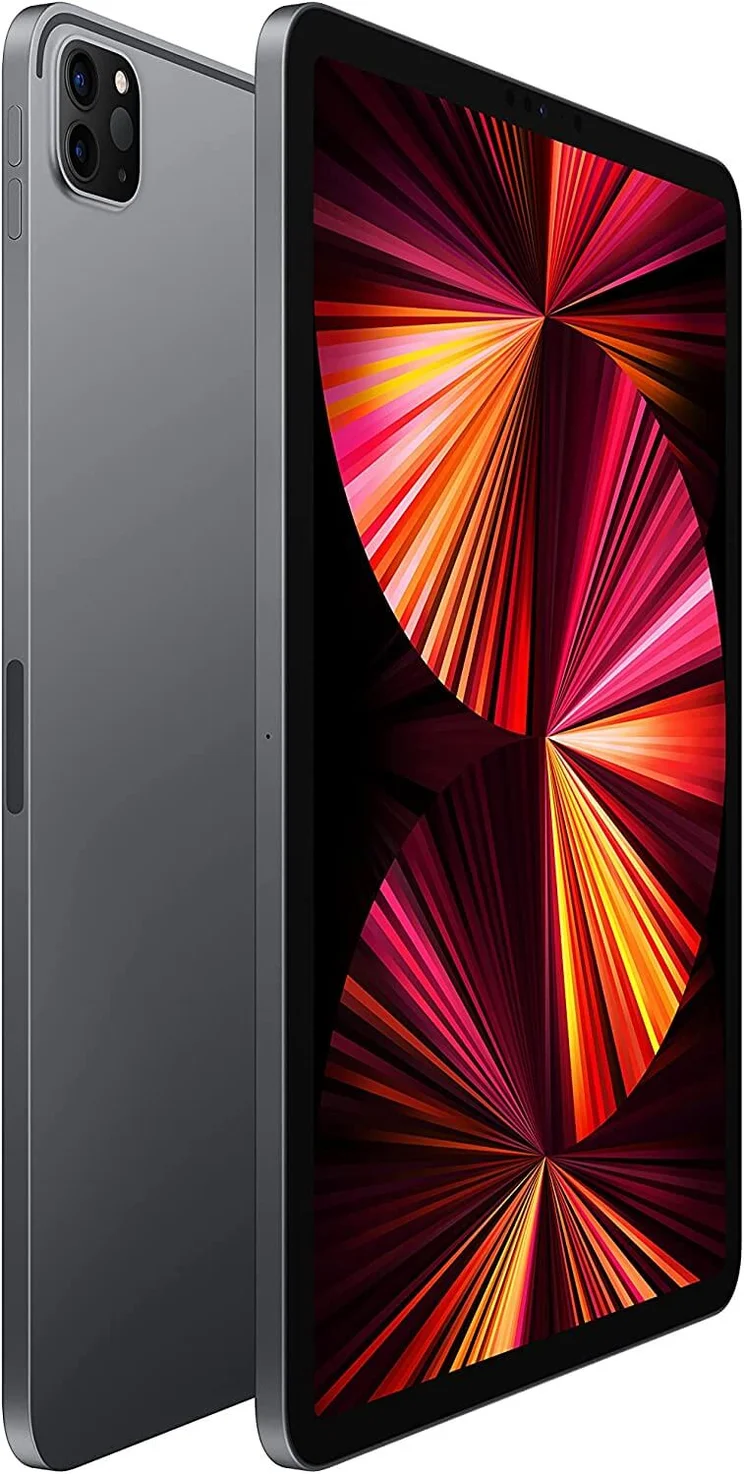
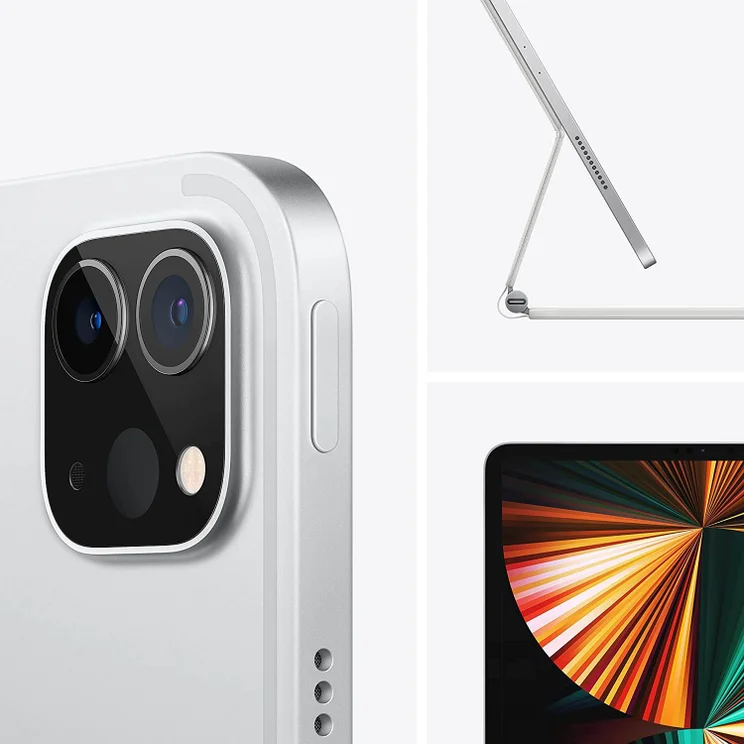
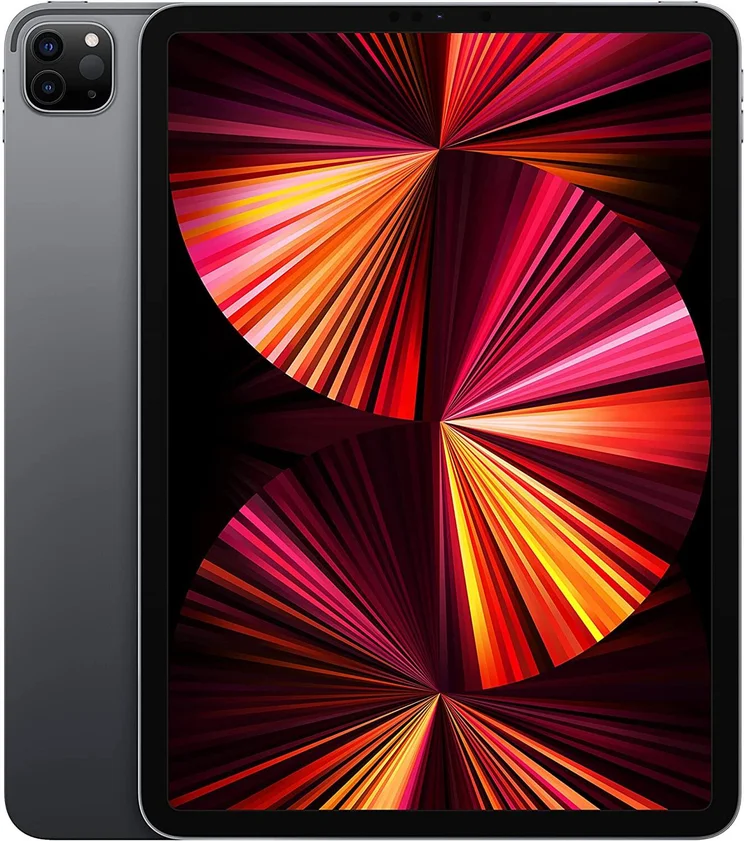
The iPad Pro is Apple’s premium tablet, and you can get a lot done with it – whether you’re an accountant or a graphic designer, the iPad Pro will likely be the only device you need. Under the hood is Apple’s most powerful iPad processor to date, the M2 chip, and the 11-inch or 12.9-inch display sizes give it a clear advantage over other tablets for those who like their screens on the larger side.
Is the iPad Pro good for business?
Surely the clue is in the name – the Pro version of the iPad is marketed for professionals, and it has looks and power to match. If you’re buying your own, you may balk at the cost. But, if your IT department is treating you to one of these, you’ll be getting jealous glances from across the conference room.
Arguably, the latest iPad Pro is a little overpowered for some business needs – if you just need something for email, Slack, and the occasional spreadsheet, you can get by with the iPad Air (or even the basic iPad 10.9). But, if you need a bit more power for more intensive tasks, this is the model for you.
We’ll admit it isn’t cheap – the 11-inch Pro starts at $799 – and you’ll need to add in the cost of the keyboard (another $179). Plus, iPadOS updates have only made it more appealing, adding mouse support, keyboard shortcuts, and a new home screen. With improvements like this, the iPad is securing its place as a genuine MacBook alternative.
Verdict: A fantastic tablet for your business, no matter what your business does.
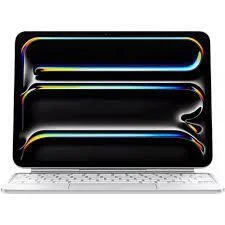
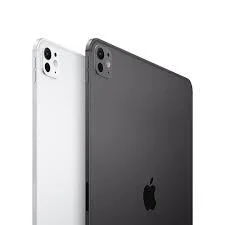
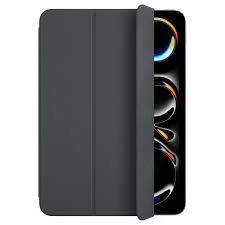
Apple iPad Pro 11 (2024)
In Short
-
Pros
- Powerful M4 processor
- Slim and light
- USB-C port
-
Cons
- No headphone jack
- A bit small for designers
Images

iPad Pro 12.9 (2022)
In Short
-
Pros
- Most powerful iPad yet
- Slim and light
- Apple M2 chip
- Perfect size for designers
-
Cons
- Expensive
- No headphone jack
Images
Microsoft Surface Pro 9
Best For: Non-Apple users looking for a laptop replacement
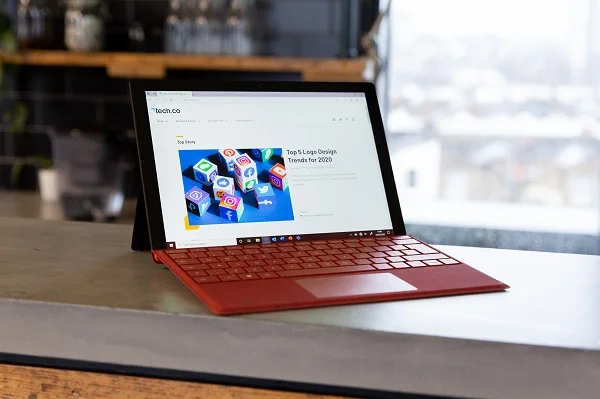
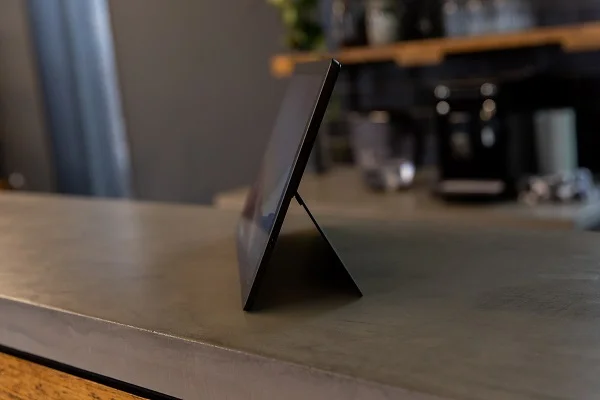
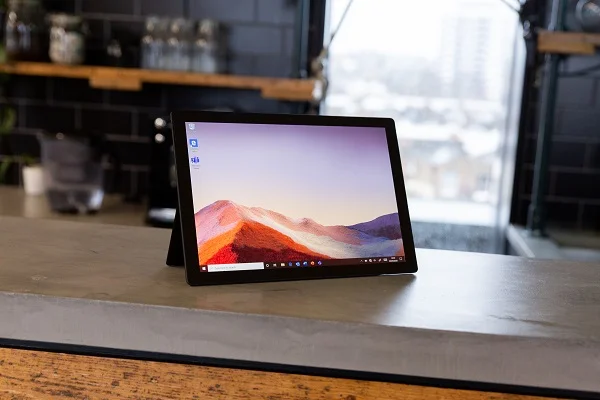
Microsoft has been looking for its iPad killer for years now, and the Surface Pro 9 is as close as it’s gotten so far. With some impressive specs, lots of power, and a crystal-clear screen, you’re getting a lot of bang for your buck, particularly if you opt for one of the cheaper models and forego the many accessories available to fill out the experience.
Thanks to a chipset that can go all the way up to a Microsoft SQ3, there’s plenty of power in the Pro 9. No need to worry about it struggling under the weight of graphics-intensive presentations or the biggest of spreadsheets.
Microsoft Surface Pro 9 accessories
Unfortunately, the Microsoft Surface Pro 9 isn’t much without the accessories, and that’s its one downfall. The keyboard case alone costs an extra $150, while the stylus and the mouse could run you nearly $100 each. You can find alternatives online for much cheaper, but you’ll be missing out on the full-on Microsoft Surface experience, which is a sacrifice in and of itself.
Verdict: An excellent tablet for any business, as long as you have the budget for accessories.
Microsoft Surface Pro 9
In Short
-
Pros:
- Detailed and clear screen
- USB-C port
- Excellent peripheral support
-
Cons:
- Need accessories for full experience
- Windows Store can be limiting
-
 Screen: 13-inches
-
Processor: Microsoft SQ3
-
RAM: 8GB – 32GB
-
Pricing from $999
-
Compatible with Surface keyboard and pen
Images


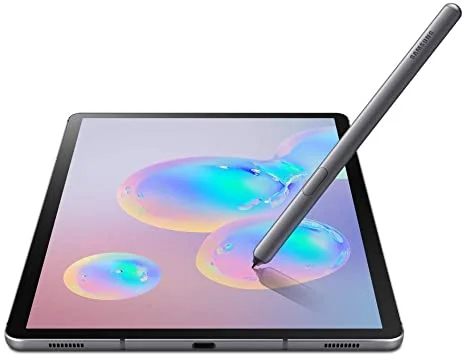
Samsung Galaxy Tab S8+
Best For: Android loyalists in need of versatility
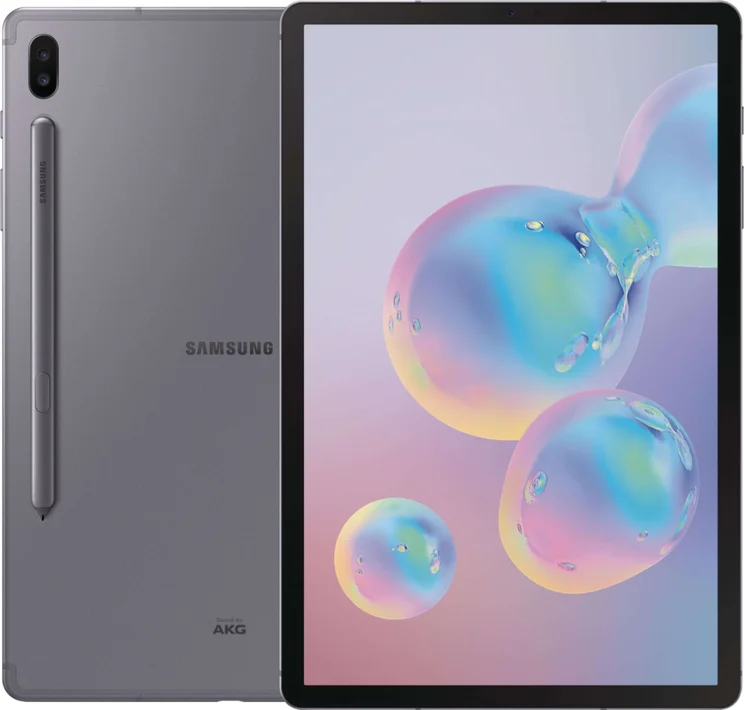
There isn’t much room at the top for a non-iPad/Surface in the tablet wars, but Samsung is doing its best to compete. The Galaxy Tab S8+ improves on its long linage of previous Tab S models, by bolster power and battery, naturally, but still offers 5G connectivity if you’re working on the go.
Size wise, it offers the comparable screen dimensions as the iPad Pro at 12.9 coming in at 12.4 inches. It’s definitely geared towards designers, but the added space will add more functionality for any business user.
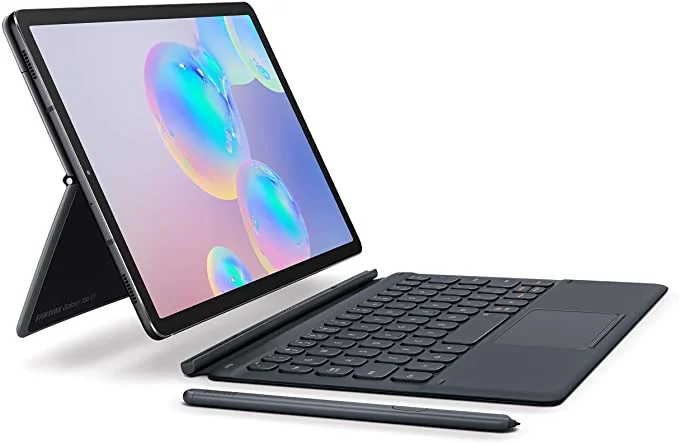
One neat feature of Samsung’s Tab S8+, is DeX, which is the brands bespoke laptop-like interface. With this option, the tablet has a proper desktop interface, and can also be connected to a monitor, for a more traditional PC experience. It’s also possible to add a mouse and keyboard.
Samsung Galaxy Tab S8+ Accessories
Unlike most models on this list, the Galaxy Tab S8+ includes an accessory free of charge: the updated S Pen. Unfortunately, the keyboard isn’t included, which is arguably the more necessary accessory — and it’ll cost you a pretty penny ($200) to add it to your order. Still, the device will cost you less than even the cheapest iPad Pro, making paying out for the keyboard much easier to swallow.
Verdict: A respectable alternative in the iPad/Surface two-party system.
Samsung Galaxy Tab S8+
In Short
-
Pros:
- S Pen stylus included in box
- DeX feature makes it a laptop competitor
- Detailed 12.4-inch display
-
Cons:
- Keyboard costs extra
Images
Apple iPad Air
Best For: Those on a budget that also want some power
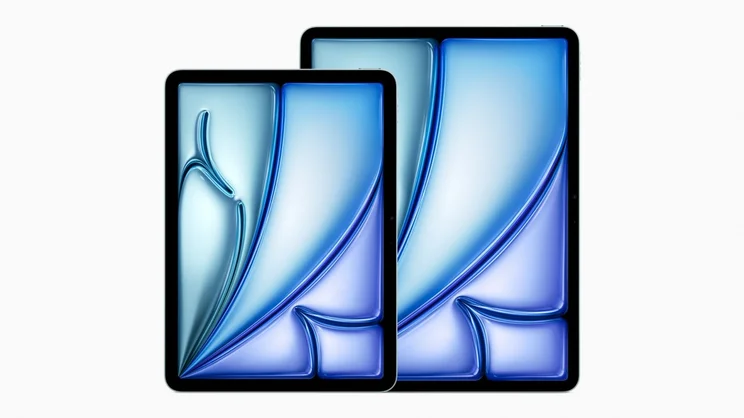
If you can’t stretch your budget to justify buying the iPad Pro, consider the iPad Air instead. It may not be quite as powerful, with its M1 chip instead of the Pro’s M2 chip, but for a $200 saving (at least), it’s a hard compromise to turn down. While you might be eyeing up the standard iPad 10.9 for an even cheaper Apple solution, we think the Air is worth the investment, particularly if portability is what you’re looking for.
Is the iPad Air good for business users?
Absolutely – while the iPad Pro has the all-important “Pro” right there in the name, the iPad Air can more than satisfy the requirements of most professional users. It’s slim and light, making it easy to carry to work or take between meetings. The M1 processor will make it a breeze to open documents and multi-task. And the accessories (sold separately, of course) will let you tailor it into a laptop replacement.
You’ll appreciate the battery life too, with the Air netting you around 10 hours between recharges – more than enough juice for a workday, plus overtime (or unwinding with Netflix at the end of the day). That 10.9-inch Retina screen also gives you a little more display space than other tablets.
Unsure on whether to opt for the Pro or the Air? Read our dedicated iPad guide
Verdict: A great choice for the everyday business tablet.
Apple iPad Air 6th Gen
In Short
-
Pros
- Compatible with Apple Pen Pro
- 10.9-inch screen
- Cheaper than the iPad Pro
-
Cons
- Pricier than the similar 10.9-inch iPad
- No additional ports
Images
Should I Get a Tablet for Business?
A few years ago, the answer to this question would have been a resounding no – or at least, it wouldn’t have been recommended without a laptop on standby too. Now though, the line between tablet and laptop is becoming increasingly blurred. All of the tablets we’ve recommended above are keyboard compatible, and some also have mouse support. The iPad range is constantly updating too, so you can be sure that these devices will only get more effective at replacing laptops down the road.
Tablets can offer everything your laptop can do, but in a more compact form, and usually with better battery life. However, it’s worth considering a couple of elements before throwing your laptop in the trash for good. Do you need to run any specialist software for your business, and is it supported on tablet platforms? Ditto for hardware – do you need to connect to any particular devices? Tablets are pretty flexible when it comes to peripherals, but they’ll never match the versatility of a laptop.
As we said to start, our research shows that the iPad Pro is the best business tablets on the market today. It offers a powerful device with plenty of business features that can handle virtually any professional task, even those that take a lot of memory like design projects and business presentations.
Still, there are lots of great tablets built for productivity, including the Samsung Galaxy Tab S8+ and the Microsoft Surface Pro 9, so be sure to nail down what exactly you need it for and, most importantly, what your budget is to inform your decision as best you can.
Business Tablet FAQs
Tablets have gotten quite affordable in recent years, with the Amazon Fire Tablet range offering solid options in the double digits. Still, for business, you’ll want to spend a bit more. Depending on your particularly needs, you could get the standard iPad 10.9 for only $449, but professional will want to opt for the iPad Pro, which starts at $799. All in all, we’d recommend spending between $500 and $1,000 for a business tablet.
If you’re getting a tablet for work, you should almost certainly buy a keyboard to go along with it. Most don’t come included, so they will cost extra, but typing on a touchscreen for long periods of time is simply not practical for anyone looking to get work done on a tablet.
Virtually all tablets have the ability to run Microsoft Office, whether you’re downloading an app, or they’re built in, like with the Microsoft Surface Pro lineup. Obviously, some iterations work better than others, but you’ll be able to access your work apps on any of the options listed above.
If you’re working on the go a lot, data plans on tablets can be quite helpful. However, with public Wi-Fi so comprehensive at this stage of modern history, you could probably save a bit of money and stick to the simple options instead.
Tablets can be pretty expensive, and getting a deal is always an option. Check Amazon and other retailers for special deals on tablets, particularly around the back to-school season, when providers often offer great deals to entice students to buy. There’s also Black Friday, which always provides excellent savings on popular devices.
If you’re a sole owner of a business, then you probably won’t be too worried about administrative rights. However, if you work in a large company and want a little more control over what your staff can access and change on a tablet, then you’ll be pleased to hear that it is possible to set different levels of access with administrative rights on all the main platforms.
If you click on, sign up to a service through, or make a purchase through the links on our site, or use our quotes tool to receive custom pricing for your business needs, we may earn a referral fee from the supplier(s) of the technology you’re interested in. This helps Tech.co to provide free information and reviews, and carries no additional cost to you. Most importantly, it doesn’t affect our editorial impartiality. Ratings and rankings on Tech.co cannot be bought. Our reviews are based on objective research analysis. Rare exceptions to this will be marked clearly as a ‘sponsored’ table column, or explained by a full advertising disclosure on the page, in place of this one. Click to return to top of page


