
We may receive a commission from our partners if you click on a link to review or purchase a product or service. Click to Learn More
When the original iPad launched more than a decade ago, buying one was as simple as selecting the one model available and being on your way. In 2024, though, there are lots of top iPads choose from – the iPad 10.9, the iPad Mini, the two iPad Pros, and the two iPad Airs.
So, should you get the iPad Air or the iPad Pro? Each device got an update in May 2024, so either way, you’re looking at the most modern versions of the iPad. The Pro is obviously more powerful and offers more features, but the Air is a bit more affordable, so it really depends on what you’re looking for.
In this guide, we’ll explain how these two tablets match up against each, while nudging you toward the cheaper iPad 10.9, given it’s really the jack-of-all-trades for the average user, and it just got even more affordable.
iPad Air vs iPad Pro – Head-to-Head
The iPad Pro and the Air are both pitched by Apple as its high-end tablets, and while they may seem similar, there are distinct differences between the two. From the processors to the price, there’s a lot that separates them.
Here’s a breakdown of the specifications of each iPad in the range:
|
Screen Size
Measured diagonally across.
|
Screen Resolution
In pixels – the higher the number, the greater the screen detail.
|
Battery Life
As claimed by the manufacturer – actual performance will vary depending on daily tasks.
|
Processor
|
Storage
The built in storage space for files, programs, apps and the operating system
|
Rear Camera
|
Front Camera
|
Apple Device Compatibility
Which official Apple accessories the iPad pairs with
|
Price
|
Buy
|
|||
|---|---|---|---|---|---|---|---|---|---|---|---|---|
 |
 |

|
|
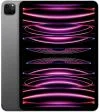
|
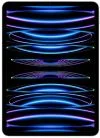
|
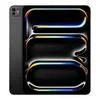
|
||||||
|
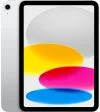
The best choice for virtually everyone. The screen and A14 processor are perfect for day-to-day browsing, and it’s a good value. |
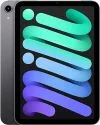
An excellent portable tablet, but it feels less essential in this age of extra-large smartphones – especially as it’s pricier than the iPad 10.9 |
A slim tablet with a great processor priced far above the sturdy iPad 10.9. |
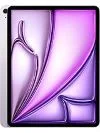
A larger tablet with a great processor that is even more expensive. |
An exceptional tablet, and cheaper than the top-of-the-range 13-inch iPad Pro. The screen is glorious and there’s plenty of processing power. |
This is an excellent iPad, with a price tag to match. Pair it with the Magic Keyboard and it truly is a laptop alternative. |
Apple’s best iPad Pro to date with a Tandem OLED display for enhanced brightness and color reproduction. |
||||||
|
10.9″ |
8.3″ |
10.9″ |
12.9″ |
11″ |
12.9″ |
13″ |
||||||
|
2360 x 1640 |
2266 x 1488 |
2360 x 1640 |
2732 x 2048 |
2388 x 1668 |
2732 x 2048 |
2752 x 2064 |
||||||
|
10 hrs |
10 hrs |
10 hrs |
10 hrs |
10 hrs |
10 hrs |
10 hrs |
||||||
|
A14 |
A15 Bionic |
M2 |
M2 |
M2 |
M2 |
M4 |
||||||
|
|
|
|
|
|
|
||||||
|
12MP |
12MP |
12MP |
12MP |
12Mp |
12Mp |
12Mp |
||||||
|
12MP |
12MP |
12MP |
12MP |
12Mp |
12Mp |
12Mp |
||||||
|
|
|
|
|
|
|
||||||
| Amazon | Amazon | Amazon | Amazon | Amazon | Amazon | Amazon |
iPad Air or iPad Pro – Which is Best?
There’s no question that the Air and Pro are both fantastic iPads, let alone tablets, and that whichever you pick up, you won’t be disappointed. However, to get the best experience for your own needs, take the time to check out their main features:
- Both are compatible with Apple Pencil Pro
- The iPad Pro has the M4 chip, the iPad Air has the M2 chip
- The iPad Pro has more speakers than the iPad Air
- The iPad Air uses TouchID, while the iPad Pro uses FaceID
- The iPad Pro is actually thinner than the iPad Air
As you can see from the points above, in a pure battle of specifications, the Pro beats the Air hands down. However, there’s also the small issue of price.
Yes, the Pro is the better machine on paper, but it’ll also cost you plenty of paper. Starting at $999, the Pro is a serious tablet for serious people, as opposed to the Air, which is a slightly more palatable at $599.
iPad Air – A High Powered All-Rounder
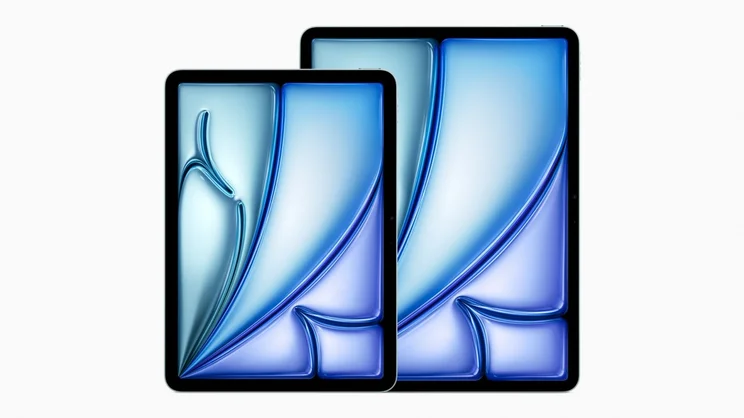
The iPad Air occupies the space between the standard iPad 10.9 and the iPad Pro, bridging the gap between design and power. The Air features an M2 processor, which beats the standard iPad’s A14, but can’t match the Pro’s M4 processor.
Like the Pro, it can record 4K video, and features a 12MP front and rear cameras, so you’ll look better than ever on those Zoom calls. It’s also compatible with the Apple Pencil Pro, unlike the standard iPad.
iPad Air Storage
Storage-wise, it’s available in 128, 256GB, 512GB, and 1TB variants, which matches those of the iPad Pro, so you can really get a lot of media, content, and other data on the device no matter which one you go with.
Apple iPad Air 6th Gen
In Short
-
Pros
- Compatible with Apple Pen Pro
- 10.9-inch screen
- Cheaper than the iPad Pro
-
Cons
- Pricier than the similar 10.9-inch iPad
- No additional ports
Images
iPad Pro – Designed with Demanding Creators in Mind
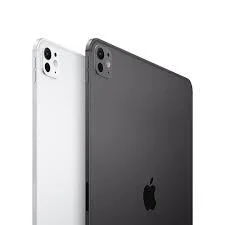
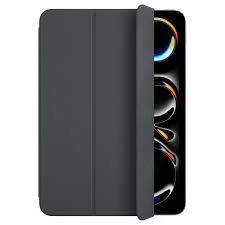
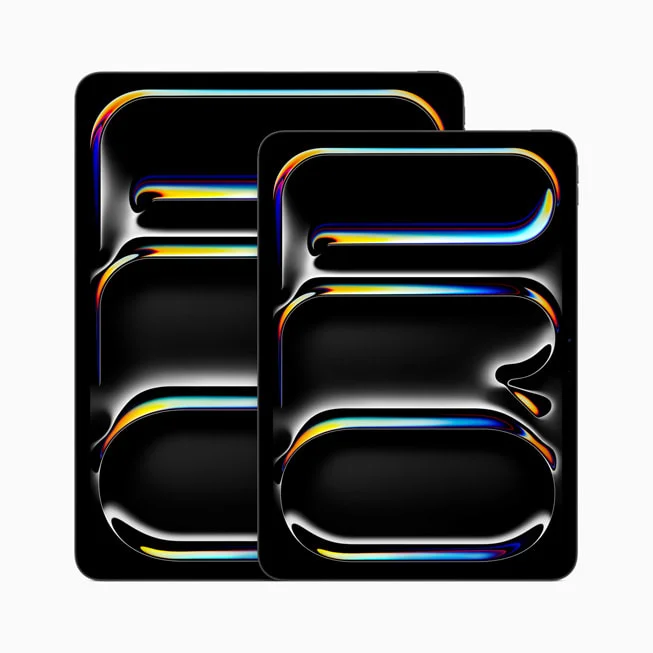
The Daddy of the iPad series, the Pro is pitched at those with lofty ambitions and deep pockets. It’s slim, sleek, and features the Apple M4 processor, making it the most powerful iPad available.
It’s also the only iPad in the range that has borrowed the iPhone’s Face ID concept, with the iPad Air only offering Touch ID to access your device. This is thanks to the TrueDepth camera on the Pro that is absent from the Air.
iPad Pro Design
Perhaps the biggest change between these two iPads is that the iPad Pro is now thinner than the iPad Air. In fact, the iPad Pro is officially the thinnest device that Apple has ever created, thanks to the power efficiency of the M4 chip.
If you need power, a MacBook could be a better investment. See our dedicated MacBook guide.
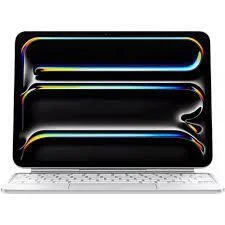
Apple iPad Pro 11 (2024)
In Short
-
Pros
- Powerful M4 processor
- Slim and light
- USB-C port
-
Cons
- No headphone jack
- A bit small for designers
Images
iPad 10.9 – The Everyday iPad for the Everyday User
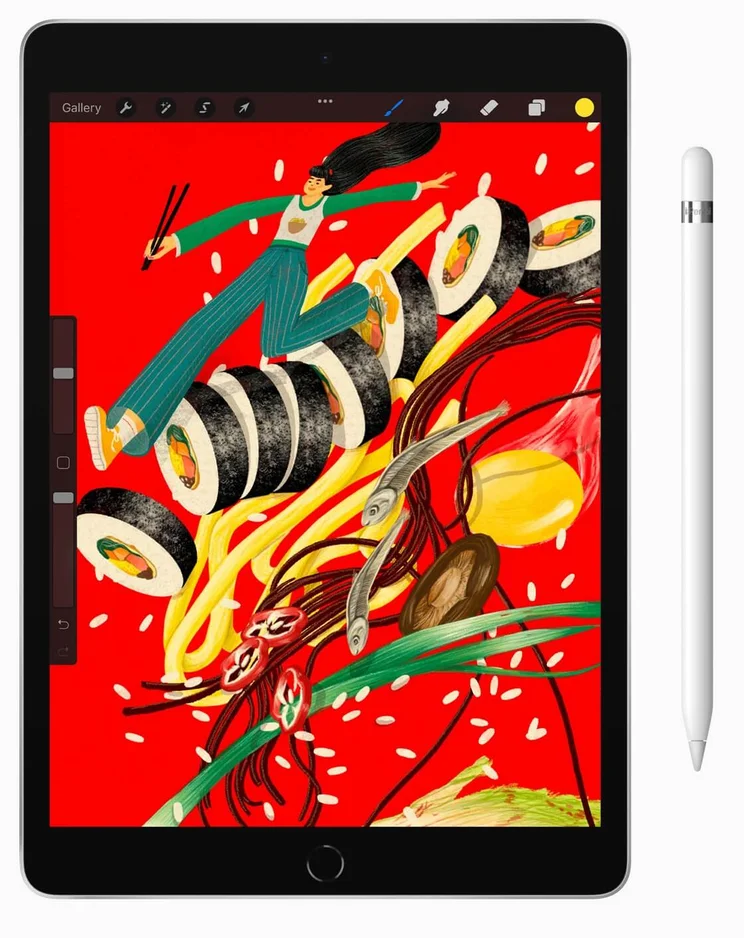
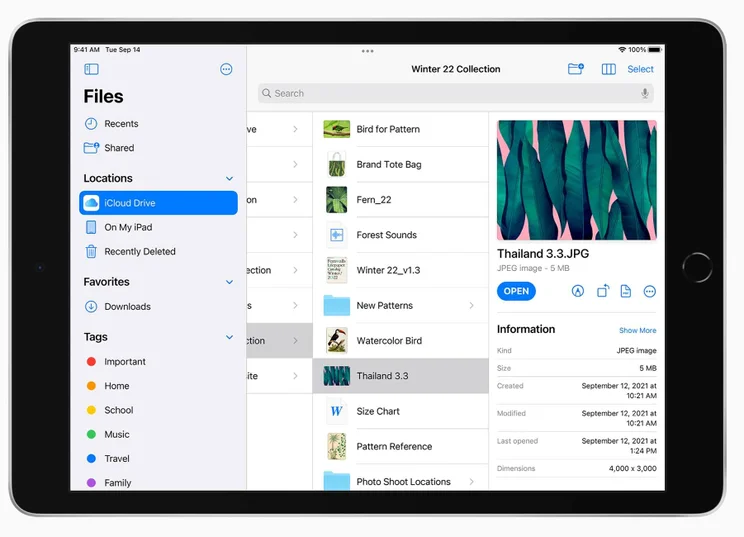
The iPad 10.9 is the ‘standard’ iPad, and while it may not turn heads, it’s a tireless workhorse that will suit most users. Starting at $349 after the May 2024 announcement, it’s a seriously good deal, and the cheapest iPad in Apple’s range. For the money, you get a 10.9-inch Retina display and an A14 chip, which isn’t great compared to the M2 or M4, but do you really need all that power?
iPad 10.2 Battery Life
Battery life is on par with the more expensive iPads, coming in at around ten hours, meaning you can be confident it will last you during long trips away from the power outlet. This is where the iPad 10.9 becomes the obvious choice, because it’s much more affordable and features the same standards as the expensive models, like battery life.
Apple iPad 10.9 10th Gen
In Short
-
Pros
- Cheapest iPad available
- Compatible with Smart Keyboard
- 10.9-inch screen
-
Cons
- More expensive than previous iterations
Images

The iPad Air is Better for…
…now that’s a tricky one. The iPad Air, in isolation, is an exceptional tablet. Its problem is that when you start to look at the rest of the range, you’ll notice it’s more powerful than the standard iPad, but more expensive; it’s cheaper than the Pro, but not as powerful.
This begs the question: “Who is the Air for?” The answer is basically anyone who wants to upgrade their iPad experience but doesn’t need the high specs or price tag of the Pro series.
The Air starts at $599, compared to the iPad’s $349, thanks to its slim build, but with the updated iPad 10.9, it’s hard to justify buying the iPad Air over other options on the list. The Pro starts at $999 – a considerable increase in investment — but definitely worth it if you need the extra power.
Want to compare the whole range? Check out our Which iPad Should I Buy guide
The iPad Pro 13 is Better for Designers
The large iPad Pro, with its gorgeous 12.9-inch display, is a great choice for designers. For starters, there’s that screen real estate, which is the largest in the iPad line-up. This means it’s best for applying intricate detail to a concept, or even zooming out your current project and viewing it on a large screen. And then there’s the ability to connect it to a larger display through that handy USB-C port.
Of course, the Pro also happens to have the most powerful processor in the range, and that Apple M4 chip will give you the extra muscle to juggle several projects at once. You’ll also be able to run complex design software smoothly, with apps like AutoCAD not causing the Pro any issues.
Lastly, there’s the Apple Pencil Pro. With all iPads now Pencil compatible, it might seem like the Pro has lost one of its core exclusive features. Well, not quite.
The Pro models, as well as the Air models, are compatible with the new Apple Pencil Pro, which introduces some new features that designers are sure to appreciate. First up, it’s now magnetic, and charges while attached to the top of the iPad.
The iPad 10.9 is Still Best for Most Users
For all the talk of the iPad Pro and Air in this guide, it would be remiss of us to overlook the iPad 10.9 model. Technically, it’s the ‘standard’ iPad in the lineup, but Apple has given it so many revisions over the years – and added features that have trickled down from the more premium models – that it’s still a real contender. It’s the iPad that has the most universal appeal, and as luck would have it, it’s also the cheapest.
The iPad 10.9 has an A14 chip, giving it enough power to handle most tasks that the average user will throw at it. With this iPad, you can happily run a vast majority of apps smoothly, multi-task, and flick between processes in an instant. Apple has also added Apple Pen support, meaning that you can annotate or sketch directly onto the screen.
So, what can’t you do? Well, it’s not best suited to run really demanding software such as Adobe Photoshop CC, but unless you’re a professional designer, this is unlikely to be a concern. Other than that, we’d recommend the iPad 10.9 for most users.
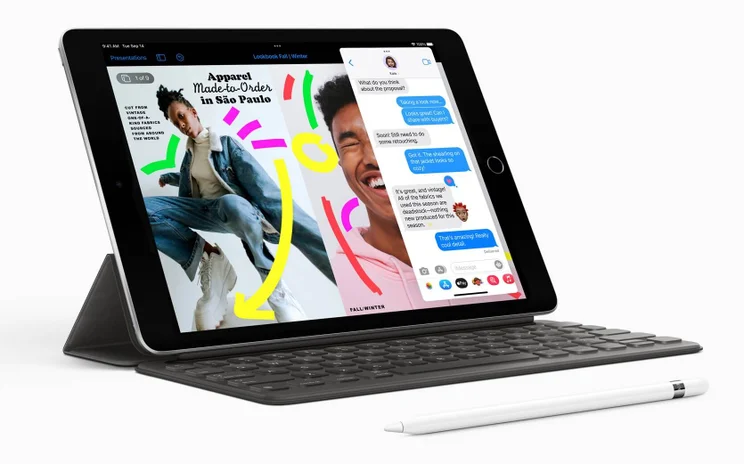
If value is your main driver, then consider this. For the price of the entry-level iPad Pro, you could buy two iPad 10.9 models and an Apple Pencil. If you don’t need to run demanding software, and need a tablet for social media, Netflix, and browsing, then the iPad 10.9 is just right for you, and your wallet.
For the more creative types among you who don’t want your vision to be hamstrung by technology, it’s the Pro range that you should be looking at. Pricey? Yes, but they do offer the most powerful iPad experience to date – and the extras, like Apple Pencil Pro compatibility, are a massive plus.
So where does that leave the iPad Air? Essentially, somewhere in between – not as powerful as the iPad Pro, not as cheap as the iPad 10.9. It’s undoubtedly a good tablet, but hard to recommend for either casual users or demanding professionals.
If you click on, sign up to a service through, or make a purchase through the links on our site, or use our quotes tool to receive custom pricing for your business needs, we may earn a referral fee from the supplier(s) of the technology you’re interested in. This helps Tech.co to provide free information and reviews, and carries no additional cost to you. Most importantly, it doesn’t affect our editorial impartiality. Ratings and rankings on Tech.co cannot be bought. Our reviews are based on objective research analysis. Rare exceptions to this will be marked clearly as a ‘sponsored’ table column, or explained by a full advertising disclosure on the page, in place of this one. Click to return to top of page


